

Screenshots
About this app
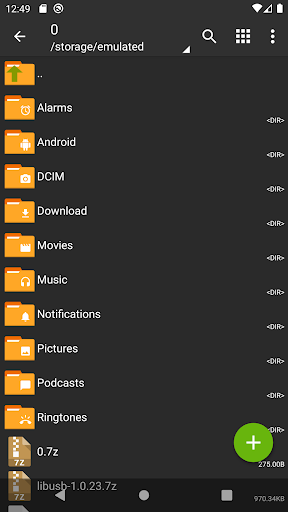
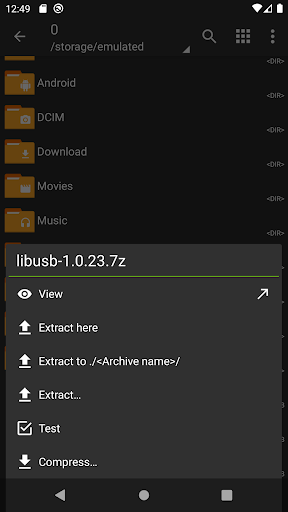
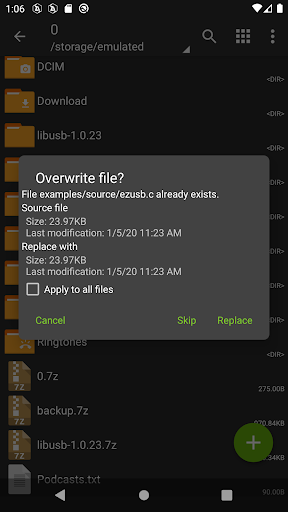
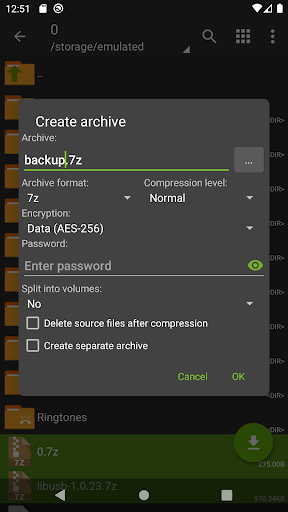
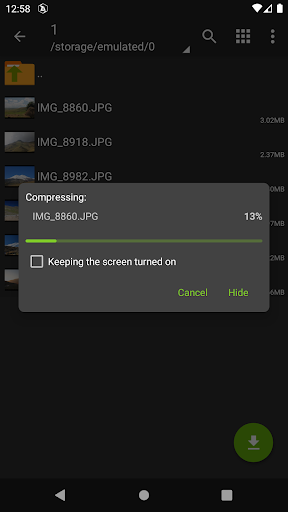
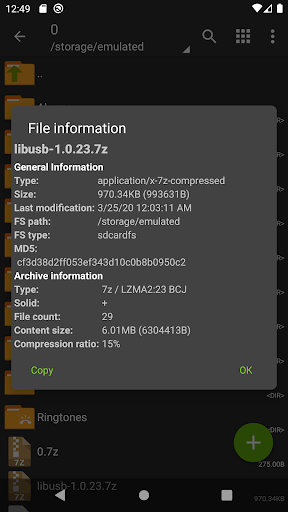
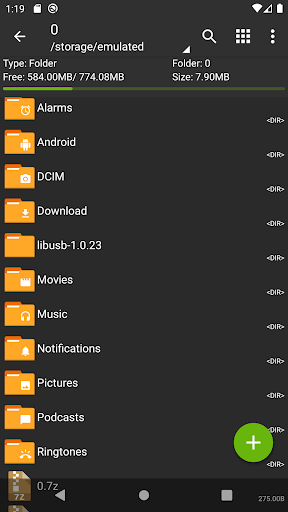
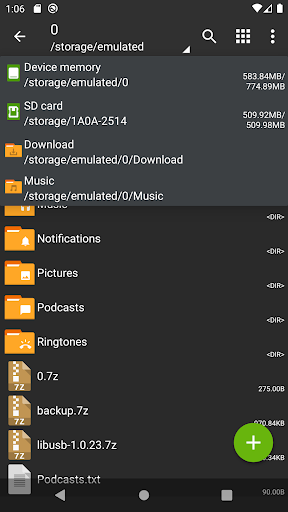
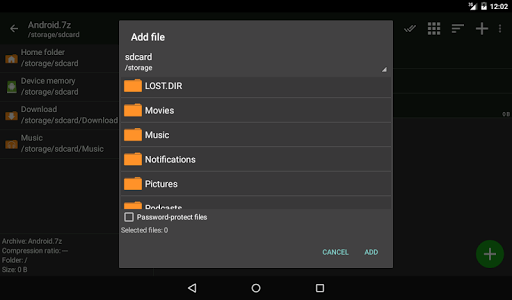
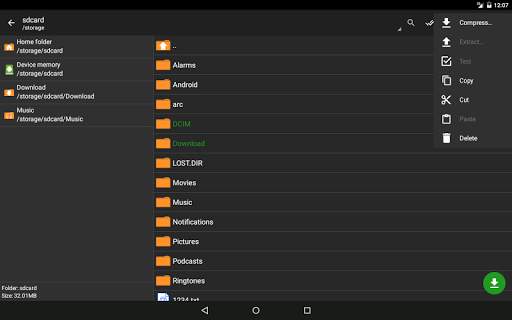
ZArchiver - is a program for archive management (including managing of application backups in archives). You can managment backup of application. It has a simple and functional interface. The app doesn't have permission to access the internet, so cannot transmit any information to other services or persons. ZArchiver lets you: - Create the following archive types: 7z (7zip), zip, bzip2 (bz2), gzip (gz), XZ, lz4, tar, zst (zstd); - Decompress the following archive types: 7z (7zip), zip, rar, rar5, bzip2, gzip, XZ, iso, tar, arj, cab, lzh, lha, lzma, xar, tgz, tbz, Z, deb, rpm, zipx, mtz, chm, dmg, cpio, cramfs, img (fat, ntfs, ubf), wim, ecm, lzip, zst (zstd), egg, alz; - View archive contents: 7z (7zip), zip, rar, rar5, bzip2, gzip, XZ, iso, tar, arj, cab, lzh, lha, lzma, xar, tgz, tbz, Z, deb, rpm, zipx, mtz, chm, dmg, cpio, cramfs, img (fat, ntfs, ubf), wim, ecm, lzip, zst (zstd), egg, alz; - Create and decompress password-protected archives; - Edit archives: add/remove files to/from the archive (zip, 7zip, tar, apk, mtz); - Create and decompress multi-part archives: 7z, rar (decompress only); - Install APK and OBB file from backup (archive); - Partial archive decompression; - Open compressed files; - Open an archive file from mail applications; - Extract split archives: 7z, zip and rar (7z.001, zip.001, part1.rar, z01); Particular properties: - Start with Android 9 for small files (<10MB). If possible, use direct opening without extracting to a temporary folder; - Multithreading support (useful for multicore processors); - UTF-8/UTF-16 support for filenames allows you to use national symbols in filenames. ATTENTION! Any useful ideas or wishes are welcome. You can send them by email or just leave a comment here. Mini FAQ: Q: What password? A: The contents of some archives may be encrypted and the archive can only be opened with the password (don't use the phone password!). Q: The program is not working correctly? A: Send me an email with detailed description of the problem. Q: How to compress files? A: Select all the files you want to compress by clicking on icons (from the left of filenames). Click on the first of selected files and choose "Compress" from menu. Set desired options and press the OK button. Q: How to extract files? A: Click on the archive name and select suitable options ("Extract Here" or other).
What's New
Latest version 1.0.10 with bug fixes and performance improvements
Enhanced security and stability
Optimized for better user experience
Kullanıcı Yorumları
10 yorum
Mohammad Jihad Khan
1 yıl önce
This is by far the best file manager Ive used. Its simplicity and ease of use make it incredibly efficient, while offering a variety of customization options. The user interface is sleek and intuitive, enhancing the overall experience. It stands out as the top choice for managing files, combining both functionality and style seamlessly. Overall, its unquestionably the best file manager available

AnderWriter
4 yıl önce
Great! It took me a moment to understand that, to compress multiple files, you don't just long-tap them to select them (the usual way), but that you must first open the menu and tap "Multi-select" (maybe an example of developers thinking they must "reinvent the wheel?"). But the rest of the app is very well designed and easy to use. Well done!

J P
5 yıl önce
This is a great app; it's been solid and reliable for the couple of years I've used it. I've only used it to archive photo files (unlike other methods, zipping files preserves their modification times). My only complaint is that, if you want to open a folder, you have to tap on it very lightly and quickly... otherwise the app assumes that you want to archive the folder. It would be nice to have a setting that lets you control how long a tap must be before the folder is archived.
Developer
Trusted developer with verified applications on our platform.
App Information
Download Stats
Safe Download
This app has been verified and is safe to download. No malware detected.








