

Screenshots
About this app
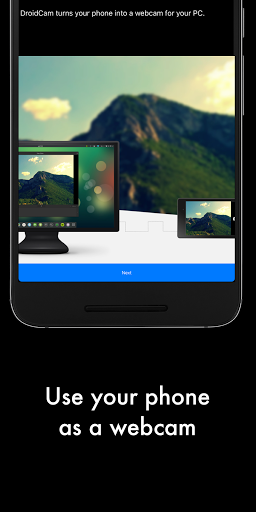
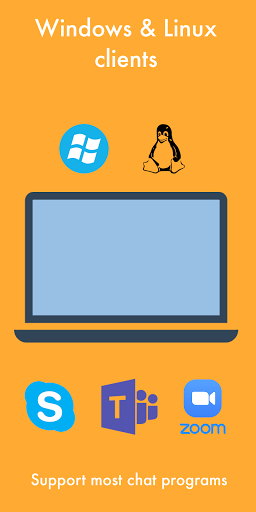
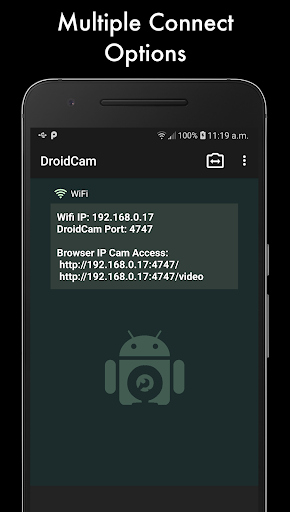
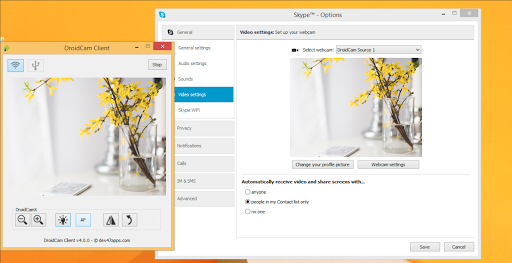
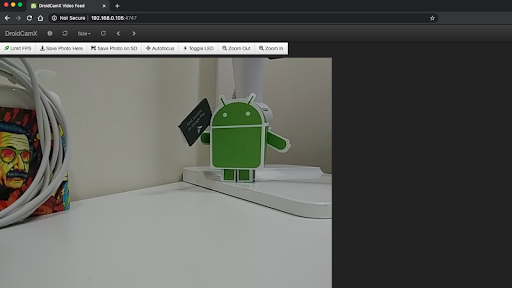
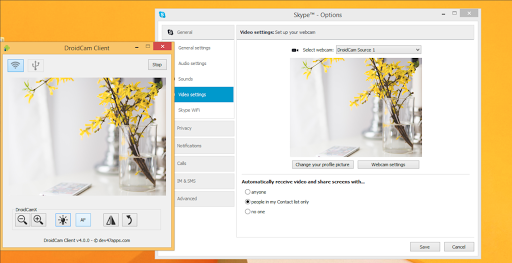
DroidCamX turns your Android device into a webcam. - Chat using "DroidCam Webcam" on your computer, including Sound and Picture. - Connect over Wifi or USB*. - Supports 720p/1080p video with HD Mode. - "Smooth FPS" option in settings for more stable video. - Use other (non camera) apps with DroidCamX in the background. - Keeps working with the screen off to conserve battery. - IP Webcam MJPEG access (access camera via a browser or from another device). - Camera controls: auto focus, zoom, flash light, and more. - Capture still image frames on phone or computer while the app is running. - Pro controls on the Windows Client: Mirror, Flip, Brightness, Contrast, etc. The app works with a PC client that connects the computer with your phone. Windows and Linux clients are available, please visit www.dev47apps.com on your computer to download, install, and get more info on usage. * USB connection may require additional setup. NOTE: If the Play Store fails to download or verify the app, please check the order status in your Play Store account and try again. Use the web version at https://play.google.com/store on your computer to avoid caching and account sync issues.
What's New
Latest version VARY with bug fixes and performance improvements
Enhanced security and stability
Optimized for better user experience
Kullanıcı Yorumları
10 yorum
A Google user
6 yıl önce
At first I was not super impressed but I just now saw that there was a separate program that lets you get 720p footage from your camera over USB. WOW. Day and night difference! This app has suddenly become the best thing on my phone. I was able to use it to record footage for a live stream and it looked absolutely amazing. Phone didn't overheat and the app runs in the background so even though the screen was off, it kept recording. A+++

Mitchell Cohn
5 yıl önce
I'm using the pro version of DroidCamX and I can't believe how EASY this app is to use and how well it works. Because I'm worried about power consumption from my phone, I've only used it with USB, but it has been flawless. When I couldn't figure out how to turn off the autofocus, the developer was incredibly responsive. Turns out the phone side of the app has some adjustable settings. This is a WINNER. (Kept me from having to but a new web cam!)
AJ
3 yıl önce
Setup is a bit tedious (if you're unfamiliar with Desktop PC Android Debugging). But once I figured it out, it has been reliable. I wish the HD version had slightly better quality, it feels like there's something left on the table on my S21 ultra. Either way, it works, I get fullHD, and good framerates. Done is better than perfect!
Developer
Trusted developer with verified applications on our platform.
App Information
Download Stats
Safe Download
This app has been verified and is safe to download. No malware detected.






