

Screenshots



About this app
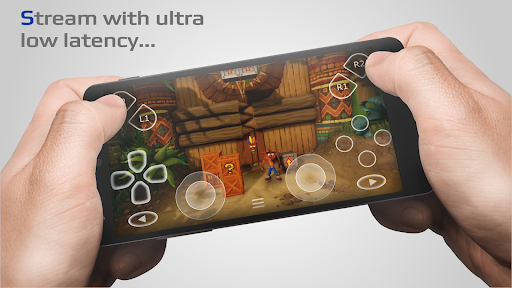
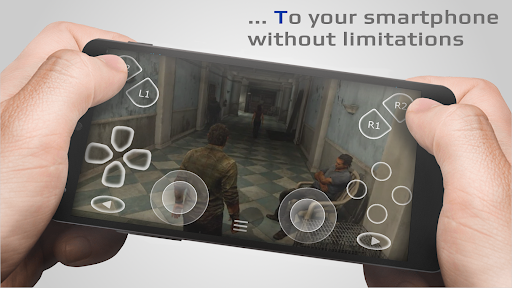
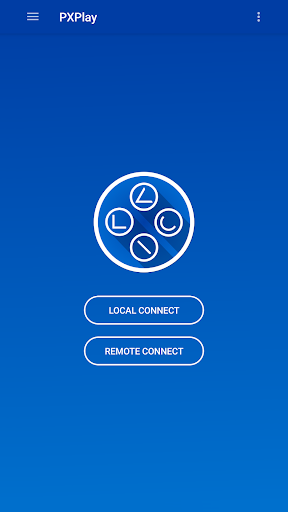
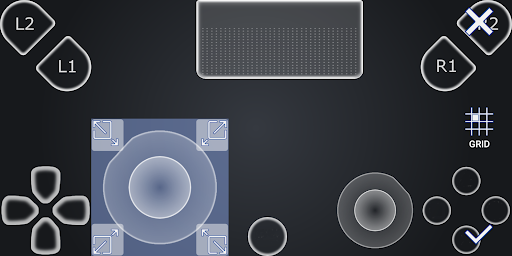
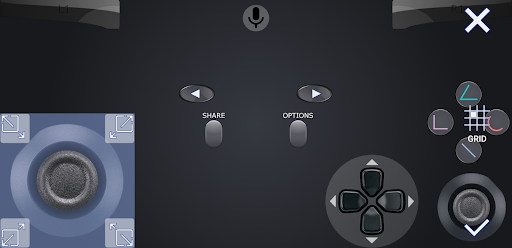
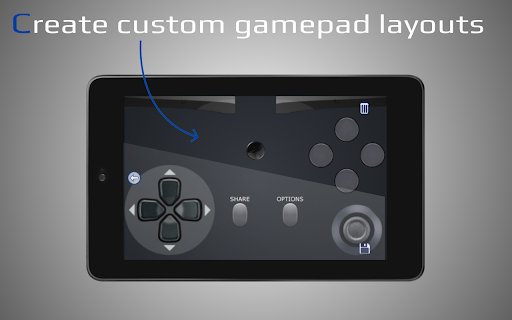
Introduction PXPlay offers you the possibility to remote control your gaming device without limitations. You can play your favorite games remotely while you are away (more information below*). PXPlay has been optimized to provide streaming experiences with the lowest possible latency. Third-Party controllers and mobile data connections are supported. Key features • Enhance video quality with FSR upscaling and sharpening • 3rd Party controller support for all Android devices • PXPlay allows to use mobile data* • Supports Android TV devices • Supports gamepad button mapping • You can register multiple profiles • Supports customization of onscreen gamepad layout • PXPlay supports rooted devices • You can use PXPlay as virtual controller • Supports older firmware from 5.05 and newer • Picture-In-Picture mode (requires Android 8.0 or newer) • Multi-Window support (requires Android 7.0 or newer) • Recording and capturing your screen is allowed *(3rd Party app required) Hardware recommendations • Dual core CPU highly recommended • 2 GB or more of RAM • 1024 × 768 or higher display resolution • A wired internet connection for your gaming device is strongly recommended • Your device should be connected to a 5GHz WiFi for minimum delays • A high-speed internet connection with upload and download speeds of at least 15 Mbps PXPlay allows you to remote control any game which supports Remote Play. Or just use PXPlay as virtual controller gamepad for your gaming device. Main Features - Easy Connection Setup - Streaming from your gaming device with low latency - 3rd Party controller support for all Android devices - Use PXPlay as virtual controller Community - https://streamingdv.com/pxplay/community Demonstration video - https://youtu.be/34sYCwNaYyM (<- subscribe to these guys :D) - https://youtu.be/H-OgY4qdPsw ❗Problems with the Account login❗ This problem only affects users with firmware 7.0 or later where a account login must be performed to get your Account ID. Recently, some users reported problems when performing the login. More information here: https://streamingdv.github.io/pxplay/index#line8 All information about PXPlay can be found here: https://streamingdv.github.io/pxplay/index.html Attention PXPlay works with the latest firmware. Please do not upgrade to a newer firmware version if available until it is proven that PXPlay is still working. However, if you have updated and PXPlay has stopped working, it will take some time for me to fix the problems. So please keep that in mind. *Please note: if you want to play over the internet, follow these instructions: https://streamingdv.github.io/pxplay/index#line5 Disclaimer: all possible mentioned trademarks cited here are the property of their respective owners.
What's New
Latest version 7.1.0 with bug fixes and performance improvements
Enhanced security and stability
Optimized for better user experience
Kullanıcı Yorumları
10 yorum
Charlie B
1 yıl önce
Stable, easy to understand, with excellent customer support. Because of my network, I was unable to do the automatic configuration due to my network setup…but the steps on the website were easy to follow and I was able to complete the process without issue. Response time is amazing but I didn't really need it. It's not often you get an application with detailed answers and friendly customer service at the same time. Nicely done indeed. Danke, Grill!
Thanks so much for your kind words. I really appreciate that 😊

Josie Albright
2 yıl önce
It was super easy to set up my DualShock 4 (with a custom button map for an inverted right stick, which the official app doesn't let you do!) and use it in PS5 games. I've been testing it over Bluetooth and I didn't notice any lag, though I'll also try connecting the controller with USB as the developer suggests. I haven't used it remotely yet but will update if there are any insurmountable problems. (I don't anticipate any!)

Miguel Quiroz
4 yıl önce
Edit: This was originally a 1 star review. Shortly after this I emailed the developer & they were so helpful. I slept a little late because they stayed up helping me out. We were able to find a solution. They also respond quickly. This is the best costumer service I've had. For those who have the same S21 issue, make sure that you disable game Booster plus & priority mode if you have that enabled. Maybe just disable the game plugins entirely. I hope this helps.
Thanks very much for updating your rating. I'm glad I was able to help :)
Developer
Trusted developer with verified applications on our platform.
App Information
Download Stats
Safe Download
This app has been verified and is safe to download. No malware detected.








