
Screenshots



About this app
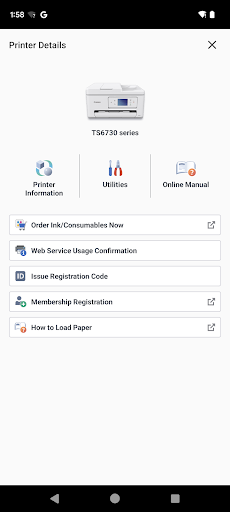
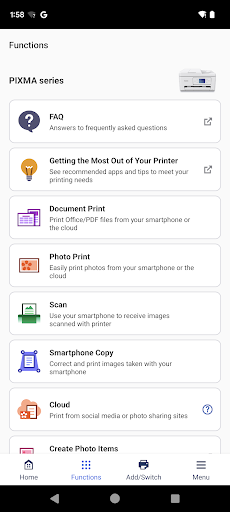
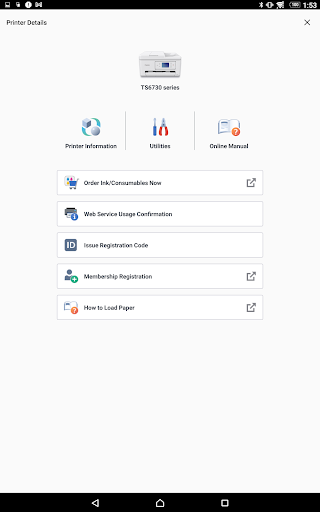
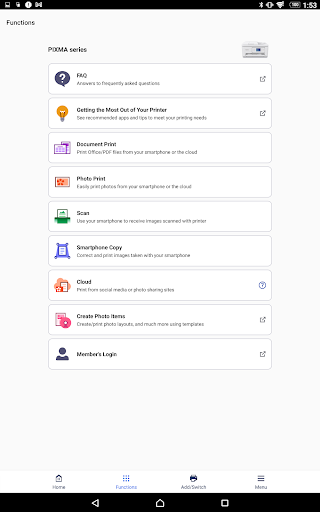
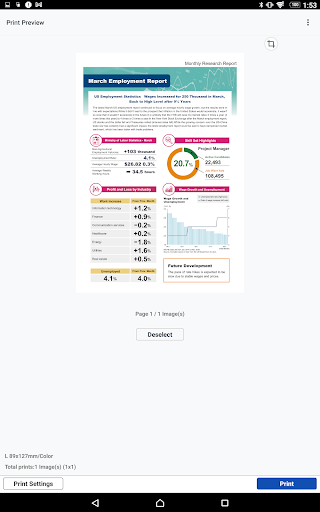
Previously: Canon PRINT Inkjet/SELPHY. Canon PRINT is a companion app for your Canon printer. With this app you can set up your printer, and start printing and scanning. It also provides various handy functions such as checking consumable levels, and printing via the cloud. We recommend using Canon PRINT with your Canon printer. Some functions and services may not be available in certain printers, countries or regions and environments. [Supported printers] - Inkjet Printers PIXMA TS series, TR series, MG series, MX series, G series, E series, PRO series, MP series, iP series, iX series MAXIFY MB series, iB series, GX series imagePROGRAF PRO, TM, TA, TX, TZ, GP, TC series *Except for some models - Laser Printers imageFORCE series, imagePRESS series, imageRUNNER ADVANCE series, Color imageRUNNER series, imageRUNNER series, Satera series, imageCLASS series, imageCLASS X series, i-SENSYS series, i-SENSYS X series - Compact Photo Printers SELPHY CP900 series, CP910, CP1200, CP1300, CP1500 *CP900 does not support printing in Ad Hoc mode. Please use Infrastructure mode.
What's New
Latest version VARY with bug fixes and performance improvements
Enhanced security and stability
Optimized for better user experience
Kullanıcı Yorumları
10 yorum
Richard L. Scott
8 ay önce
Other than a little slow to print, it does what it's supposed to do. Additionally, the app offers a lot of options for printing, e.g., number of pages, dual sided, etc. I recommend it over the default basic printer app on the Google Pixel 6 Pro (I don't know what's offered on other Android devices). Thanks.

Erica Leeper
5 yıl önce
Great to be able to print documents directly from my phone! I wish there were options to change print features though. There are currently only two features available - 1) choosing which page(s) to print and 2) choosing how many copies to print. I would really like to have choices such as printing black and white or printing front to back. By default, mine prints in color (when the document is in color) and only on one side of the page.

YonNosigra Cellyoraa
7 ay önce
having an incredibly difficult time getting to do what I want it to do. Also, it didn't even show up on my phone under the name that I downloaded it by; instead it's just "PRINT". Definitely wouldn't recommend to anyone else but it tends to get the job done if I'm willing to spend hours figuring it out. Debating whether or not I want to return the printer for a more expensive one rather than deal with the hassle of this cheap one. My printer model is - TS3722
Developer
Trusted developer with verified applications on our platform.
App Information
Download Stats
Safe Download
This app has been verified and is safe to download. No malware detected.








