

Screenshots




About this app
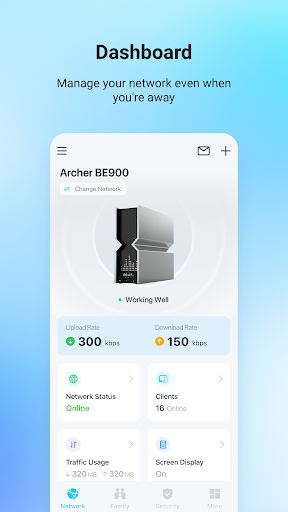
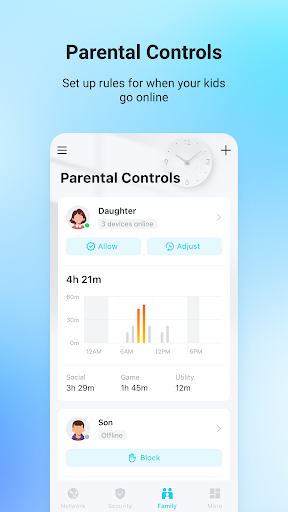
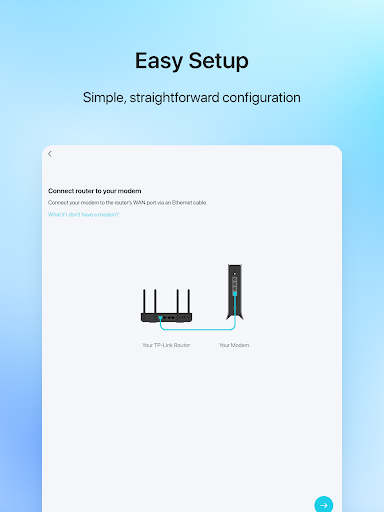
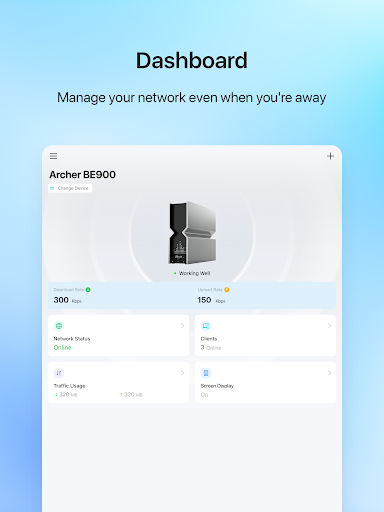
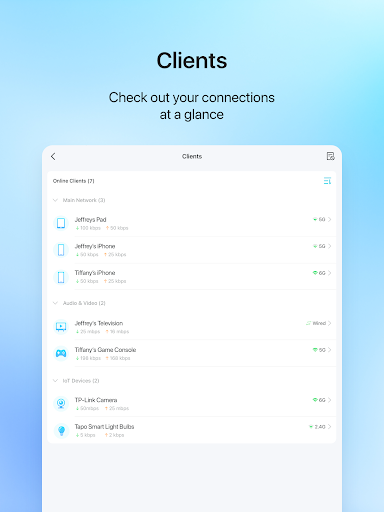
TP-Link Tether provides the easiest way to access and manage your TP-Link Router/ xDSL Router/ Range Extender with your mobile devices. From quick setup to parental controls, Tether provides a simple, intuitive user interface to see your device status, online client devices and their privileges. - Setup SSID, password and Internet or VDSL/ADSL settings of your devices - Block unauthorized users who are accessing your devices - Manage permissions of client devices - Parental control function with schedule and URL-based Internet access management - Find the best location to place your range extender - Automatically turn off the LEDs at specific time - Manage most of TP-Link devices simultaneously Compatible Routers https://www.tp-link.com/tether/product-list/ *To learn how to find the hardware version of your device, go to http://www.tp-link.com/faq-46.html More devices supported by Tether are coming soon! Important Notes ● Upgrade firmware is required. Go to the download page to choose the correct version and download the latest firmware: http://www.tp-link.com/support.html ● TP-Link Tether does not work when connected to guest network ● For any issue, please contact http://www.tp-link.com/support.html
What's New
Latest version 4.12.84 with bug fixes and performance improvements
Enhanced security and stability
Optimized for better user experience
Kullanıcı Yorumları
10 yorum
Whiskeys Quiker
3 yıl önce
After using custom flashed firmwares forever now, I was surprised at the configurability of this router. The panel is laid out pretty well, though it does have a few quirks. I'll chalk them up to "growing pains" in having to familiarize myself with a new device's settings. I was going to leave off a star, because it didn't connect easily and I couldn't change certain settings until it was online. I was stuck in setup wizard mode, which is not the app's fault. Since I am rating the app it's rad!

Tom A
7 ay önce
recently purchased this wifi extender and very impressed. it works really well. super easy to set up Also. one thing I did notice is scheduled power off doesn't seem to work at all. I have it set for certain days and times. but it doesn't seem to work right. it sometimes turns off but won't turn back on at set time

Greg Thornton
5 ay önce
So far, so good. I wish it was as functional as the web GUI so I wouldn't have to use both! There is at least one inconsistency between them, though, which I consider to be a bug in the GUI: Tether allows pretty much any type of character when naming a device, including spaces (as it should) but the GUI limits characters to "A-Z", "a-z", "0-9", "-", or "_". Obviously the router itself can handle the extra characters, so the GUI needs to be fixed.
Developer
Trusted developer with verified applications on our platform.
App Information
Download Stats
Safe Download
This app has been verified and is safe to download. No malware detected.








