Screenshots
About this app
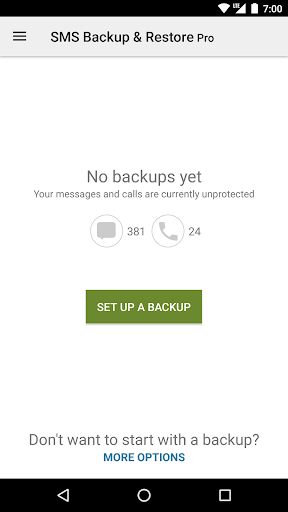
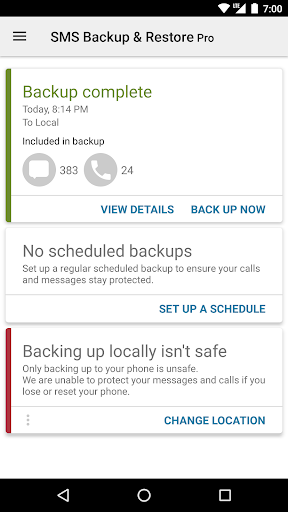
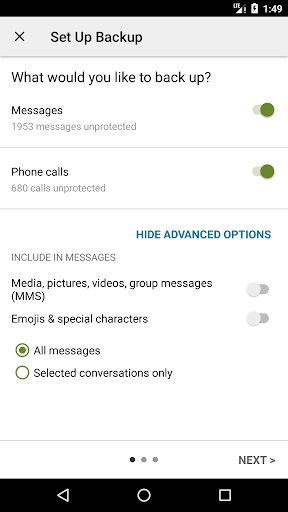
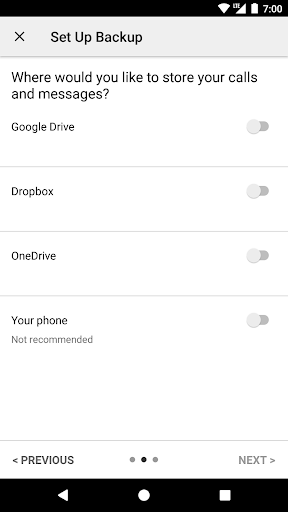
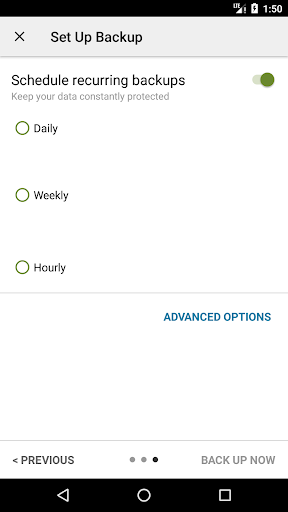
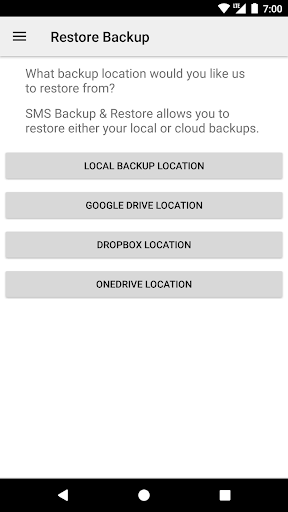
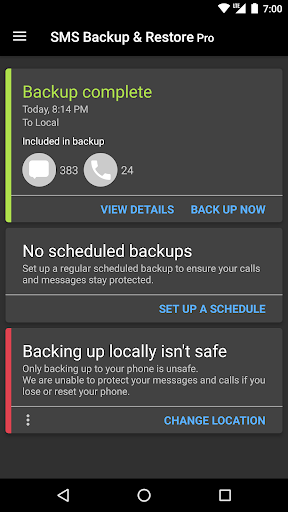
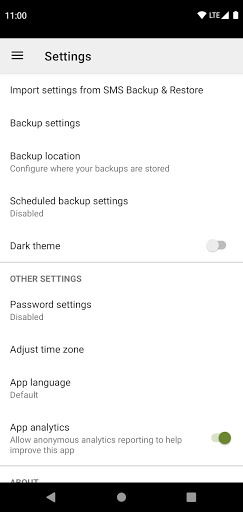
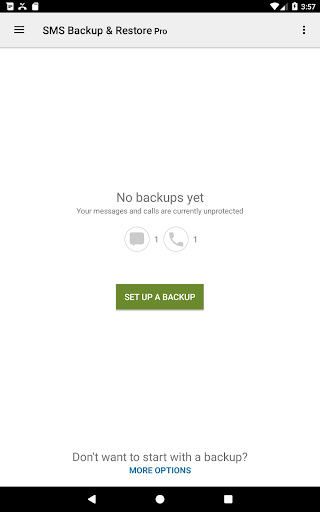
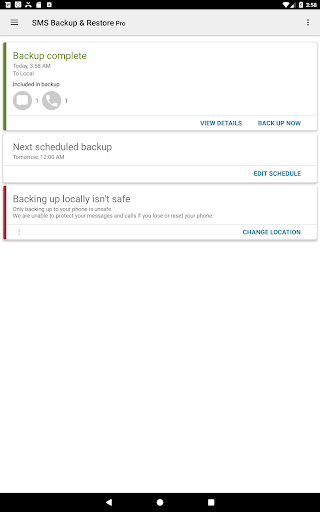
SMS Backup & Restore Pro is an app that backs up (creates a copy of) SMS & MMS messages and call logs currently available on the phone. It can also restore messages and call logs from already existing backups. This is a Paid no-ads version of the ad-supported free app. Note: This app requires existing backups to be able to restore call logs and messages. It cannot recover anything without existing backups. To view the contents of the backups, visit https://www.synctech.com.au/view-backup/ For questions or issues please visit our FAQ at: https://synctech.com.au/sms-faqs/ --------------------------------------------------------- APP FEATURES: Additional features not in the free app: - Compress and encrypt backups. - Use WebDAV as a backup location. OTHER FEATURES: - Backup SMS (text) messages, MMS and call logs in XML format. - Local device backup with options to automatically upload to Google Drive, Dropbox and OneDrive. - Compress and encrypt backup files. - Choose a recurring scheduled time to automatically backup. - Option to select which conversations to backup or restore. - View and drill into your local and cloud backups. - Search backups. - Restore/transfer backup to another phone. Backup format is independent of the Android version so the messages and logs can be easily transferred from one phone to another, irrespective of the version. - Fast Transfer between 2 phones over WiFi direct - Free up space on your phone. Delete all SMS messages or call logs on the Phone. - Email a backup file. - The XML backup can be viewed on a computer via the online viewer at https://SyncTech.com.au/view-backup/ Notes: - Tested on Android 5.0 and higher - App only restores backups made by this app - Backup is created locally on the phone by default, but has options to upload to Google Drive, Dropbox, OneDrive or Email. At no time are the files sent to the developer. - Please ensure there is a copy of the backup outside the phone before performing a factory reset on the phone. This App needs access to the following: * Your messages: Backup and Restore messages. Receive SMS permission needed to properly handle messages received while the app is the default messaging app. * Your Calls and Contact information: Backup and Restore Call Logs. * Network view and communication: Allows the app to connect to wifi for backup * Your social information: To display and store the contact names in the Backup file. * Run at start-up: Start scheduled Backups. * Prevent Phone from Sleeping: To prevent the phone from going to sleep/suspended state while a Backup or Restore operation is in progress. * Account Information: To authenticate with Google Drive and Gmail for cloud uploads. * Location: Only requested and used during WiFi direct transfer due to a security requirement on Android.
What's New
Latest version 10.24.003 with bug fixes and performance improvements
Enhanced security and stability
Optimized for better user experience
Kullanıcı Yorumları
10 yorum
A Google user
6 yıl önce
Used the free version and found it wonderful, doing exactly the job I wanted it to. There is even a feature to save messages as PDF documents, which is something I particularly wanted to be able to do. Will now try setting up automatic backups to Gdrive, so that I'll always have a copy to restore in the future. Glad I bought the app; I feel I'm supporting developers that have not only done a very good job with the app, but are always prompt and courteous in responding to my questions. 5 stars.
Thank you 🙂
A Google user
7 yıl önce
I have used this countless times. When ever I get a new phone, I always copy over my text history (including photos). I find other options do a poor job of bringing over photos, especially with the right time stamps. I run it overnight, and it goes smoothly as long as I make sure I have enough free space in my google drive! Love that this is still working so well.

Steve Grubin, REMAX
3 yıl önce
I rarely post reviews good or bad. However, when I find something that is quick, easy and does exactly what it says, I can't keep it to myself. Fortunately, I haven't had top use it to restore anything. The best feature for me is being able to print part or all of any conversation - from my phone or computer! Great way to archive text conversations with clients. I HIGHLY RECOMMEND this app!
Developer
Trusted developer with verified applications on our platform.
App Information
Download Stats
Safe Download
This app has been verified and is safe to download. No malware detected.








