
Screenshots


About this app
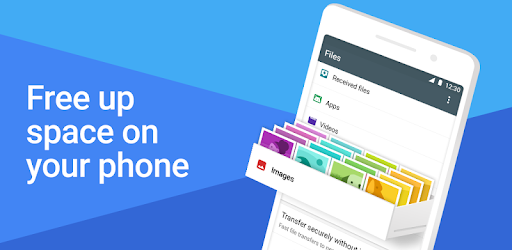
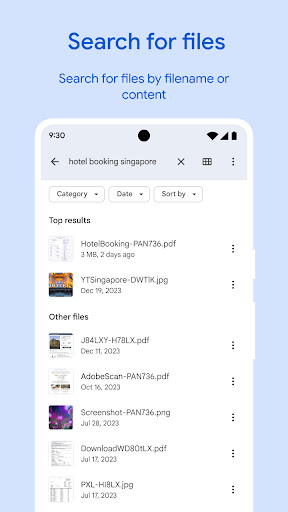
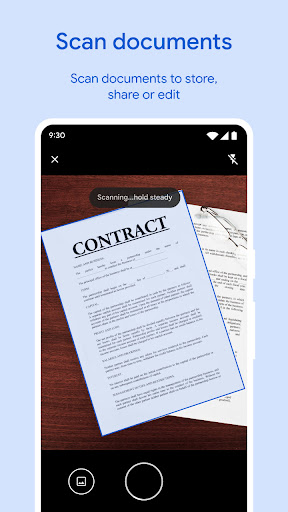
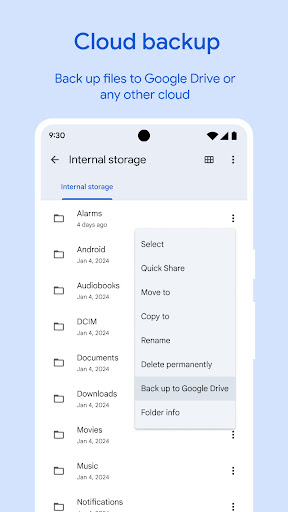
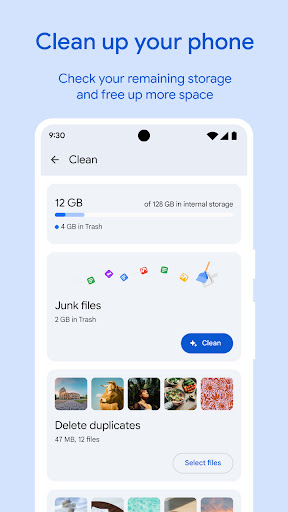
✨ Free up space on your device with cleaning recommendations 🔍 Find files faster with search and simple browsing ↔️ Quickly share files offline with Quick Share ☁️ Back up files to the cloud to save space on your device 🔒 Secure your files with a non-device lock Free up space Easily see how much space is left on your device, SD card and USB drive. Free up space by finding old photos from chat apps, duplicate files, clearing cache, and more. Find files faster Save time looking for photos, videos, and documents on your phone. Search quickly or browse your GIFs or share that video you downloaded recently. Sort files by size to understand what’s taking up space. Fast & secure file sharing Share photos, videos, apps, and more to Android and Chromebook devices around you with Quick Share. Files transfer quickly, with speeds up to 480 Mbps, even without an internet connection. Transfers are private and secured with end-to-end encryption. Secure your files Keep your sensitive files safe with a PIN or pattern that can be different from your device lock. Play offline media Listen to your music or watch your videos with advanced controls like playback speed, shuffle, and more. Back up files Move your files to Google Drive or an SD card to save space on your device. You can also share to other cloud storage apps on your device. Get smart recommendations Get helpful suggestions to save space, protect your device, and more. Your recommendations get smarter the more you use the app. It’s efficient and effective The Files by Google app uses less than 20 MB of storage on your device, it’s easy to use, and has no ads.
What's New
Latest version 1.9456.838368644.0-release with bug fixes and performance improvements
Enhanced security and stability
Optimized for better user experience
Kullanıcı Yorumları
10 yorum
Scott Cole
5 ay önce
It always works well. It looks at duplicates, stuff you haven't used in a while, and big stuff. (photos, screenshots, documents, and apps) You don't have to completely decide at one time. By that I mean you can choose something and look at it. Then send it to trash or not. In trash you can look at it again and restore it, or you can completely delete it. I have a 2023 Moto g Stylus that always runs fast, thanks to this tool.

Makurafa
4 ay önce
Okay, so I don't like that both Android (permission wise) and Play Store (via rules), limit third partys file managers capabilities, when they worked perfectly fine back in the day. However, I will admit that Files can mostly replace what third party file managers used to do. I am glad that they are giving the user more control again, by implementing these features into Files. Some features are a bit hidden, like the ability to use drag&drop even from one Files' window to another.

Victor Edmonds
3 ay önce
Great app! I always have this app on my phone for certain reasons one of which is that it finds all pictures and other files in your device instantly. The second is that it locates duplicate files and gives you the option to delete them which I value so much. The version I have on my phone unfortunately doesn't have this function and I'd like to appeal to the developers to do something about it as that function does a lot for us users.
Developer
Trusted developer with verified applications on our platform.
App Information
Download Stats
Safe Download
This app has been verified and is safe to download. No malware detected.








