

Screenshots

About this app
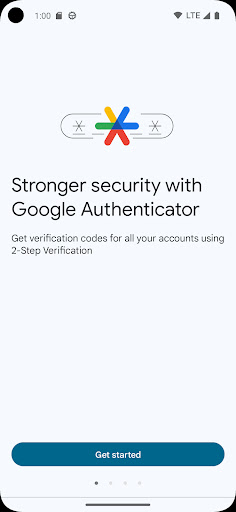
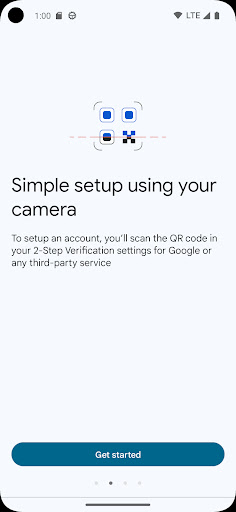
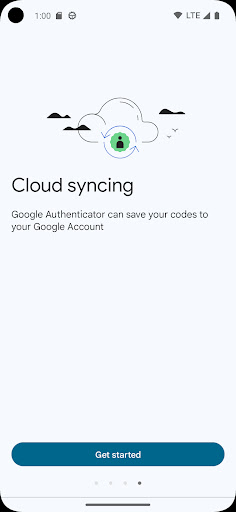
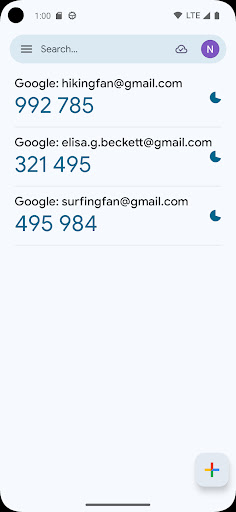
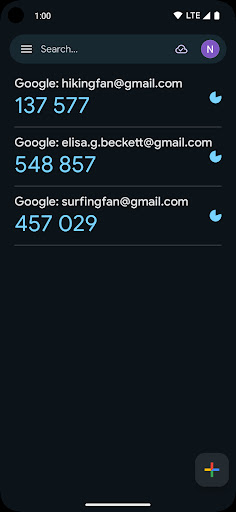
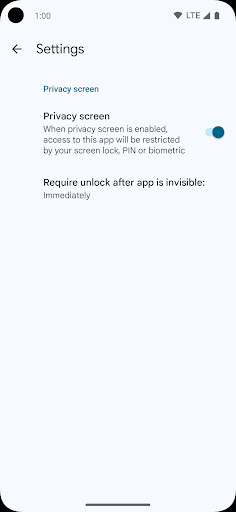
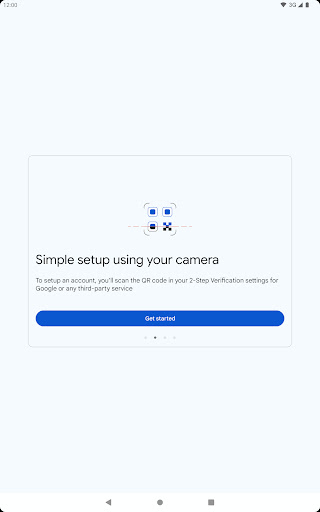
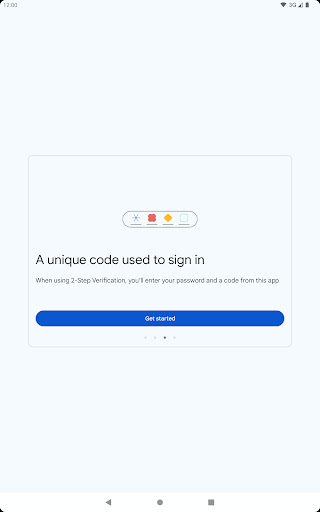
Google Authenticator adds an extra layer of security to your online accounts by adding a second step of verification when you sign in. This means that in addition to your password, you'll also need to enter a code that is generated by the Google Authenticator app on your phone. The verification code can be generated by the Google Authenticator app on your phone, even if you don't have a network or cellular connection. * Sync your Authenticator codes to your Google Account and across your devices. This way, you can always access them even if you lose your phone. * Set up your Authenticator accounts automatically with a QR code. This is quick and easy, and it helps to ensure that your codes are set up correctly. * Support for multiple accounts. You can use the Authenticator app to manage multiple accounts, so you don't have to switch between apps every time you need to sign in. * Support for time-based and counter-based code generation. You can choose the type of code generation that best suits your needs. * Transfer accounts between devices with a QR code. This is a convenient way to move your accounts to a new device. * To use Google Authenticator with Google, you need to enable 2-Step Verification on your Google Account. To get started visit http://www.google.com/2step Permission notice: Camera: Needed to add accounts using QR codes
What's New
Latest version VARY with bug fixes and performance improvements
Enhanced security and stability
Optimized for better user experience
Kullanıcı Yorumları
10 yorum
Michael Martin
3 yıl önce
The knock against this app seems to be the lack of a backup option, and no master password for locking the app. Both are easy to overcome. Put the app in the secure folder, which requires a password. For backup, you can export the codes to an old phone or tablet. You can sync manually with the export/import option should any changes arise. Tap and hold copies a code to the clipboard, and you can also rearrange entries by holding and moving, up or down. This is a perfectly good app!

Abdulbaki Shuaib
4 yıl önce
The app is great. But if the developer are reading through review. I believe there's more to contribute for the proper usage of this app. If my phone got missing, there should be a way of accessing my account without waiting to import and export. It happened to someone recently. Her phone was stolen and when she got another phone, there is no way to access this app unless she import which is impossible. I believe more update can be done regarding that. Thank you 😊

googly bear
1 yıl önce
Never had a problem with authenticator in the years that I have been using it. Went across many versions of Android and phone models and brands and still no problems. When I follow the instructions it just seems to work, and yes it's not perfect but it evolved in right direction. It could have more bells and whistles but I just want it to give me that number. I like that it can be stored in the cloud and accessible even with a lost phone. I have no complaints.
Developer
Trusted developer with verified applications on our platform.
App Information
Download Stats
Safe Download
This app has been verified and is safe to download. No malware detected.








