Screenshots

About this app
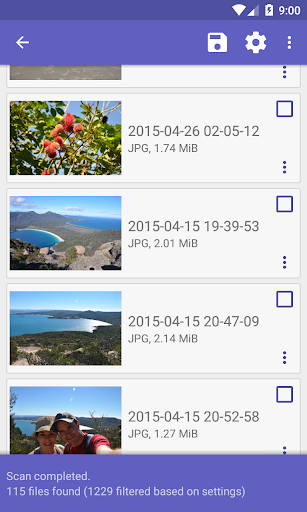
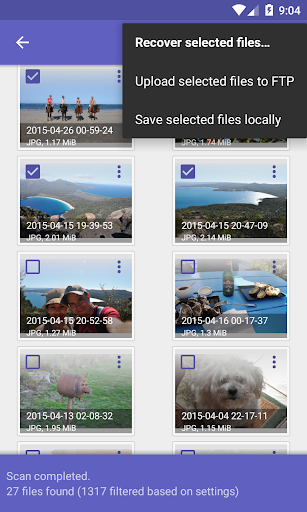
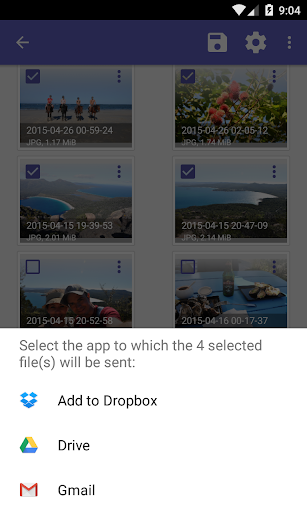
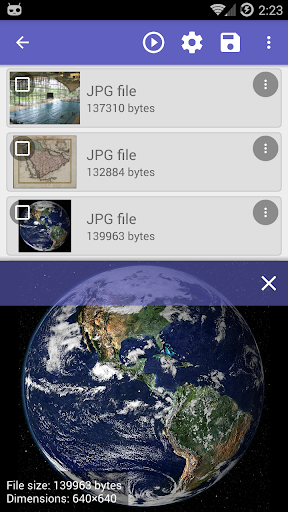
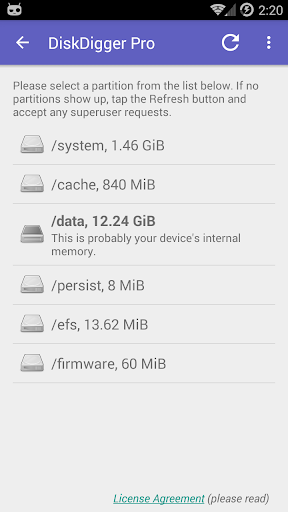
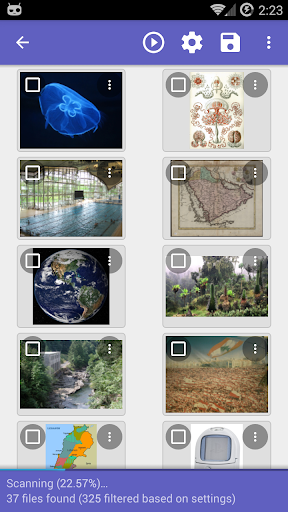
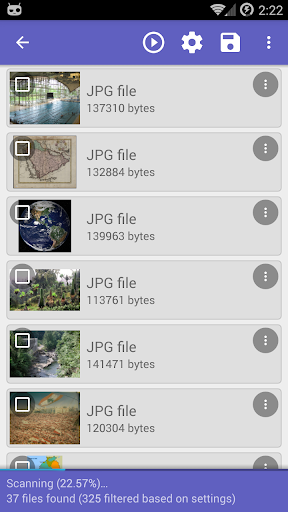
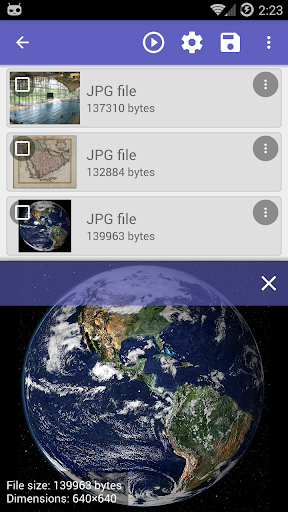
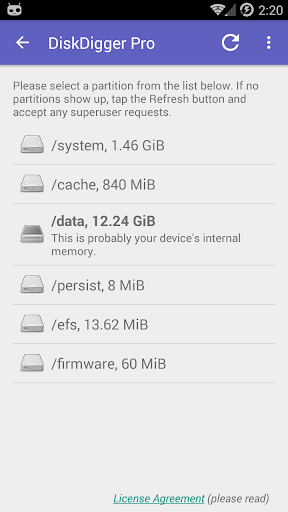
DiskDigger Pro (for rooted devices!) can undelete and recover lost photos, documents, videos, music, and more from your memory card or internal memory (see supported file types below). Whether you accidentally deleted a file, or even reformatted your memory card, DiskDigger's powerful data recovery features can find your lost files and let you restore them. Note: if your device is not rooted, the app can only perform a "limited" scan for for deleted photos and videos. To be able to search for other types of files, and to search your device's entire internal memory, the device needs to be rooted. On a non-rooted device, the app can only recover lower-resolution versions of your photos that it finds in your device's cache and thumbnail directories. After the scan is complete, tap the "Clean up" button to permanently delete any items that you no longer need (currently an experimental feature, available only in the Basic Scan). You can also use the "Wipe free space" option to erase the remaining free space on your device, so that any deleted files can no longer be recoverable. For complete instructions, please see http://diskdigger.org/android You can upload your recovered files directly to Google Drive, Dropbox, or send them via email. The app also allows you to upload the files to an FTP server, or save them to a different local folder on your device. DiskDigger can recover the following file types: JPG, PNG, MP4 / 3GP / MOV, M4A, HEIF, GIF, MP3, AMR, WAV, TIF, CR2, SR2, NEF, DCR, PEF, DNG, ORF, DOC / DOCX, XLS / XLSX, PPT / PPTX, PDF, XPS, ODT / ODS / ODP / ODG, ZIP, APK, EPUB, SNB, VCF, RAR, OBML16, OGG, OGA, OGV, OPUS.
What's New
Latest version 1.0-pro-2025-10-05 with bug fixes and performance improvements
Enhanced security and stability
Optimized for better user experience
Kullanıcı Yorumları
10 yorum
A Google user
6 yıl önce
Given I had to be a dumbass who formatted my SD card many times AND had to save a random picture just to see if it got corrupted (it didn't). I think I lost everything that I used to have in the card given how the simple scan won't let me see pictures other than the one I saved (which I think it means everything's lost and there's no need to root), so I guess this means it should be able to work for those who know how to root their devices AND didn't commit a similar thing I did. 5/5 I guess☺🔫
A Google user
6 yıl önce
I rarely leave reviews, but felt I must for this, equally I felt compelled to buy the pro version. After an unfortunately necessary factory reset left me without a year's worth of photos that had not backed up due to cloud being full, this nifty little app restored them all and more! Now I have cherished memories of my sons birth and first months again. Can't thank you enough and would thoroughly recommend if you are in similar situation.

Trevor Richter (Daddy)
5 yıl önce
DiskDigger program scans the storage drive/SD location that you tell it to. Depending on size you may wait a while, then you will be presented with all sorts of things. It is your device that decides where information is placed on a drive/SD, so if you get a partial, half pulled up photo it was your machine/phone that messed it up even if it was only hours ago. Diskdigger does magic. You want it to erase everything for you it will, only when safe
Developer
Trusted developer with verified applications on our platform.
App Information
Download Stats
Safe Download
This app has been verified and is safe to download. No malware detected.








