
Screenshots
About this app
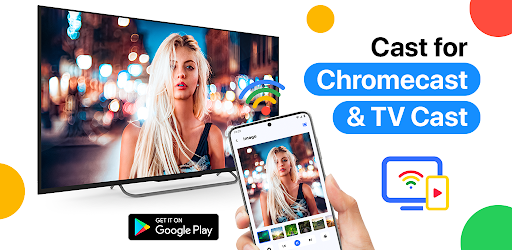
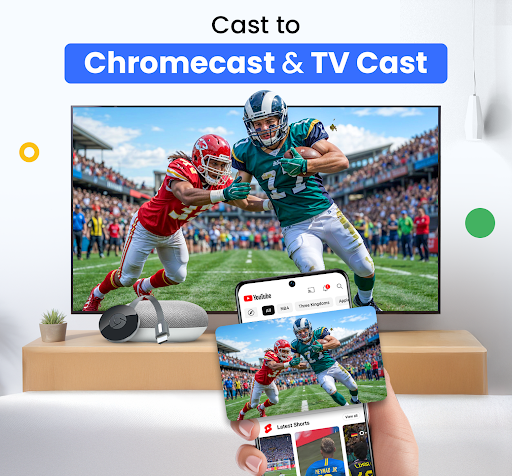
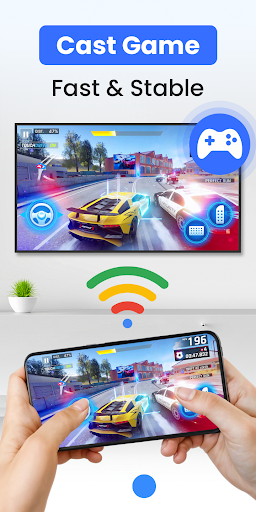
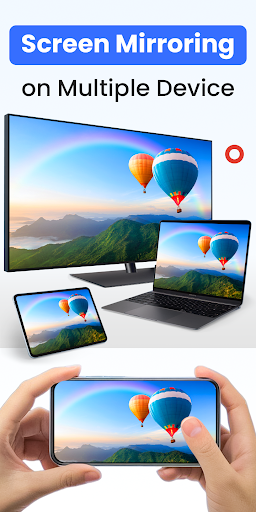
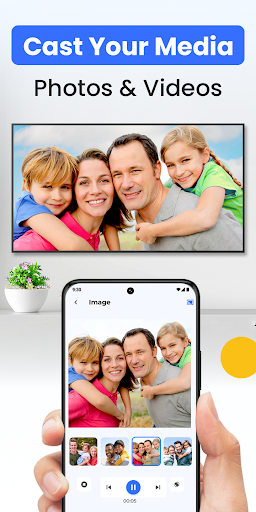
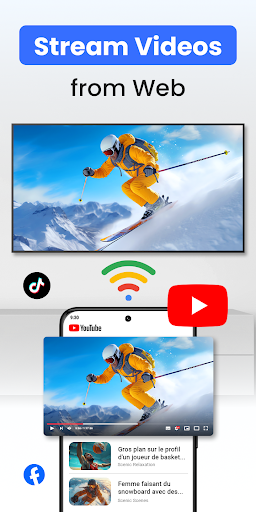
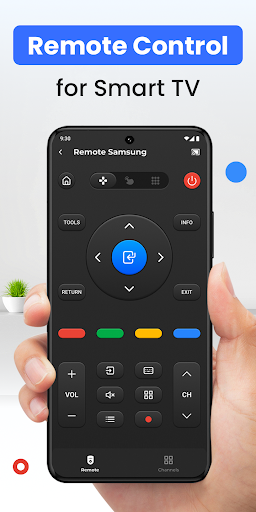
Stop huddling around a small phone screen! With Cast for Chromecast & TV Cast, you can instantly screen mirror your display, cast any video to your TV, and use your phone as a powerful Chromecast remote. Experience seamless streaming and control without the need for messy cables. Your home entertainment just got a major upgrade. ✨ KEY FEATURES YOU'LL LOVE ✨ ✅ Flawless HD Screen Mirroring: Share your phone's screen in real-time with stunning HD quality and near-zero latency. It's perfect for lag-free gaming, giving presentations, browsing photos, or sharing apps with the entire room. ✅ TV Cast - Cast Anything, Anywhere: Stream local videos, photo slideshows, and music directly from your phone. Our built-in web browser lets you find and cast online movies and web videos from your favorite sites straight to your big screen. ✅ The Smart TV Remote You Need: Lost your remote again? No problem. Your phone is now a powerful and intuitive remote control for your Chromecast and Smart TV. Easily play, pause, seek, adjust the volume, and navigate menus right from your fingertips. ✅ Universal Device Support: Our app is designed for maximum compatibility. Connect effortlessly to: - Google Chromecast, Chromecast Ultra & Google Cast-enabled devices - Roku Streaming Sticks & Roku TVs - Amazon Fire TV & Fire Stick - Smart TVs: Samsung, LG, Sony, Vizio, TCL, Hisense, etc. - Xbox One, Xbox 360 - Apple TV (via AirPlay) - Other DLNA & UPnP receivers 🚀 HOW IT WORKS (3 EASY STEPS): 1. Ensure your phone and TV (or casting device) are connected to the same Wi-Fi network. 2. Open the app. It will automatically discover connectable devices nearby. 3. Select your device, tap to connect, and start to screen mirror or cast to tv! 🎯 The All-in-One Solution For: Whether you're hosting a movie night, sharing vacation photos, streaming a live game, or presenting in a meeting, our tv cast for chromecast and chromecast screen mirroring app is the only tool you need. ⚠️ Disclaimer: This application is not an official product of Google or any other mentioned trademark. It is developed by an independent publisher. 👉 Download Cast for Chromecast & TV Cast now to unlock the full potential of your Smart TV and streaming devices!
What's New
Latest version 4.1.6 with bug fixes and performance improvements
Enhanced security and stability
Optimized for better user experience
Kullanıcı Yorumları
10 yorum
Prevailer Brown
5 ay önce
The app is good, but I don't understand why it deducted 19,500 from my account for subscription I didn't even see , that's very annoying, have sent an email to you people, please do something about it and Refund my 19,500 for me I didn't even subscribe too it , and another thing I didn't receive and Cast Premium or whatever pls I need a refund fast and quick

Ed
3 yıl önce
The ads are so nonstop that it makes exploration impossible. And the ads are deceptively like they might be a feature of the app. Irritating to the point that even if I might consider the premium version of this app, I never would now as this creator obviously doesn't want us to feel it's functionality. You can see the bells and whistles, but not get a feel for it. Like they are saying, take our word for it. This is just a prolonged irritating advertisement for the premium app.

Jaymes Ybanez
3 yıl önce
All the ads after every button press. The previous app I used did that to a lesser extent then this. It's like Google said, "hold my beer" and made it so unbearable that I uninstalled after 2 minutes of use. Also it didn't support some of the videos I wanted to stream. There is a rating option for ads shown in the app, and I think it's very misleading. I'm giving it one star because it has a lot of ads.
Developer
Trusted developer with verified applications on our platform.
App Information
Download Stats
Safe Download
This app has been verified and is safe to download. No malware detected.








