

Screenshots

About this app
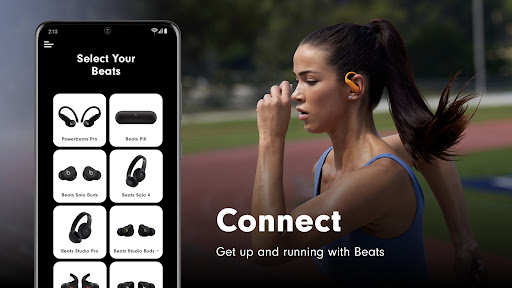
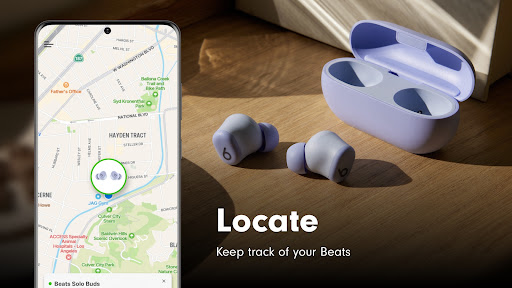
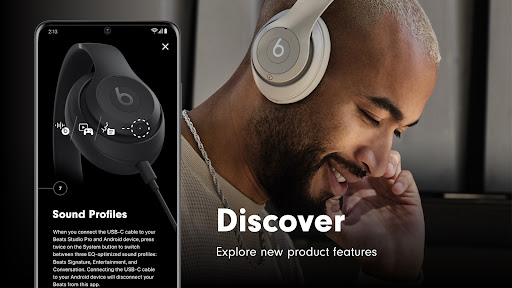
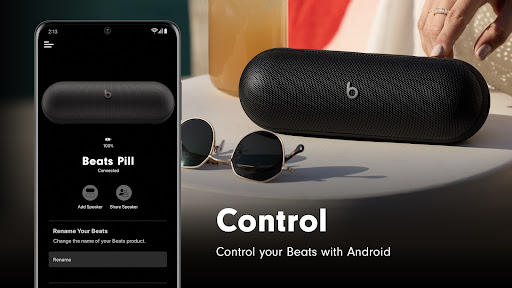
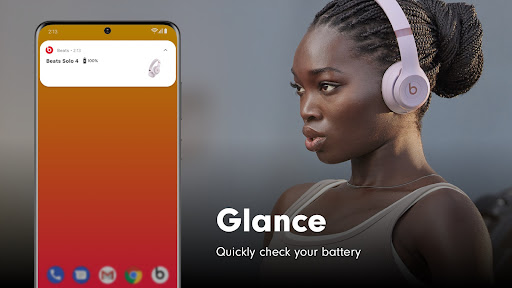
DOWNLOAD THE BEATS APP Get connected quickly with simple one-touch pairing* and gain easy access to battery status and settings. You can even create unique Android widgets for your Beats, or locate them on a map if you happen to misplace them*. The Beats app also keeps your headphones and speakers up to date with the latest firmware, so you know you’re getting the very best Beats experience. *Requires location access enabled SUPPORTED PRODUCTS The Beats app now supports the new Powerbeats Fit and is compatible with the following Beats products: Beats Solo Buds, Beats Pill, Beats Studio Pro, Beats Solo 4, Beats Studio Buds +, Beats Fit Pro, Beats Studio Buds, Beats Flex, Powerbeats Pro 2, Powerbeats Pro, Powerbeats, Powerbeats3 Wireless, Beats Solo Pro, Beats Studio3 Wireless, Beats Solo3 Wireless, BeatsX, and Beats Pill⁺. ANALYTICS You can opt-in to send analytics back to Beats in the app. Analytics are designed to protect your information and enable you to choose what you share. Apple collects analytics information about your Beats app and your Beats products, such as the device software versions, device rename occurrences, and device update success and fail rates, in order to improve the product. None of the collected information identifies you personally. The information collected will only be used by Apple to improve the quality and performance of the Beats app as well as Beats products. REQUIRED APP PERMISSION Bluetooth: To connect to your Beats device and perform firmware updates. OPTIONAL APP PERMISSION Location: To show the location of your Beats device's last connection or disconnection. Notification: To send you notifications when your Beats device's battery is low, when your Beats device has a firmware update, or when Beats app updates are available in the Play Store. You can use the Beats app even without providing consent to any of the above optional app permissions. However, some features of the service may not be available.
What's New
Latest version 2.11 with bug fixes and performance improvements
Enhanced security and stability
Optimized for better user experience
Kullanıcı Yorumları
10 yorum
Aaron Bauer
5 ay önce
Bought Beats Fit Pro from Amazon and found out that I had to download this app to see how much battery is on the earbuds. So not the best impression. Connected the buds and then needed to update. I closed the case for the buds and I was confused that it seemed like I needed to reconnect the buds. Only after another friend told me that it was because they aren't in use that it worked. Very confusing. Maybe add a thing saying still connected.

Carlos Acosta
2 yıl önce
Permissions requirements are silly. You DO NOT need my location. More importantly, I cannot see a way to save my noise canceling setting. Every time I connect the buds, it defaults to 'transparency' when I last set it to 'noise canceling'. Each time, I have to open the app, set to noise canceling. Even while I'm looking at it....the selection will change with no input from me at all. It also shows me current firmware but no indication if it is the most current.

Jessica Lewis
4 yıl önce
I've had my beat pro for well over 6 months. It started off great, I would pull it out the case, and it would connect automatically with either or both earbuds. Over the last 2 months I now have to manually connect them each time, sometimes it says unable, and I will retry. Then if I had my right ear bud in, the left won't connect unless I push the button to respond. The sound quality isn't the same on both. I've uninstalled the app, unpaired and still no avail. Should've stuck to Sony.
Developer
Trusted developer with verified applications on our platform.
App Information
Download Stats
Safe Download
This app has been verified and is safe to download. No malware detected.








