Screenshots




About this app
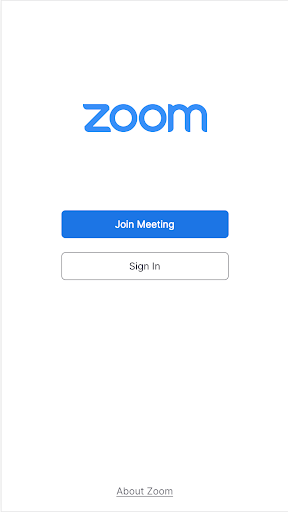
Work from anywhere with a single Web app that combines team chat, meetings, phone* and whiteboard. KEY FEATURES & BENEFITS · Schedule or join a video meeting with a single tap · Receive automated meeting summaries with AI Companion* · Chat with colleagues and external contacts in public or private channels · Place and receive phone calls or send SMS text messages* · Brainstorm on virtual whiteboards · Turn on virtual backgrounds to look more polished · Automatic updates so you’re always on the latest version · Remote install options for admins who want centralized configuration and security * A paid Zoom One subscription or other license may be required to use certain product features. Upgrade your free account today to start gaining these benefits. AI Companion may not be available for all regions and industry verticals. Learn more on our blog: https://blog.zoom.us/how-to-use-zoom-on-a-chromebook/. NOTE: For the most optimized experience with the latest features, the latest version of Chrome OS 91+ is recommended. ZOOM LICENSE INFORMATION: - Any free or paid license can be used with the app - A paid Zoom subscription is required for certain product features Follow us on social @zoom! Have a question? Contact us at Zoom Help Center: https://support.zoom.us/hc/en-us.
What's New
Latest version 6.5.5 with bug fixes and performance improvements
Enhanced security and stability
Optimized for better user experience
Kullanıcı Yorumları
10 yorum
moses clarey
3 yıl önce
Zoom is necessary for just about all my communications. I did like the old version better and the new version really drains my battery. But ultimately, as you get used to new version, you will get to like it..... Wi-Fi signal is critical for having good audio and video. So If you have issues with full band width signal, then your device is probably the issue. if you have good signal, zoom works great

Briawna Hifai
4 yıl önce
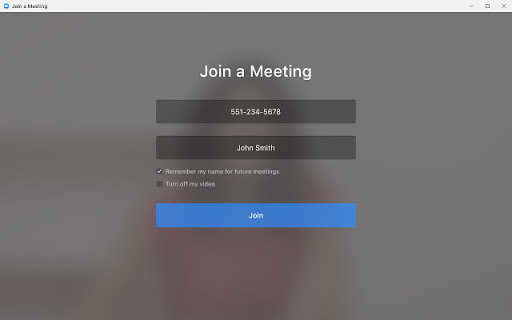
Most of the time I don't have problems, that is when I have a strong Wi-Fi connection. When the Wi-Fi sucks, the delay is horrible. Not really the apps fault but still annoying. Also, I log in a few times for the same meeting, and it doesn't save the last phone# as a link. Everytime, I have to enter the number manually. My android phone Zoom app saves it automatically which makes logging in a lot more easier/faster. If they fix this, I will upgrade my stars to 5.

Tomi
3 yıl önce
It works ok but I use it on my chromebook and the background feature sucks. It's just a picture with a hole in the middle where my face is shown off center and I don't have the option to just blur my background. I am not able to use the background feature at all because of these things. That is the main thing I don't like about it and makes it hard to use.
Developer
Trusted developer with verified applications on our platform.
App Information
Download Stats
Safe Download
This app has been verified and is safe to download. No malware detected.