
Screenshots
About this app
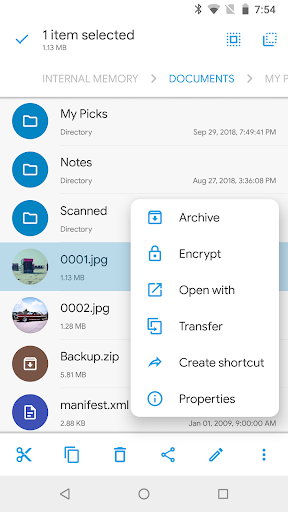
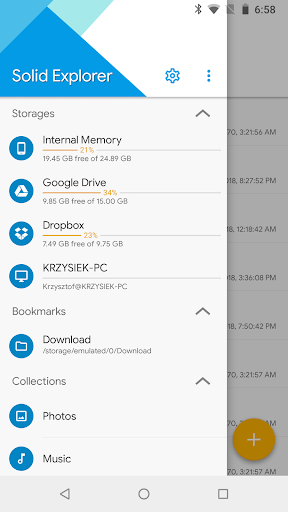
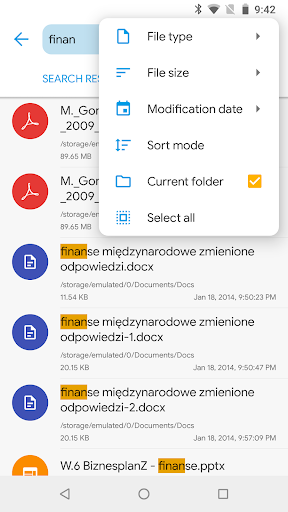
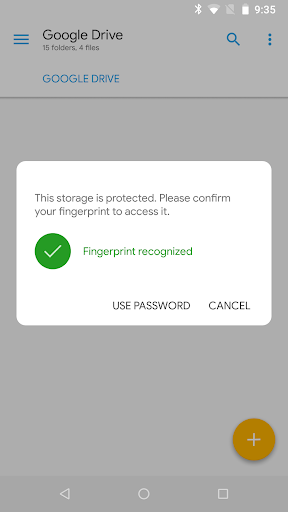
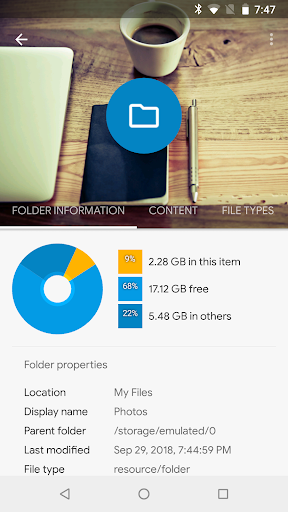
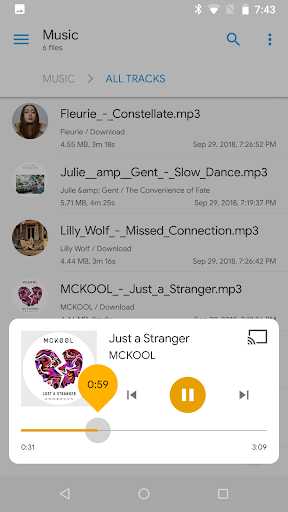
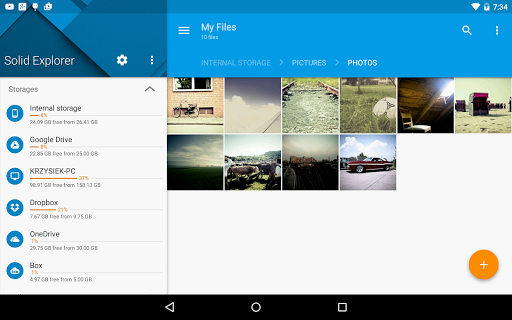
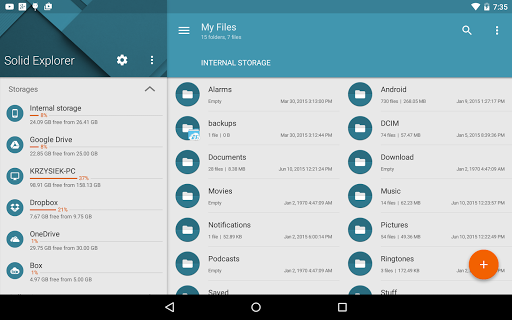
Solid Explorer is a file management app inspired by the old school file commander applications. It will help you: 🗄️ Easily manage files in dual pane layout 🔐 Protect files with strong encryption 🖥️ Manage files on your cloud storage or NAS ☁️ Backup apps and files to any desired destination Explore your device Solid Explorer lets you navigate to files stored on your device and automatically organizes them into collections. You can view, delete, move, rename or share any files. It also allows you to quickly find the files you need through indexed search with filters. Keep your files safe Solid Explorer can protect selected files with strong AES encryption and put them in a secure folder, which contents are unreadable for other apps. The file manager will ask for password or fingerprint confirmation when you browse the folder. Even if you uninstall Solid Explorer, the files stay on your device and are still protected. Analyze Storage Although this file manager doesn’t feature a dedicated storage analyzer, you can find out which files take up most of space by going to folder properties of internal storage or SD card. You will find the information about the percentage of space each folder takes and the list of biggest files. You can also use search with a file size filter. Organize remote files Solid Explorer supports major network protocols and cloud providers to let you organize multiple remote file locations in one place. You can easily transfer files between cloud locations/servers just by dragging them from one panel to another. Major feature list: • Files management - main storage, SD card, USB OTG • Cloud storage - easily connect and manage files on Google Drive, OneDrive, Dropbox, Box, Owncloud, SugarSync, MediaFire, Yandex, Mega* • NAS - support for major network protocols FTP, SFTP, SMB (Samba), WebDav • File encryption - password and fingerprint protection • Archives - support for ZIP, 7ZIP, RAR and TAR files • Root explorer - browse system files if your device is rooted • Indexed search - quickly find files on your device • Analyze storage - manage files taking too much space on your device • Organized collections - files categorized in Downloads, Recent,Photos, Videos, Music, Documents and Apps • Internal image viewer, music player and text editor - for easier browsing on remote storages • Batch rename - with support for naming patterns • FTP Server - for accessing your local files from PC • Themes and icon sets - rich customization options Solid Explorer will also manage files on your Chromebook with support for mouse and keyboard input. Useful links: Reddit: https://www.reddit.com/r/NeatBytes/ Translation: http://neatbytes.oneskyapp.com * with paid add-on
What's New
Latest version 2.8.63 with bug fixes and performance improvements
Enhanced security and stability
Optimized for better user experience
Kullanıcı Yorumları
10 yorum
Luke Boger
5 ay önce
Has been my go-to app for file access for years now. Paid $0.99 in 2016 and would say I got my money's worth, lol. With a flexible interface, stability, and the ability to access network drives and even password protect them, I have yet to find a file explorer app that I prefer to this one for phone and tablet. I see some reviews from folks who have encountered some issues, which is a bummer. I have not had any such negative experiences but I hope it gets worked out for them!

John Kulowiec
1 yıl önce
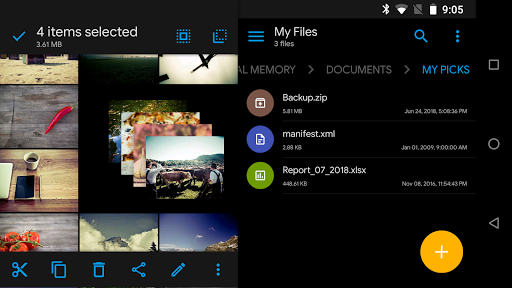
I've been using the paid version for years, I used the free trial for a short time and quickly bought it. Everything is intuitive, turn your phone to landscape and you have 2 folders side by side so you can quickly move or copy files. Nice customization, I have never found anything I didn't like about it. Edit 05-04-24, if it acts like you didn't buy the license, tap fresh trial then question mark, has instructions to restore purchase. Still love this app.

Limited Moisture
5 yıl önce
absolutely brilliant! I've been a computer & software engineer for 40 years, and I've seen some TERRIBLE user interfaces. Solid Explorer is very well designed, it's easy to find all of the functions, and the main reason i bought it was to easily transfer or view files & folders from my windows network. connection to my server's shared folders was quick and easy, just tap a few buttons. absolutely worth the asking price!
Developer
Trusted developer with verified applications on our platform.
App Information
Download Stats
Safe Download
This app has been verified and is safe to download. No malware detected.
You Might Also Like
More apps from Productivity category











