
Screenshots
About this app
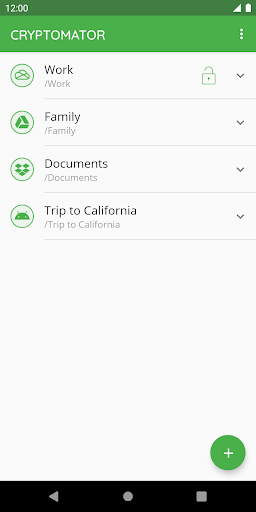
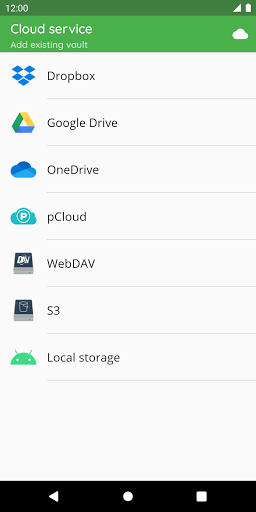
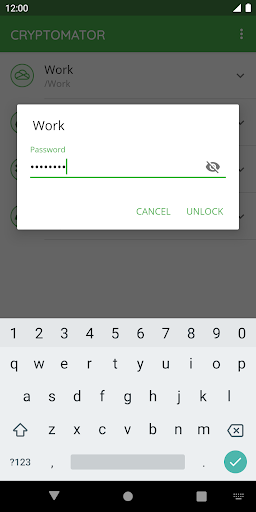
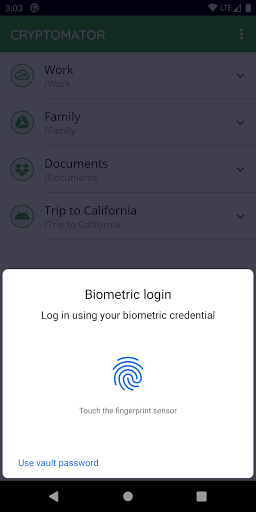
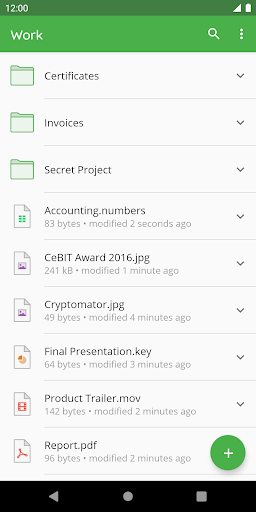
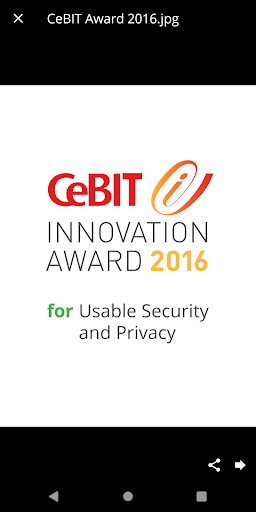
*** Winter Sale: 50%* Off the Lifetime License – All December Long! *** *Note: The discount amount may vary by region. --- With Cryptomator, the key to your data is in your hands. Cryptomator encrypts your data quickly and easily. Afterwards you upload them protected to your favorite cloud service. EASY-TO-USE Cryptomator is a simple tool for digital self-defense. It allows you to protect your cloud data by yourself and independently. • Simply create a vault and assign a password • No additional account or configuration needed • Unlock vaults with your fingerprint COMPATIBLE Cryptomator is compatible with the most commonly used cloud storages and available for all major operating systems. • Compatible with Dropbox, Google Drive, OneDrive, S3- and WebDAV-based cloud storage services • Create vaults in Android’s local storage (e.g., works with third-party sync apps) • Access your vaults on all your mobile devices and computers SECURE You don't have to trust Cryptomator blindly, because it is open source software. For you as a user, this means that everyone can see the code. • File content and filename encryption with AES and 256 bit key length • Vault password is secured with scrypt for enhanced brute-force resistance • Vaults are automatically locked after sending app to background • Crypto implementation is publicly documented AWARD-WINNING Cryptomator received the CeBIT Innovation Award 2016 for Usable Security and Privacy. We're proud to provide security and privacy for hundreds of thousands of Cryptomator users. CRYPTOMATOR COMMUNITY Join the Cryptomator Community and participate in the conversations with other Cryptomator users. • Follow us on Mastodon @cryptomator@mastodon.online • Like us on Facebook /Cryptomator
What's New
Latest version 1.12.2 with bug fixes and performance improvements
Enhanced security and stability
Optimized for better user experience
Kullanıcı Yorumları
10 yorum
Nick Roeder
4 yıl önce
Love it. I've tried Boxcryptor and Veracrypt but Cryptomator has just the right feature set for me. I don't need thumbnail previews, but it would be nice to have. I've heard of thumbnail cache leaks though so I'm ok without them. Love the simplicity, that I'm in control of security keys, open source, and the one time purchase not subscription. Perhaps that last one is my favorite. Oh yeah, despite screenshots it does have dark mode. The countdown until locked is cool. Happy with purchase.

M K
4 yıl önce
Well done! They included auto video uploads! Better than the commercial alternative and at a lower price (instead of annual subscription they charge for their phone apps, and it is 1 time payment - fair enough.) I also vote for features: 1. Thumbnails. 2. To have the option to choose if the original file in the phone gets deleted after being uploaded, just to save space on the phone (including the auto photo/video upload.) 3. Login to multiple accounts of same provider e.g. 2 Onedrive accounts.

TB7
5 yıl önce
Very easy to use. I like it better than a product I paid for (Boxcryptor). Cryptonator encrypts both the file name and the file itself, and you can't see the encrypted file when logged into your cloud accounts. The only way you can view the encrypted files is by logging in through Cryptomator. I'm not worried about a backdoor to this application since it's open source and vetted by so many programmers. Download the app for $8 and be done with it.
Developer
Trusted developer with verified applications on our platform.
App Information
Download Stats
Safe Download
This app has been verified and is safe to download. No malware detected.
You Might Also Like
More apps from Productivity category











