

Screenshots
About this app
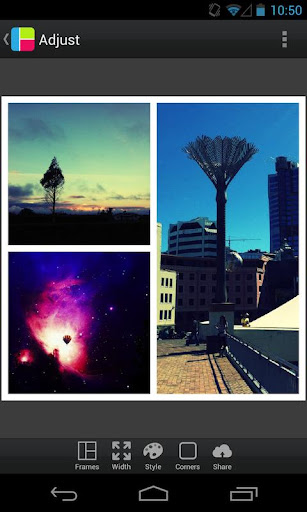
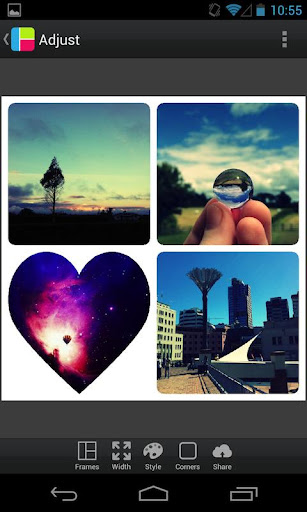
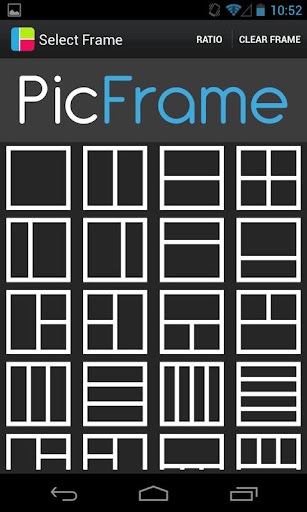
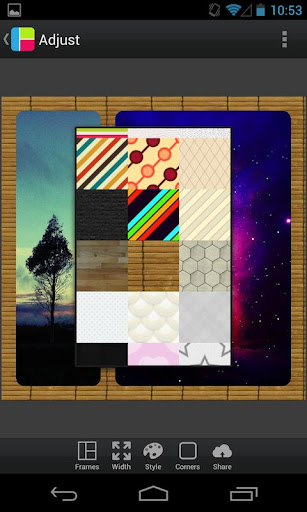
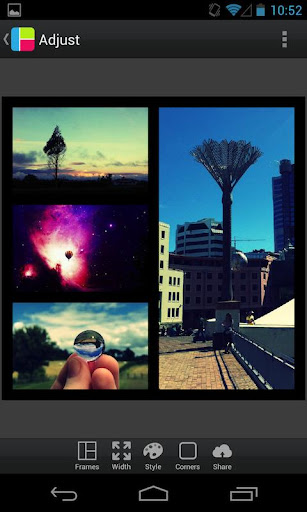
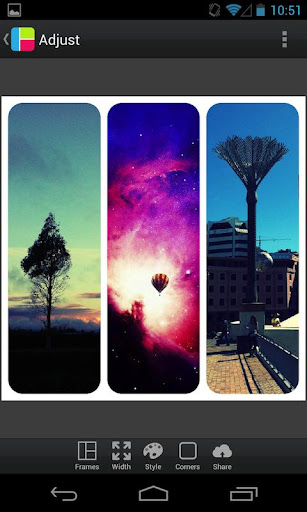
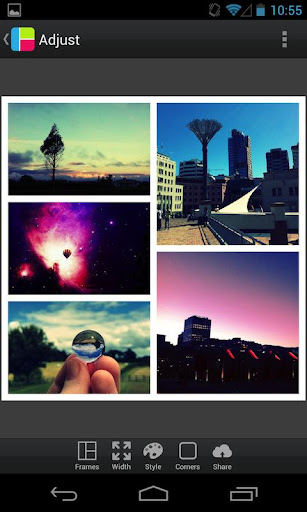
PicFrame helps you combine multiple photos into amazing looking frames and share them with your friends and family. With 36 fully adjustable frames, rounded corners, adjustable photo effects, shapes, adjustable border width, background patterns and an easy border color picker you will always have a unique look. Features: - 36 fully adjustable frames with up to 5 photos (drag the inner frame borders for endless customisation!). - Rounded corners - Adjustable border width - Change the shape of your photos to a circle, heart, hexagon and more - Change the color of the border with an easy to use color picker - 52 patterns for the frames background - Adjust the brightness, contrast and saturation of each photo - Rotate photos - Select one of six ratios including square format (1:1, 3:2, 4:3, 16:9, 9:16, 2:3, 3:4) - Pinch to zoom and drag to move the photos - Save to your gallery - Share to other applications (Instagram, Facebook, Twitter, Email) - Multiple output resolutions Check PicFrame out on Twitter: http://twitter.com/PicFrameApp and Facebook: http://facebook.com/PicFrameApp
What's New
Latest version 3.7.12 with bug fixes and performance improvements
Enhanced security and stability
Optimized for better user experience
Kullanıcı Yorumları
10 yorum
A Google user
6 yıl önce
When taking a pic in the app and selecting OK. it puts you back on the app home screen to select a frame. also you can no longer access Google drive to select photos. I have used this app for well over a year and it has worked great until this last update. please fix this issue . Update: All the issue stated In my review have been resolved. changing my rating back to 5 stars.
A Google user
6 yıl önce
I loved this app and used it all the time but with the latest update you can no longer access Google drive to select pictures this for me is a big issue. Please give this option back! edit I can now access google drive again. This app does exactly what I need it to
Please try the latest update (3.7.3) and let me know if you have any issues accessing Google Drive via the app.

Mel Harper
7 ay önce
The developers don't update this old app anymore (I'm sure they've moved into other projects), but it's still my favorite because it's so simple and not trying to be more than a simple way to put photos in a grid. The app crashes if you try to change the aspect ratio after adding photos to a grid. Not as annoying as you would think. Just decide on or switch aspect ratios before adding photos, or you'll have to add them again.
Developer
Trusted developer with verified applications on our platform.
App Information
Download Stats
Safe Download
This app has been verified and is safe to download. No malware detected.
You Might Also Like
More apps from Photography category


Selfie Camera - Beauty Camera
iMediaStar


FaceFancy-Face Swap & AI Photo
SZYJ Technology


StyleSwap: Outfits & Faces
SkySoft Inc


AI Photo Editor: Gallery Vault
T21 Games


HD Camera: AI Beauty
UniStarSoft


Photo Album F-Stop Pro
Seelye Engineering