
Screenshots


About this app
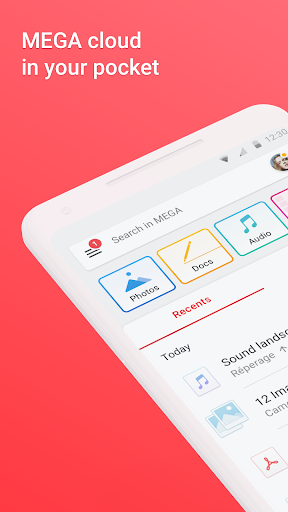
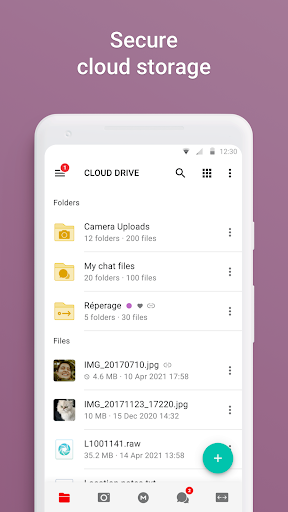
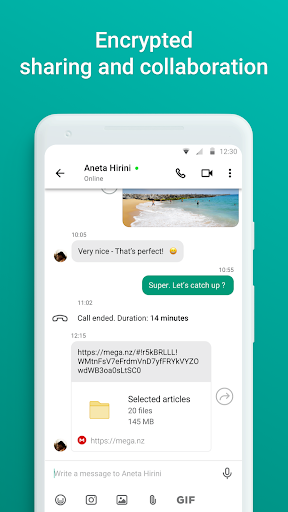
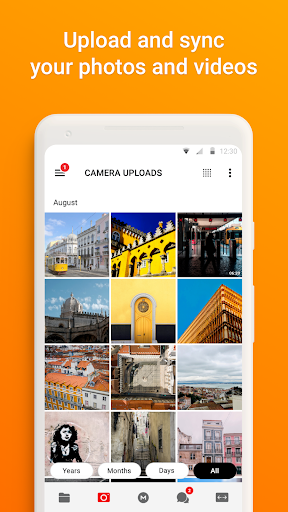
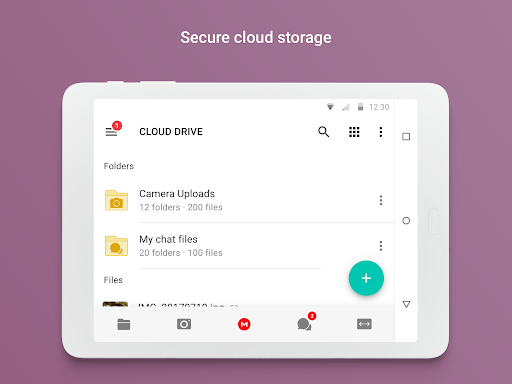
MEGA provides user-controlled encrypted cloud storage that’s accessed with web browsers and dedicated apps for mobile devices. Unlike other cloud storage providers, your data is encrypted and decrypted by your client devices only and never by us. Upload files from your smartphone or tablet, then search, download, stream, view, share, rename or delete them from any device, anywhere. Share folders with your contacts and see their updates in real time. You can automatically sync your local data with your Cloud drive, ensuring your important files are always safe and accessible across all your devices. With our sync functionality, you can back up any local folder on your device to MEGA effortlessly. Additionally, our backup feature allows you to set up a one-way sync by selecting specific folders to back up seamlessly. MEGA’s strong and secure end-to-end encryption means we cannot access or reset your password. You MUST remember the password and make sure to back up your account recovery key. Losing your password and the account recovery key will result in lost access to your files. Enjoy the security and privacy of encrypted one-on-one and group chats and meetings. Our zero-knowledge encryption means that your messages, audio and video calls are safe, secure, and private. Collaborate seamlessly with your team members or friends and family with direct integration with our Cloud drive for sending and receiving encrypted files. MEGA offers generous free storage for all registered users. You can get even more free storage in 5 GB increments through our MEGA Achievements Programme. Subscriptions renew automatically for successive periods of the same duration at the same price as the initial period chosen. To manage your subscriptions, simply tap on the Play Store icon on your device, sign in with your Google ID (if you haven’t already done so), then tap on the MEGA app. All MEGA client-side application code is published on GitHub, for transparency. The code of our Android mobile app is located at: https://github.com/meganz/android App permissions (optional): Contacts: MEGA accesses your contacts so you can add them from your device. Microphone: MEGA accesses your microphone when you capture a video, make a call or record voice messages in the app. Camera: MEGA accesses your camera when you capture a video or photo, or make a call in the app. Nearby devices: MEGA accesses nearby devices so you can use Bluetooth devices to join calls in the app. Notifications: MEGA sends notifications about chat messages, calls, transfer progress, contact requests, or incoming shares from other users. Media (photos, videos, music and audio): MEGA accesses your media files when you upload, share through chat and when camera uploads is enabled. Location: MEGA accesses your location when you share it with your contacts in chat. MEGA’s Terms of Service: https://mega.io/terms Privacy and Data Policy: https://mega.io/privacy
What's New
Latest version VARY with bug fixes and performance improvements
Enhanced security and stability
Optimized for better user experience
Kullanıcı Yorumları
10 yorum
Mungerine
1 yıl önce
Pretty great and offers lots of space, but lacks good options when it comes to organizing photo galleries. Albums are a nice option, but the interface for adding photos to albums is very limited and you have to go scrolling through every single photo by date to find what you want. Add the option to add photos to albums from folders and this app is perfect. As of now, 9/10.

Gabe W
1 yıl önce
Best. Cloud drive. Ever I decided to move away from OneDrive, because I needed more storage than it is possible to buy from them and I needed it for multiple people in the family. iDrive was so inconsistent and unreliable for me. Mega is fast, secure, and when I do a comparison file count and size from what's in the cloud vs. what's on my actual drive, it is a perfect match, unlike other services I have used. I can't praise this enough. Thank you!

T. Rue
2 yıl önce
Generally good overall, as actual storage. But, man is this thing sloooow on video, which is the main thing I use it for. Sometimes it's easier to just download a file, rather than viewing it within the app, and then delete the copy when you're done. But obviously that's not ideal, and many times you need to view things before you even know which one you need. I have little doubt that it's on the other end, so the extra downloading prob just contributes to the original issue. A catch-22 🤷♂️
Developer
Trusted developer with verified applications on our platform.
App Information
Download Stats
Safe Download
This app has been verified and is safe to download. No malware detected.
You Might Also Like
More apps from Productivity category











