Screenshots

About this app
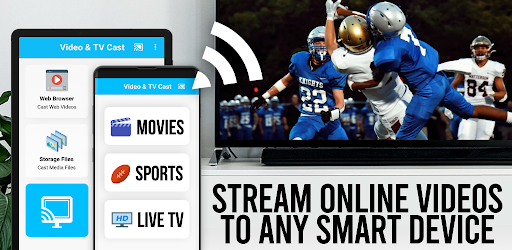
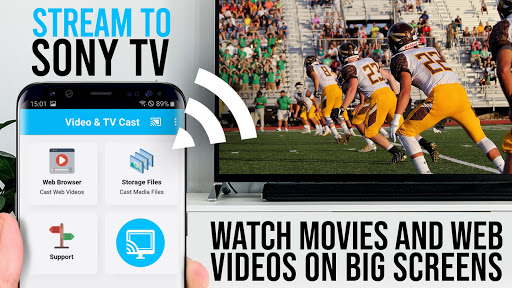
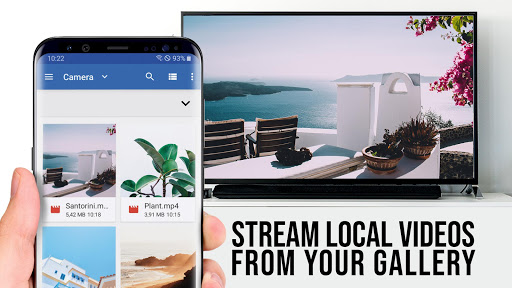
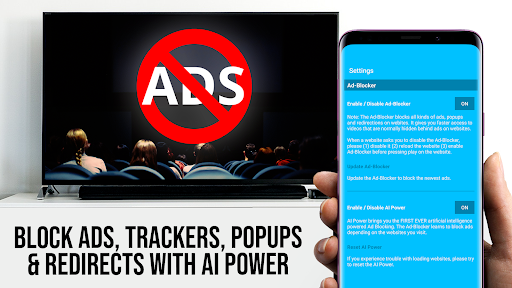
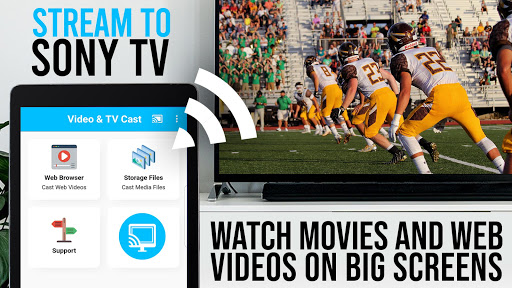
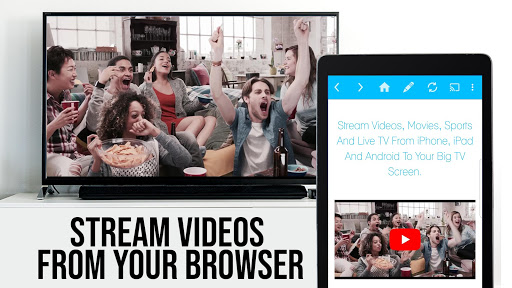
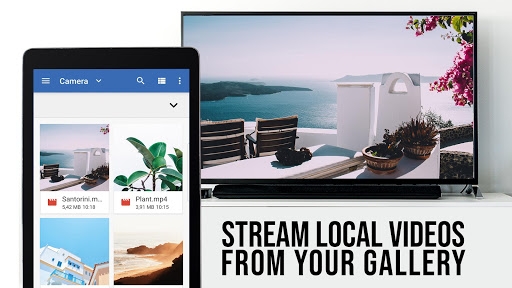
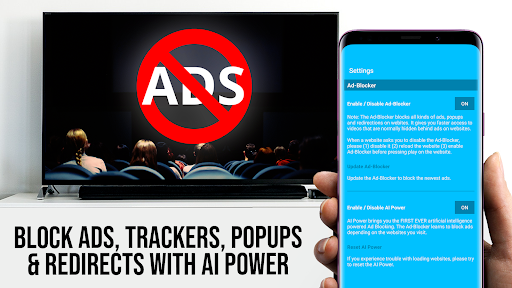
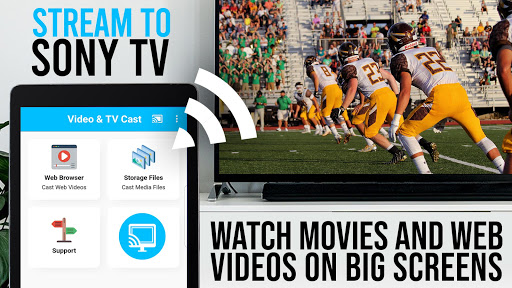
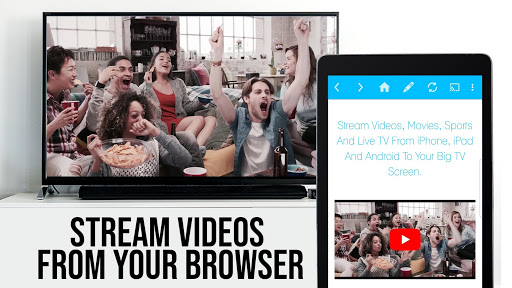
Upgrade your Sony TV to watch webvideos, online movies, livestreams and live-tv shows directly on your biggest screen with the no#1 web video streamer. No additional streaming box required. Mp4, m3u8, hls livestreams, video over https and of course Full HD are supported. *** This PRO app edition includes all Premium Features unlocked. You can test the basic features in the FREE app edition *** *** This app only works with Sony TVs with built-in Video & TV Cast app. If you have a Sony TV with integrated Android TV please download 'Video & TV Cast | Google Cast' *** With Video & TV Cast you can browse through the web and stream or cast any video you want on your Sony TV. Just navigate to your favorite website and send the embedded video with a single tap to your Sony TV. The discovered video will be shown below the browser. A tap on the video link will send it to your Sony TV immediately. >>> IMPORTANT NOTES, PLEASE READ * Please open the built-in Video & TV Cast app on your Sony TV to start. * Please enter the ip-address of your Android device by using the number pad and up/down/left/right keys on your Sony remote. * NOT SUPPORTED Videos: Flash video, Google Play movies, Netflix, Amazon and HBO and other DRM protected videos web-videos, online-movies, livestreams and live-tv shows. * Please test your websites and videos in the free edition! If casting fails, upgrading will NOT make it work magically. * The app does NOT mirror your full Android device, it just pushes the video part of a website to your Sony TV. * To play mp4, m3u8 or other videofiles directly on Sony TV just enter or paste the full video-url in the browser address bar. * Sometimes it is necessary to play the video on your Android device before the link gets detected for casting. * If the connection does not work, please try to restart your Android device, Sony TV and wifi router. * If a specific web-video, online-movie, livestream or live-tv show does not cast, please check our FAQ or send the website and video link to info@video-tv-cast.com by using the report feature in the app. We will try to add support for your video as soon as possible. Leaving negative Play Store reviews without any information about your issue will not give us a chance to help you. * Security Note: For your safety Video & TV cast only needs minimal Android permissions to work. Unlike others we do NOT access your identity data, accounts, device id, phone status, gps location or contacts. Please always check the required app permissions before you trust and install any Android app. * Refunds: Only within 24 hours after purchase. Please submit the Google Purchase ID. >>> PRO FEATURES * Remote Playbar: Use the Playbar for advanced video control while browsing, including video scrubbing, forward, rewind, play, pause, stop. * Ad-Blocker + No Sponsoring Ads: The Pro app version has no ads and the Ad-Blocker blocks ads & popups on most websites that you visit. You can enable/disable it at any time in the settings. * Bookmarks: Add and manage as many bookmarks as you want, either in the bookmarks menu or directly in the browser. * Desktop Mode: Change the browser user-agent and cloak your Android device as a desktop PC to load the desktop website instead of a mobile website. Please note that this will NOT enable video casting on websites that serve Flash videos in desktop mode. * Change Homepage: After purchasing this you can set your personal homepage in the settings. Disclaimer: This app is not affiliated with Sony or any other trademark mentioned here.
What's New
Latest version 1.32 with bug fixes and performance improvements
Enhanced security and stability
Optimized for better user experience
Kullanıcı Yorumları
10 yorum
Sam Haskell
4 yıl önce
I haven't had any difficulty with this app, I highly doubt the people giving it negative reviews know how to use it. My only complaint is that it's full of "clutter"....most of the optional features & settings aren't even worth changing and don't improve the app at all
Thank you for taking time to review our app. As a company we need to have a source of income to be able to still develop and work on the app. That is why we offer features like the ad-blocker or the playbar for sale. We also try to improve the app with the next update. If you encounter any issues, please contact us via info@video-tv-cast.com.

Robert Sun
3 ay önce
did not work. audio played but no video. unable to refund right away as not part of Google Play refund scheme. emailed developer within 48 hours to request refund. refund was processed promptly by support. so while app didn't work for me support was very good.
Thank you for taking time to update your review. We are glad that our support could help you.

Earnest Delaine Jr.
4 yıl önce
What's it for? This app does nothing for my viewing experience on my Sony TV. Paid $4.99 for it, then it tells me to by another $4.99 app that may or may not work. Very disappointed in Sony and this app. It would be better to provide users a trial use (30 mins) and then give the option of purchasing a full version if the trial met your needs.
Thank you for taking time to review our app. We are sorry that you are unhappy with the app. Please contact us via info@video-tv-cast.com and send us your GPA in the format GPA.xxxx-xxxx-xxxx-xxxxx from the receipt. We need this GPA ID to check and fulfil your refund request. You can find the GPA ID by visiting https://payments.google.com.
Developer
Trusted developer with verified applications on our platform.
App Information
Download Stats
Safe Download
This app has been verified and is safe to download. No malware detected.
You Might Also Like
More apps from Video Players & Editors category


Video Downloader - XDownloader
Download Videos App Tools


VITA - Video Editor & Maker
SNOW Corporation


iWebVR Pro
Panagola Private Limited


Slideshow Maker Photo Video
Govo Tech


AI Video Maker With Music
Aquaworld Infotech


Video Downloader & Player
Innometrics Enterprise