
Screenshots
About this app
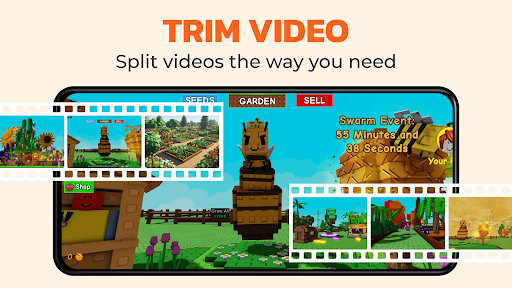
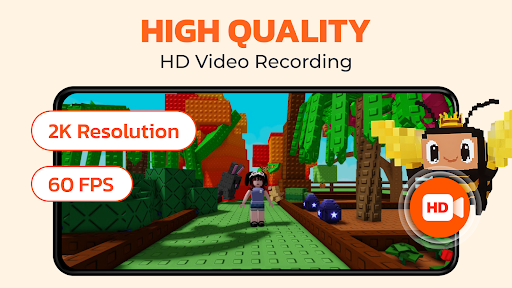
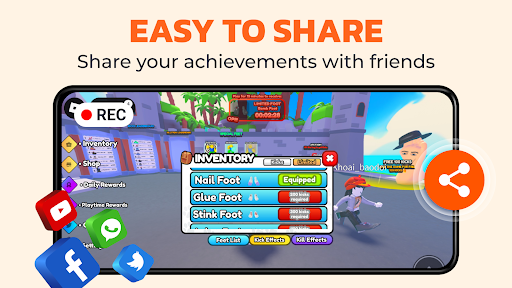
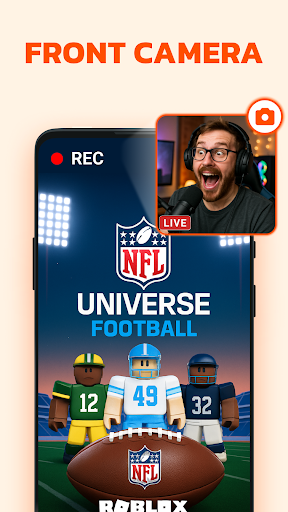
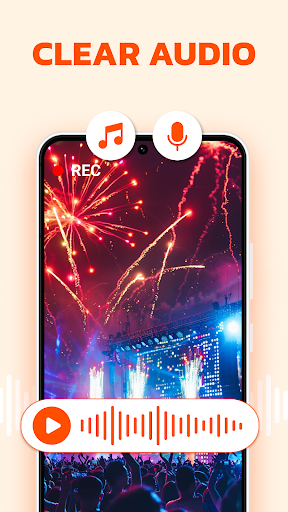
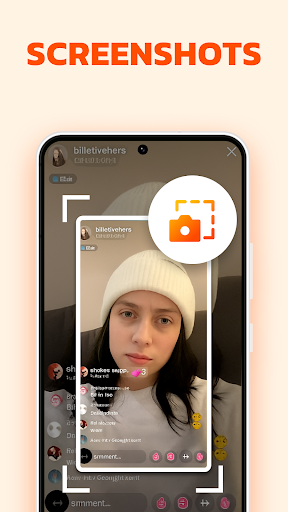
Screen Recorder - G1REC is an All-in-one screen recorder that helps users to record the screen of their mobile devices. It offers features like screen recording, screenshot capturing, video editing, voice changer, video compress, video to mp3, video to GIF. With G1REC, you can easily share high-resolution videos with no watermark on platforms such as Youtube, Snapchat, WhatsApp, Facebook, TikTok, etc. Unleash your creative potential and record screen like an expert with screen recorder! KEY FEATURES: - Capture Screenshot quickly with Floating button - Record videos with sound. - Face camera, perfect for YouTubers. - Record internal audio on Android 10+. - Draw during recordings with the Brush Tool. - Record in high quality: 1080p, 60FPS, at 12Mbps. - Option to conceal floating button during recording. - Edit videos after recording. - Voice changer for funny videos. - Video to GIF: Make your videos to GIF. - Video to MP3: Extract music from your videos. 🔊 Screen Recorder with Audio: Want to record gameplay or tutorials with audio? G1REC ensures your voice and internal sounds are captured clearly. Dive in and make your videos with this comprehensive audio-inclusive tool. 🎬 Video Recorder for game: G1REC offers top-tier game screen recording with HD quality. 🔉Video to MP3 Converter: Extract audio from videos using our Video to MP3 feature. Convert songs, lectures, or dialogues to high-quality MP3s for on-the-go listening. Simply upload, convert, and enjoy! 🤳 Facecam recording screen recorder: Employ the Facecam feature to include your reactions on a movable and resizable overlay window. 📽 Screen Video Recorder with no Watermark: Desire a no-watermark recording? It's your go-to for efficient screen recording or screenshot taking. 🎞 Video to GIF Converter: Easily transform video clips into looping GIFs with our Video to GIF feature. Record memorable moments in a compact, shareable format, perfect for social media, messaging, or websites. We continuously aim to enhance the user experience based on feedback. Users can share their insights or report issues faced while using Screen Recorder via email at screenrecorder@app.ecomobile.vn
What's New
Latest version 3.5.1 with bug fixes and performance improvements
Enhanced security and stability
Optimized for better user experience
Kullanıcı Yorumları
10 yorum
Hockey Fans VT
1 yıl önce
Thers nothing wrong with it every video you make requires a 5-10 seceond ad. Which is fair and you can edit it too! You can have a webcam without spending any money! and makes advanced videos soo now I can finally kinda be cooler. Nothing wrong with this app! Try it out! You will not regret it one bit! Its easy to use. (I didn't realize how much popularity it got, dang)

Leonard Ndlovu
4 ay önce
I love it .it has super ultra graphics and can make you videos get 10 k views of millions of views i recommend you should try it thank you bye
Thank you so much for taking time to leave us a positive rating 😊 Your kind words mean the world to us. Hope you enjoy G1REC!

Sivi Naidoo
3 ay önce
which is the best app ever because the previous one we downloaded was like so off like and it was not so good but this is the best recording app I ever had in my life
Developer
Trusted developer with verified applications on our platform.
App Information
Download Stats
Safe Download
This app has been verified and is safe to download. No malware detected.
You Might Also Like
More apps from Video Players & Editors category


Video Downloader - XDownloader
Download Videos App Tools


VITA - Video Editor & Maker
SNOW Corporation


iWebVR Pro
Panagola Private Limited


Slideshow Maker Photo Video
Govo Tech


AI Video Maker With Music
Aquaworld Infotech


Video Downloader & Player
Innometrics Enterprise