

Screenshots
About this app
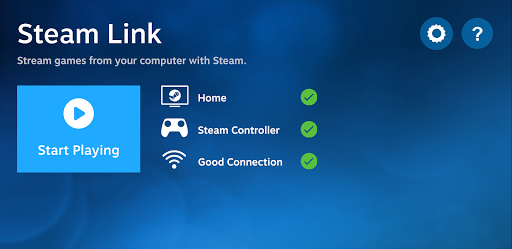
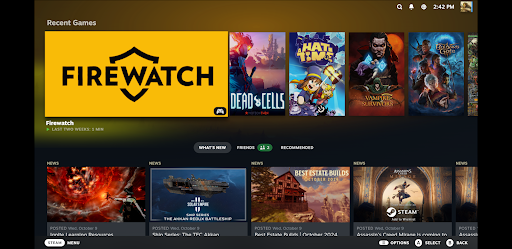
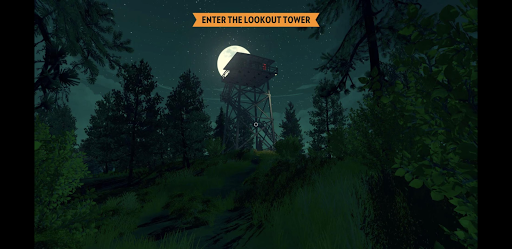
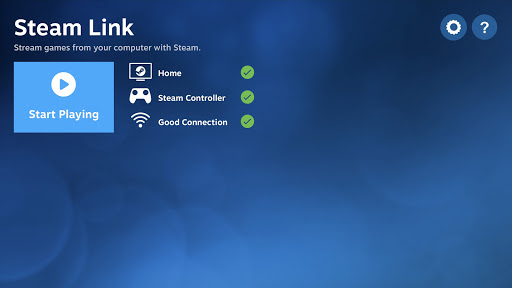
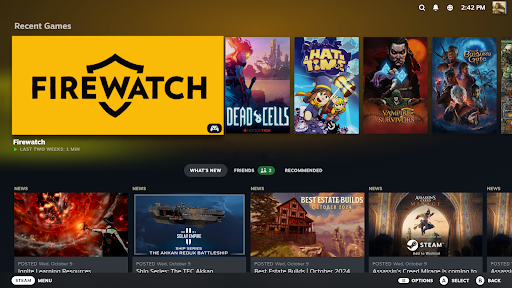
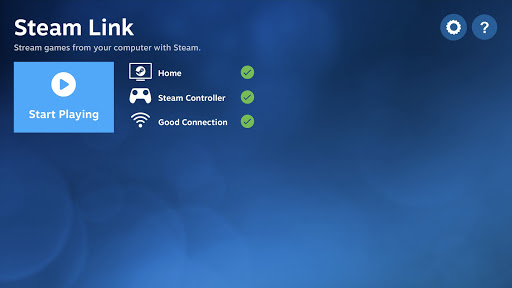
The Steam Link app brings desktop gaming to your Android device. Just pair a Bluetooth controller or Steam Controller to your device, connect to a computer running Steam, and start playing your existing Steam games. For best performance with Android TV: * Connect your computer using Ethernet to your router * Connect your Android TV using Ethernet to your router For best performance with tablets and phones: * Connect your computer using Ethernet to your 5Ghz WiFi router * Connect your Android device to the 5GHz band of your WiFi network * Keep your Android device within a reasonable range of your router
What's New
Latest version 1.3.19 with bug fixes and performance improvements
Enhanced security and stability
Optimized for better user experience
Kullanıcı Yorumları
10 yorum
Kevin Tamarit
3 yıl önce
Tried this years ago and it was a dumpster fire. Now I can play on the TV at home or on the tablet when traveling - performance is awesome. For best results: 1) Use a mainstream controller that gets lots of support (Xbox is ideal). 2) Ensure the games come from Steam and that they offer at least partial controller support (needed for touch too). 3) Go full hardwire if you can, but PC connected to router with a LAN cable is the minimum. If you compromise on these 3, your mileage will vary.

Alan Rencher
4 yıl önce
This works well, and does what it says. The reviews I see here are kind of missing the point. If you want to play on your phone, use a Kishi or similar controller. If you want to play on your TV, use a Chromecast and Xbox/PlayStation controller. Streaming works well if you have a good Wi-Fi network. I also don't know why people give bad reviews because they can't stream over LTE/5G - this doesn't claim to do that.

A Google user
6 yıl önce
Although I have been experiencing hiccups, it worked better than I expected from a streaming app. My Wi-Fi sucks, and could only handle up to 1080p in videos. When I streamed, I was surprised how good it looks, with only a few artifacts, and the (almost) consistent frames. I recommend this to anyone who has at least moderate quality Wi-Fi/data speeds. the reason for making it a 5 star instead of anything lower, is that it runs much better than other apps, especially Stadia, due to many reasons.
Developer
Trusted developer with verified applications on our platform.
App Information
Download Stats
Safe Download
This app has been verified and is safe to download. No malware detected.
You Might Also Like
More apps from Entertainment category