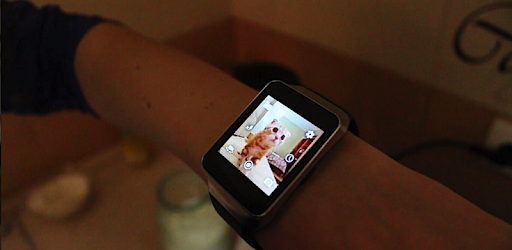

Screenshots
About this app
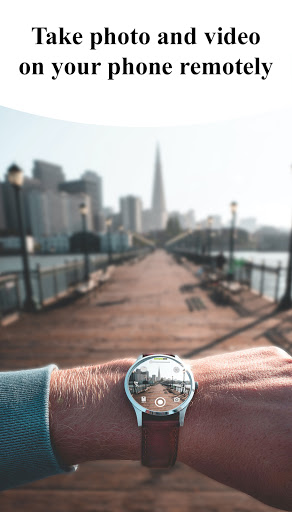
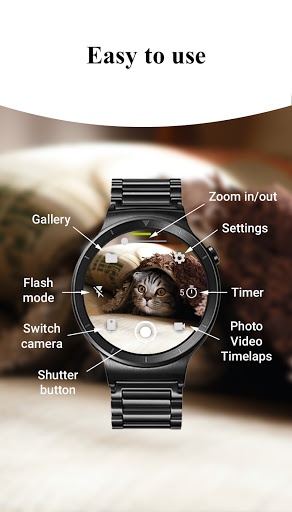
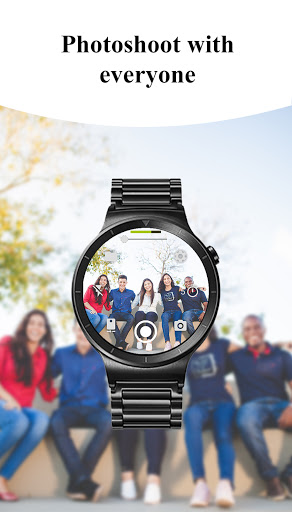
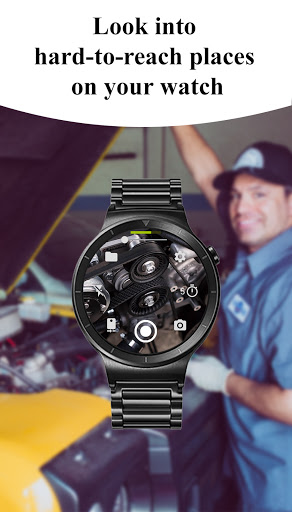
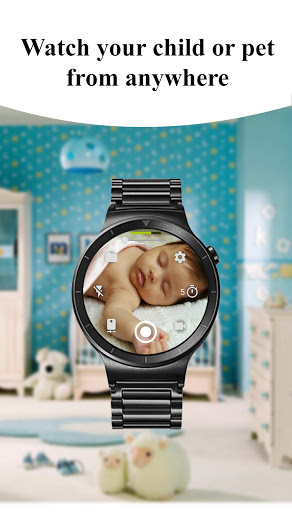
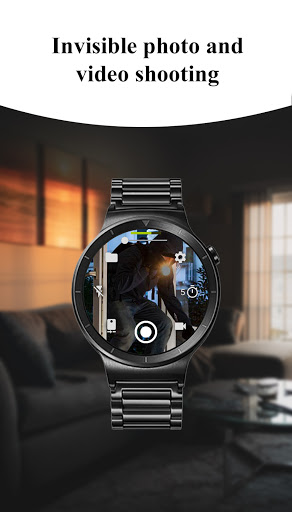
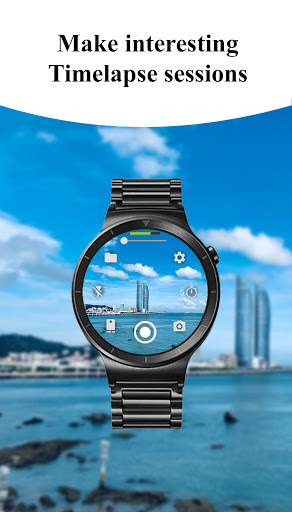
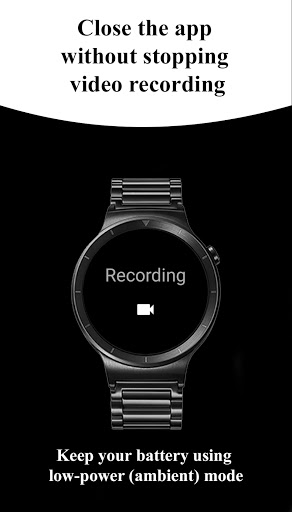
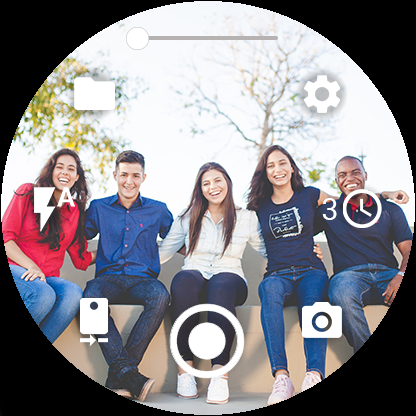
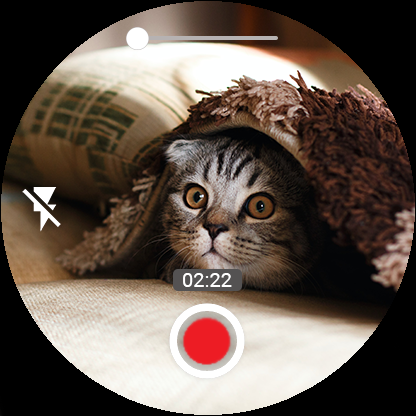
Control your phone's camera right from your Wear OS smartwatch. Capture amazing photos and videos, and explore a world of possibilities with this convenient app. 🌟 Key Features 🌟 📸 Three Shooting Modes: Capture photos, record videos, and create captivating timelapse sessions effortlessly. 🌆 Advanced Camera Modes: Experience Bokeh, HDR, Night, and Auto modes (device compatibility may vary) for enhanced image quality. ⏱️ Timer Setup: Set up timers directly from your watch for precise photo, video, and timelapse shooting. 🔦 Flash and Flashlight Control: Access multiple flash modes and activate the flashlight independently to illuminate any scene. 🔄 Quick Camera Switching: Seamlessly switch between front and rear cameras on your phone for versatile photography. 📷 Quality Settings: Adjust photo and video quality settings directly from your watch for both front and rear cameras. 🔍 Zoom Control: Zoom in and out effortlessly by controlling your phone's camera zoom from your smartwatch. ⚙️ Additional Features: 📱 Wide-Angle Camera Support: Unlock the power of wide-angle photography on compatible devices. 🎥 High-Framerate Video: Record videos at 30 or 60 frames per second for smooth, professional-grade footage. 📏 Aspect Ratio Options: Choose between 4:3 and 16:9 aspect ratios for perfect framing. 📷 Stunning 4K Video: Capture breathtaking moments in stunning 4K resolution on supported devices. 📍 Geotagging: Add geotags to your photos and videos to document your location. 🔒 Camera Orientation Lock: Keep your camera orientation fixed in vertical, horizontal, or auto-rotate mode. 👀 Camera Preview Control: Enable or disable the camera preview on your phone whenever needed. ⏹️ Seamless Experience: Close the app on your watch without interrupting ongoing video recording. 📵 Screen-Off Capture: Take photos and videos even when your phone screen is off or locked. 📶 Wireless Connectivity: Connect your watch to your phone via Bluetooth and Wi-Fi* for seamless control. 🔄 Automatic Image Rotation: Enjoy automatic image rotation on your watch for easy viewing. 🖼️ Photo Gallery: View and browse your captured photos directly on your watch. 🔢 Gesture and Button Control: Effortlessly control the camera through intuitive gestures and hardware buttons (check gesture usage in system settings). 🖐️ Hide Control Buttons: Long press on the preview to hide control buttons for a distraction-free view. 💾 Flexible Storage Options: Save your images and videos to either the SD card or internal phone storage. ⌛ Organized Timelapse: Timelapse photos are automatically grouped into folders for each session. 🧩 Complication Support: Add a complication to your watch face for quick and easy access to the camera app. *Note: Features may vary depending on device compatibility. ⚠️ Notes ⚠️ You need to have a Wear OS smartwatch: Galaxy Watch 4/5/6/7, Ticwatch, Asus Zenwatch, Huawei Watch, LG Watch, Fossil Smart Watch, Motorola Moto 360, Casio Smart Watch, Skagen Falster, Montblanc Summit, TAG Heuer Modular etc.
What's New
Latest version 7.8.1 with bug fixes and performance improvements
Enhanced security and stability
Optimized for better user experience
Kullanıcı Yorumları
10 yorum
Portrait Studio by Creative Photo
5 yıl önce
If you are patient the app will install on both phone and watch for no additional charge. I went through the recommended steps, to refresh play, but ultimately I just needed to wait a couple of days. The app works incredibly well! You have access to a ton of camera controls, and it can record time lapse and even when the watch screen is off. It was worth the wait!!
Thank you for the feedback!

Paolo Cosci
4 yıl önce
Works flawlessly on my Ticwatch Pro 3, great app! The only downside is my front camera (Oneplus 7 Pro) is not working. I know it might be tricky on this phone (retractable front camera) so it's not a deal breaker. Other than that, the app works great, it's silent, I can use it for more than take pictures. Note: it would be amazing to be able to have an audio feed if enabled, to use it as a pet/baby monitor where you need to listen something!
Thank you for the feedback! We'll investigate ability to implement audio stream

A Google user
5 yıl önce
Finally a camera app for wear os that actually works! I have had no problems with this app and controlling the camera and video of my smart phone. Thumbs up for finally getting it done! The ability to switch between wifi & bluetooth connection is great and gets the best live preview to you possible. If you want a camera control app that actually works when you want it to get this one!
Developer
Trusted developer with verified applications on our platform.
App Information
Download Stats
Safe Download
This app has been verified and is safe to download. No malware detected.
You Might Also Like
More apps from Photography category


Selfie Camera - Beauty Camera
iMediaStar


FaceFancy-Face Swap & AI Photo
SZYJ Technology


StyleSwap: Outfits & Faces
SkySoft Inc


AI Photo Editor: Gallery Vault
T21 Games


HD Camera: AI Beauty
UniStarSoft


Photo Album F-Stop Pro
Seelye Engineering