
Screenshots
About this app
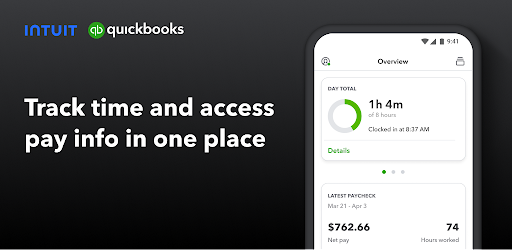
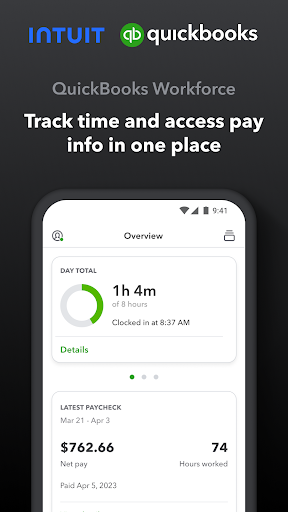
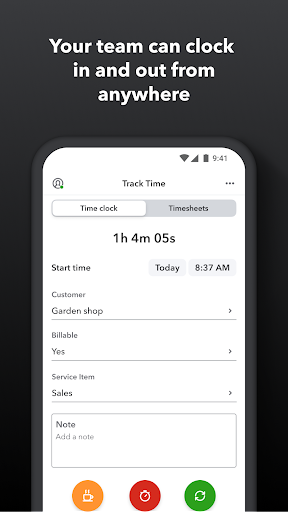
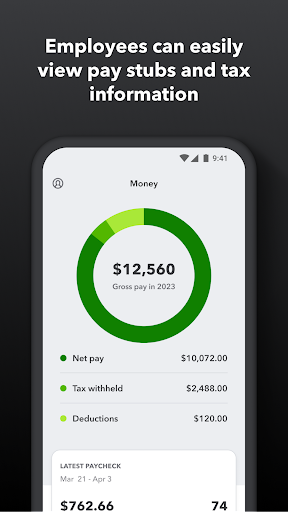
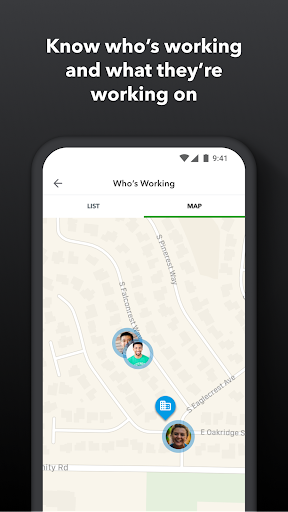
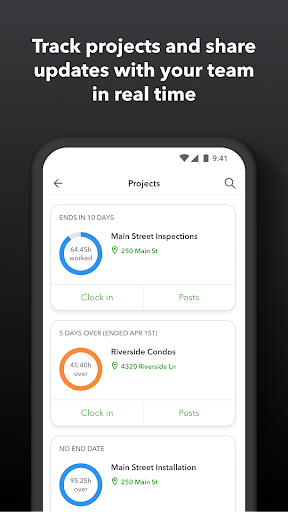
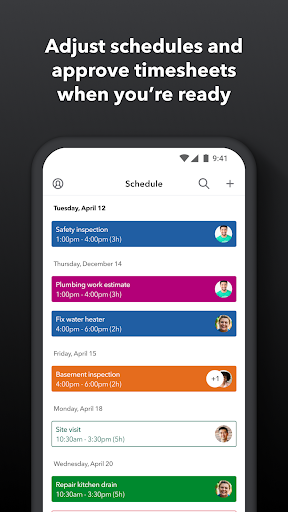
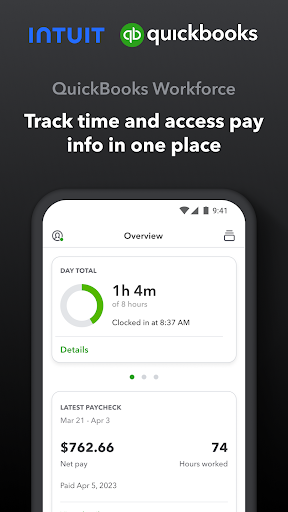
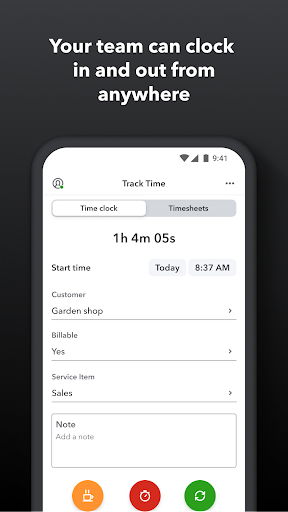
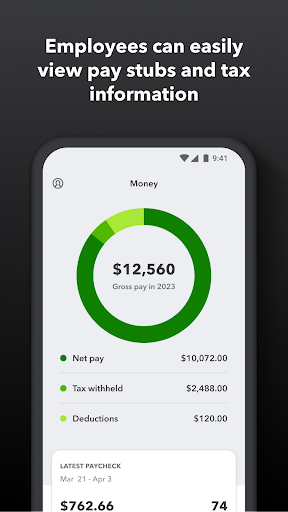
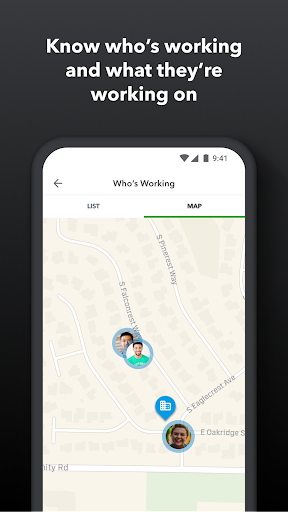
QuickBooks Workforce—an app for QuickBooks Payroll and QuickBooks Time (formerly TSheets)—lets teams view pay info and track time in one place. Pay features are available to businesses that use QuickBooks Online Payroll & QuickBooks Desktop Payroll. Time tracking features are available to businesses that use QuickBooks Time. What your team can do: • Access pay stubs, W-2s, and other pay info anytime, anywhere • Clock in and out, even without Wi-Fi or service • Submit and track paid time off, sick days, and holidays • Edit timesheets and manage job schedules • Switch jobs, pause tracking, or take a break • Use GPS location-based time tracking • Add photos and updates in a project activity feed (QuickBooks Time Elite only) What an employer or admin can do: • Approve, edit, or delete timesheets • Schedule by job or by shift • See who’s working and where in real time • Set up a geofence that reminds your team to clock in or out when they enter or leave a job site (QuickBooks Time Elite only) • Create or modify schedules • Push, text and email alerts are triggered if employees don’t clock in as scheduled, or approach overtime • Track vacation, sick, or holiday accruals for employees • See day and week totals, plus other time reports, at a glance • Oversee team productivity and project status, and adjust budget, deadlines, and resources as needed (QuickBooks Time Elite only) Extra benefits: • Save on payroll costs and eliminate manual data entry • Get real-time reports in multiple formats (PDF, CSV, online, HTML) • Data seamlessly integrates with QuickBooks Online & QuickBooks for PC (Pro, Premier, & Enterprise) • Integrates with other payroll, accounting, and invoicing software • Protect yourself against labor disputes and audits with a detailed time log • Accurate time data replaces paper timesheets and makes payroll and invoicing faster and less costly. • Developer open API Terms, conditions, pricing, special features, and service and support options subject to change without notice.
What's New
Latest version 4.81.1.20251119.2.RELEASE with bug fixes and performance improvements
Enhanced security and stability
Optimized for better user experience
Kullanıcı Yorumları
10 yorum
A Google user
6 yıl önce
It's ok... when I have access. Lately I've been getting kicked out and stuck in a constant battle of signing in. I've had to reinstall several times, which is really irritating. There also appears to be a disconnect with Location. My gps is on, but it keeps telling me it's off or cannot connect. Maybe a little more Android support will help resolve these issues. Maybe a new update is needed.

Ken Scoggins
2 yıl önce
Time entry on the Workforce version is horrid! We were using the QB Time app and it worked just fine, while not the best interface design, it was OK and simple. Now it's convoluted and is geared toward clock in/out tracking. Just entering x hours for a day seems to be buried layers deep. Even then there are annoying bugs, like prepopulated fields getting an error for being empty when they are not, forcing you to go in and pick it anyway... even when there is only one possible option.
We sincerely apologize for the troubles you've had with the app. We'd be happy to take a look into this for you, please contact us at iopmobile@intuit.com. Thank you.

Julienne Couchenour
7 ay önce
I've been using this as an employee for almost a year now. We have to take photos of our work and upload them to the project but my phone has stopped uploading them. It started doing this months ago and we realized that my phone was taking a too large of a photo, so I had to change my photo settings to take lower quality photos, but even then I can only submit 2-3 a time. That issue was somewhat fixed for a bit but now the app force closes when I hit the + to add photos. Junk!
Hi Julienne. This may happen if the setting for Transfer Files Only Over WiFi is turned on. We recommend checking to make sure it's turned off (https://tinyurl.com/54v5v8pm), then restarting, and syncing data (More > Settings > Sync Data). If you need more help afterward, please email QBCares@intuit.com so we can help. Wishing you success. -Karey
Developer
Trusted developer with verified applications on our platform.
App Information
Download Stats
Safe Download
This app has been verified and is safe to download. No malware detected.
You Might Also Like
More apps from Productivity category











