

Screenshots
About this app
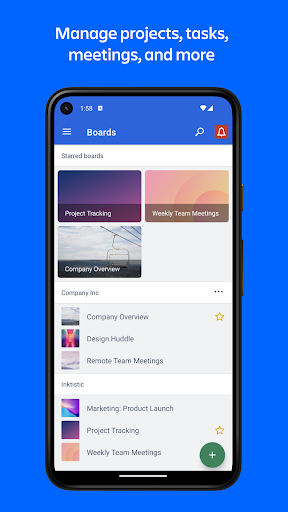
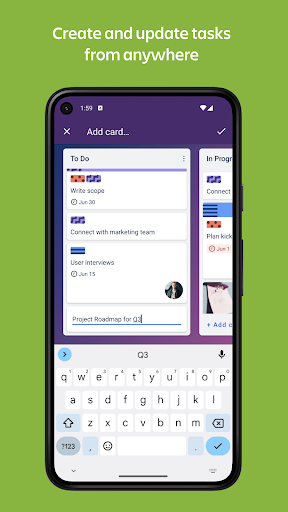
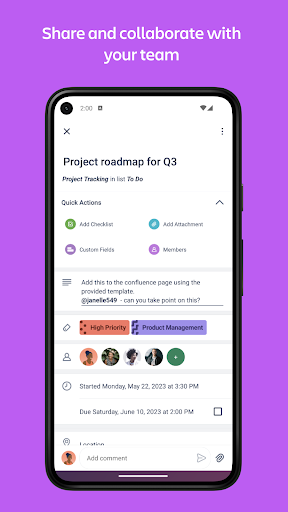
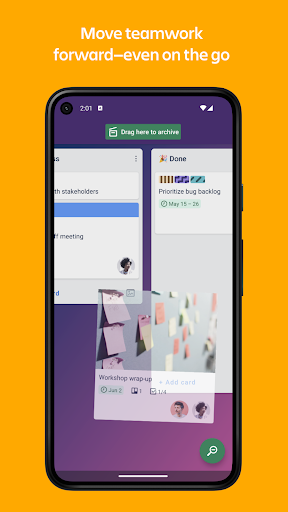
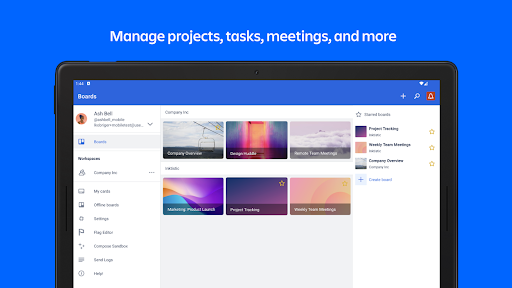
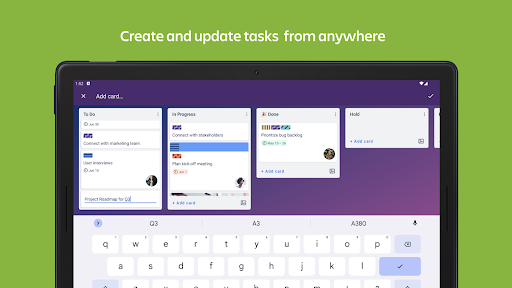
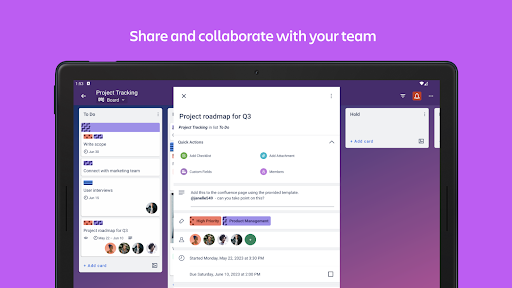
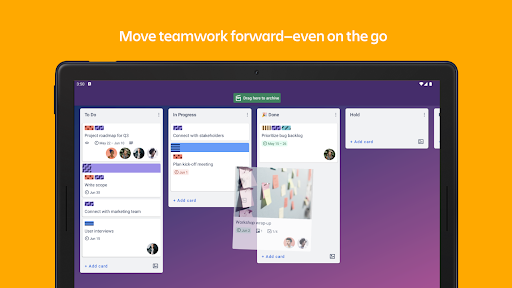
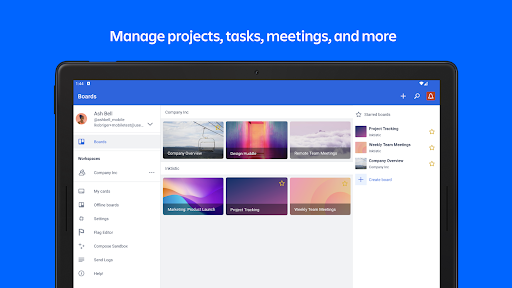
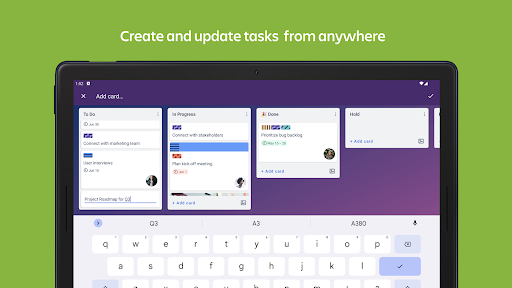
Manage projects, organize tasks, and build team collaboration—all in one place. Join over 1,000,000 teams worldwide that are using Trello to get more done! Trello helps teams move work forward. Trello is the flexible work management tool that empowers all teams to plan, track, and accomplish their work, their way. Whether you’re planning a website design project, managing weekly meetings, or onboarding a new employee, Trello is infinitely customizable and flexible for every type of work. With Trello you can: Manage projects, tasks, meetings, and more * Free your brain from remembering all the to-dos with Trello’s customizable-yet-simple boards, lists, and cards. * Easily see what work you have to do today and what's coming up with Calendar view. * Quickly size up project status and team progress with Timeline view. * No matter where work gets done, at events or in the field, visualize your tasks with Map view. Create and update tasks from anywhere * Go from idea to action in seconds–create cards for tasks and follow their progress to completion. * Add checklists, labels, and due dates, and always have the most up-to-date view on project progress. * Upload images and documents, or quickly add website links to cards to contextualize your work. Share and collaborate with your team * Assign tasks and keep everyone in the loop as work is handed off. * Break down big tasks with oh-so-satisfying checklists: Check things off the list, and watch that status bar go to 100% complete. * Collaborate and track feedback of your work with comments—emoji reactions included! * Share files by attaching them onto a card so the right attachments stay with the right tasks. Move work forward—even on the go * To stay up-to-date no matter where you are, turn on push notifications and stay informed when cards are assigned, updated, and completed. * Trello works offline! Add information to your boards and cards at any time and it will be saved for when you need it. * Easily access your boards and create cards from your phone's main screen with a Trello widget. No more going back and forth through endless email chains or looking for that spreadsheet link to update the status of a project on your phone. Sign up for Trello today—it's free! For more ideas on how to use Trello, visit: www.trello.com/guide We value transparency and will ask for permissions to access: Camera, Microphone, Contacts and Photo Library Usage.
What's New
Latest version VARY with bug fixes and performance improvements
Enhanced security and stability
Optimized for better user experience
Kullanıcı Yorumları
10 yorum
Lt_Lefty15
1 yıl önce
A very good organization app. I primarily use it for my to-do lists and organizing other personal info, but I have also used it to collaborate with my friends/colleagues on some personal projects. My only gripe is that formatting the descriptions of cards on the mobile version is different than on the Web version, and any formatting you do on the mobile version will not appear correctly on the Web version. But aside from that, it is a great app.

Pete
5 yıl önce
I have been using Trello now for probably 5+ years, and it's hard for me to imagine getting by without it now. For a long time I tried to find ways to store information so that I could access it across multiple different platforms, and while also having the format to allow me to store lots of different types of information - To Do lists, shopping lists, study plans, work notes, diet tracking, etc. With Trello I can almost always find ways to track things quickly and painlessly.

A Google user
6 yıl önce
Great app, for the most part. Nice and versatile, plenty of features, free, no ads, nice UI, and a truly amazing set of backgrounds for projects. I only have a few issues: It would be nice to maybe see the names of tags attached to cards, without opening the cards. It'd also be nice if i could see the descriptions and maybe also checklists on cards without opening them. Other than that, however, Trello is an amazing, highly useful app!
Thanks for the feedback and suggestions. I'll let our team know you'd like to see these features added the a future version of the app!
Developer
Trusted developer with verified applications on our platform.
App Information
Download Stats
Safe Download
This app has been verified and is safe to download. No malware detected.
You Might Also Like
More apps from Productivity category











