
Screenshots

About this app
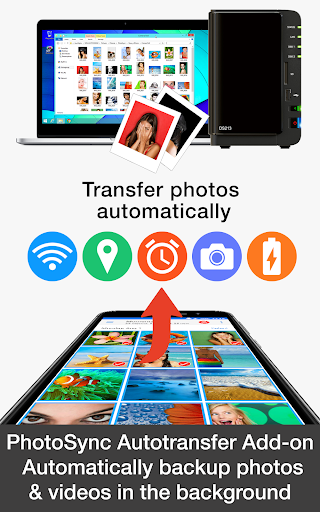
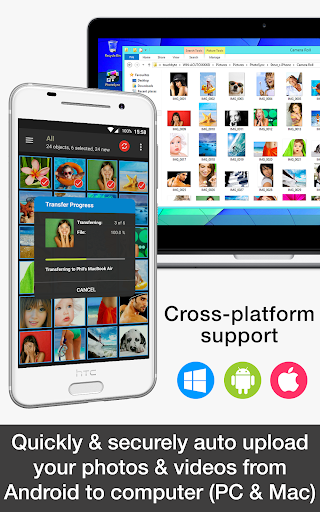
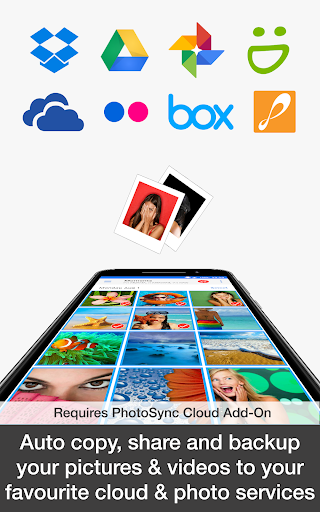
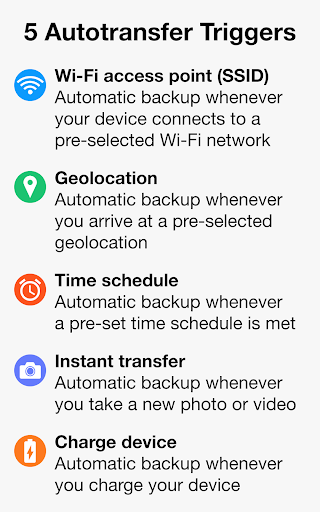
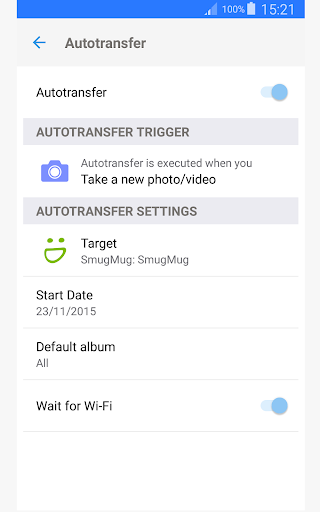
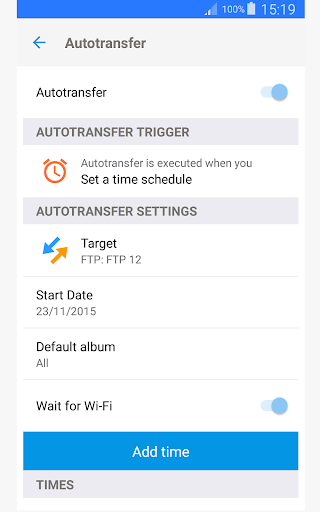
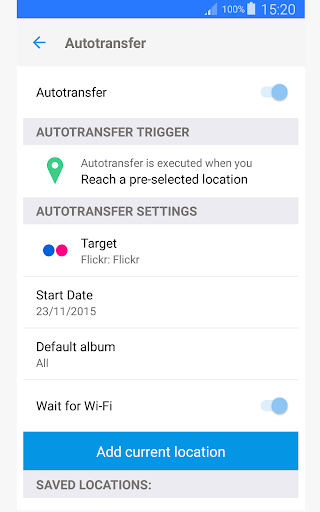
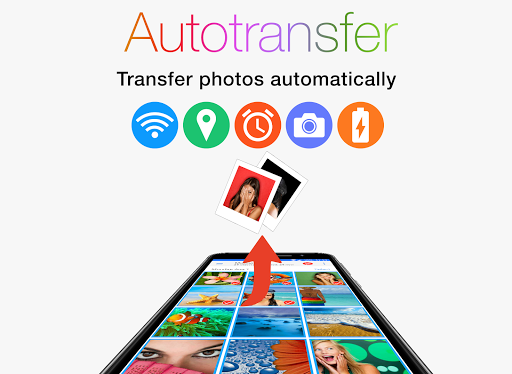
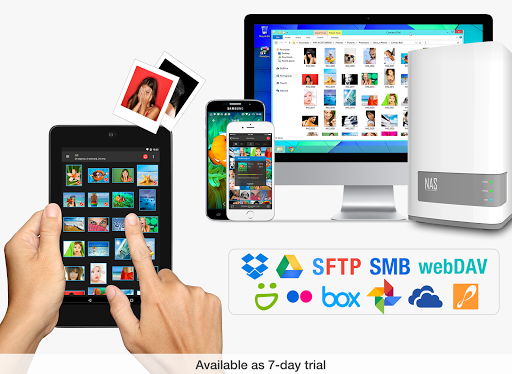
This product is the ‘PhotoSync Autotransfer Add-On’ Activation License of PhotoSync. Once purchased, you can add PhotoSync Autotransfer Add-On capabilities to the free PhotoSync version and remove ads. ★ Over 10,000 positive reviews, thousands of happy users and millions of photo transfers ★ Number one cross-platform solution with native apps for Android, iOS, Windows & Mac ★ Reliable and secure software – operating 10 years in the market and continuously updated ★ Total user control and fully customisable ABOUT PHOTOSYNC AUTOTRANSFER ADD-ON VERSION • Automatically and wirelessly backup photos and videos in the background to computer, private cloud, NAS and supported cloud / photo services. • Five configurable Autotransfer triggers: Wi-Fi access point (SSID), geolocation, time schedule, take a photo and charge device • No ads HOW IT WORKS: 1. Download and Install PhotoSync at https://play.google.com/store/apps/details?id=com.touchbyte.photosync 2. Download and install 'PhotoSync Autotransfer Add-On License' 3. PhotoSync will automatically upgrade to PhotoSync Autotransfer Add-On version upon the installation of PhotoSync Autotransfer Add-On License PHOTOSYNC AUTOTRANSFER HIGHLIGHTS Easy and reliable transfer solution for automatically and wirelessly backing up your photos and videos in the background to pre-selected targets. Automatically backup your photos and videos • Securely auto backup your photos and videos directly from your Android phone / tablet to computer (PC and Mac) over WiFi or Portable WiFi Hotspot • Safely auto upload your photos and videos straight from Android to any NAS, wireless mobile storage device or remote server over SMB, (S)FTP or WebDav. (Requires PhotoSync NAS Add-On – all major NAS and mobile storage devices are supported!) • Securely auto copy, share and backup your photos and videos directly from your Android phone / tablet to your favourite cloud and photo services over WiFi and Cellular network. (Requires PhotoSync Cloud Add-On – Dropbox, Google Drive, Google Photos, Flickr, OneDrive, SmugMug, Box, Zenfolio and PhotoPrism are supported!) Five Autotransfer options • Automatically backup your photos and videos whenever you take a new picture or video [Instant transfer] • Automatically backup your photos and videos whenever your device connects to a pre-selected WiFi network [WiFi access point based (SSID) transfer] • Automatically backup your photos and videos whenever you arrive at a pre-selected geolocation [Location based transfer] • Automatically backup your photos and videos whenever you charge your device [Trigger transfer] • Automatically backup your photos and videos whenever a pre-set time schedule is met [Time schedule] ABOUT FREE PHOTOSYNC VERSION • Safely and securely backup photos and videos from Android devices to computer (PC & Mac) over WiFi • Send pictures & videos from computer to Android phone and tablet over WiFi or Portable WiFi Hotspot • Transfer photos and videos between Android phone and tablet over your local network (WiFi or Portable WiFi Hotspot) • Copy and move photos and videos between Android devices and iPhone / iPad over WiFi • Ad-supported
What's New
Latest version 3.4.1 with bug fixes and performance improvements
Enhanced security and stability
Optimized for better user experience
Kullanıcı Yorumları
10 yorum
Sarmad Kalamchi
4 yıl önce
Great and flexible software. Only issue I have had is automatic transfer is now broken since Android 11 update. Can't seem to get it to work. Real shame.

Zachary Corya
5 yıl önce
This app just works, customization options are great, I forget I have the app then check my computer for the pics and they are there.

A Google user
7 yıl önce
excellent app for those who prefer (local) photo and video backups. plus it has excellent options for setting naming schemes and folders. i set it to create a folders on sync that organize photos by year/month
Developer
Trusted developer with verified applications on our platform.
App Information
Download Stats
Safe Download
This app has been verified and is safe to download. No malware detected.
You Might Also Like
More apps from Photography category


Selfie Camera - Beauty Camera
iMediaStar


FaceFancy-Face Swap & AI Photo
SZYJ Technology


StyleSwap: Outfits & Faces
SkySoft Inc


AI Photo Editor: Gallery Vault
T21 Games


HD Camera: AI Beauty
UniStarSoft


Photo Album F-Stop Pro
Seelye Engineering