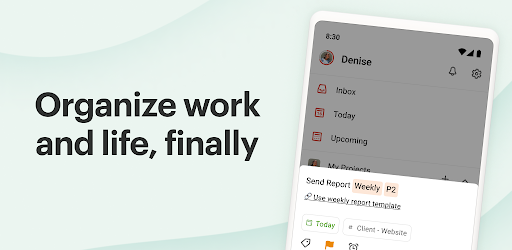

Screenshots
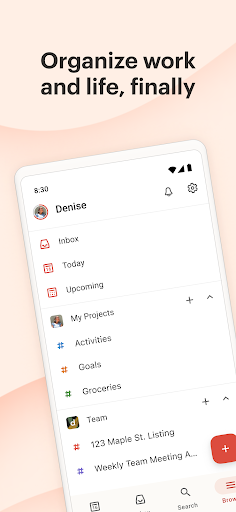
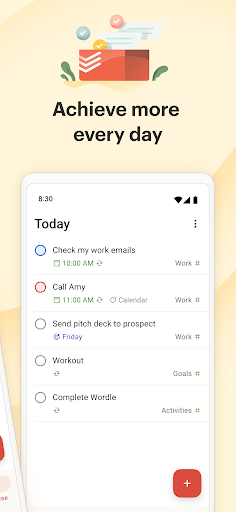
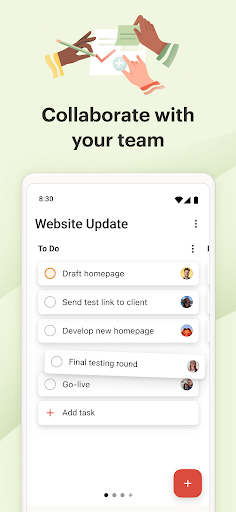
About this app
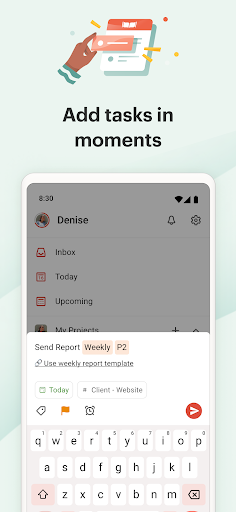
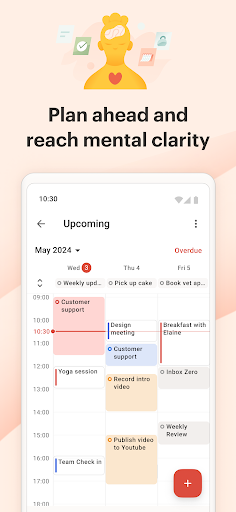
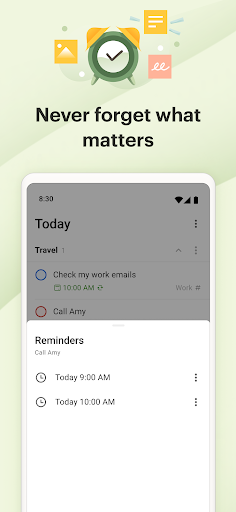
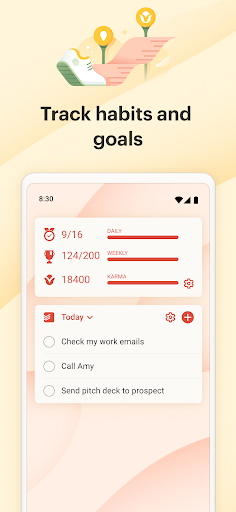
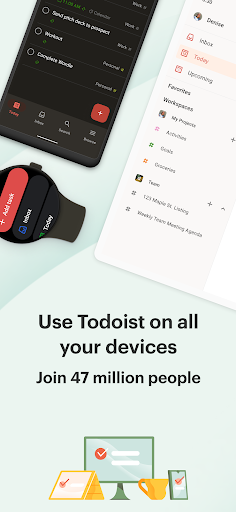
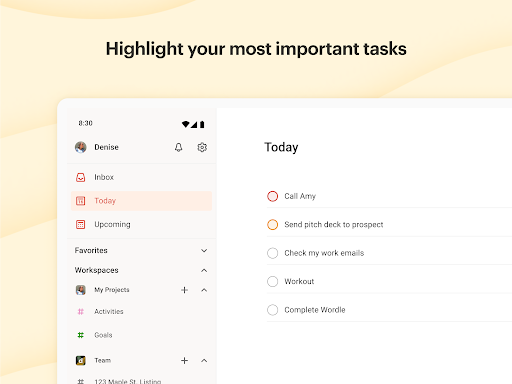
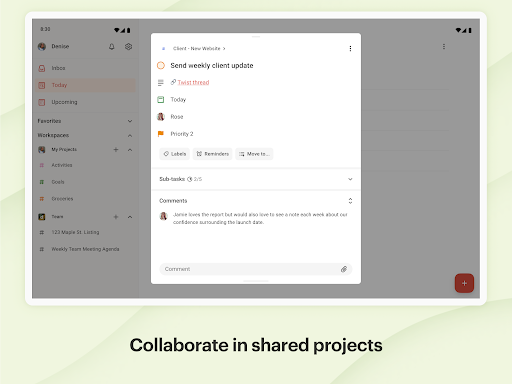
Trusted by over 47 million people, Todoist is a to do list and a planning center for individuals and teams. Instantly declutter your mind, build habits, and boost your productivity. With a simple tap, add your daily tasks and set reminders, enjoy multiple views like calendar, list and board, filter activity by work and/or personal life, share notes, collaborate on projects, and achieve peace of mind. Why choose Todoist? • As a habit tracker, you can add tasks like “Plan next week’s work every Friday afternoon” or “Do homework every Wednesday at 6pm” using Todoist’s powerful language recognition and recurring dates. • Use it as a checklist to reach that mental clarity you’ve been longing for by capturing tasks at the speed of thought. • View any project as a list, board or calendar planner to give you ultimate flexibility when planning both your work and time. • Link Todoist with your calendar, voice assistant, and 100+ other tools such as Outlook, Gmail, and Slack. • Collaborate on projects of all sizes by assigning tasks to others. Have all your teamwork at hand by adding deadlines, notes, files. • Get up and running in no time with templates ranging from a schedule planner to packing lists, meeting agendas and more. • Work towards your goals with insights into your personalized productivity trends. Todoist on Android • All the power from Android: task list widget, productivity widget, Quick Add tile, and notifications. • Todoist is beautifully designed, simple to get started and intuitive to use. • Stay synced across your phone, tablet, and Wear OS watch, as well as your desktop and other devices. • Location-based reminders available on upgrade. Never forget an errand again. • And the best from Wear OS: Day Progress tile and multiple complications. Questions? Feedback? Visit Visit todoist.com/help Recommended by: > The Verge: “Simple, straightforward, and super powerful” > Wirecutter: “It’s simply a joy to use” > PC Mag: “The best to do list app on the market” > TechRadar: “Nothing short of stellar” Use Todoist to plan or track anything: • Daily and weekly planner • Project management • Time management • Business planning • Grocery list • ADHD planner • And more *About Pro plan billing*: Todoist is free. But if you choose to upgrade to the Pro plan, payment will be charged to your Google Play account, and your account will be charged for renewal within 24 hours prior to the end of the current period. You can choose to be billed monthly or yearly. You can turn off auto-renew in your Google Play settings any time after purchase.
What's New
Latest version VARY with bug fixes and performance improvements
Enhanced security and stability
Optimized for better user experience
Kullanıcı Yorumları
10 yorum
Ishaque Ramedies
8 ay önce
I've been using this app for a long time now, and had an issue where the widget crashed and wouldn't manually add back to my screen when clicking add. Update: I contacted the Todoist team and they assisted me in resolving my issue very quickly. If anyone encounters this issue, try holding the widget to add it to the screen as it seems like an issue where clicking the add button won't add the widget. Thanks again for helping me get the widget back, this app is great.
Thank you for sharing your experience! We really appreciate it 🤗

Kimberly Wolfe
1 yıl önce
Easy to use. There are all kinds of ways to organize your to do list. o like that I was able to set it up using the GTD method. I also like that Google calendar can be integrated and accessed through the app. A couple of frustrations...I had to try multiple times to set the due date and time for routine tasks. I also wish whole sections along with associated tasks could be moved to another project. I also wish you could pick multiple labels when creating a task instead of having to edit it later
Thanks for taking the time to share your feedback! To help us shape the future of Todoist, we'd love to invite you to fill out our feedback survey over at https://tally.so/r/3jB98J 🙌 To move a section to a different project you can press on the three dots icon and select "Move section".

Michael Baroň
1 yıl önce
I simply love the care they put into the navigation in the app. It literally takes one second to make a note, where other apps require several clicks just to start typing it in! Also, if you need app that works on your phone, desktop, browser, watch, ... and is a joy to use in all of the cases, this is your new friend.
Thank you for sharing your experience! We really appreciate it 🤗
Developer
Trusted developer with verified applications on our platform.
App Information
Download Stats
Safe Download
This app has been verified and is safe to download. No malware detected.
You Might Also Like
More apps from Productivity category











