
Screenshots

About this app
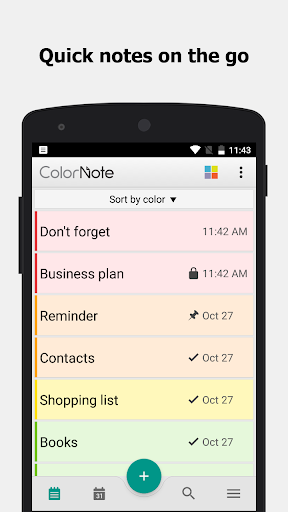
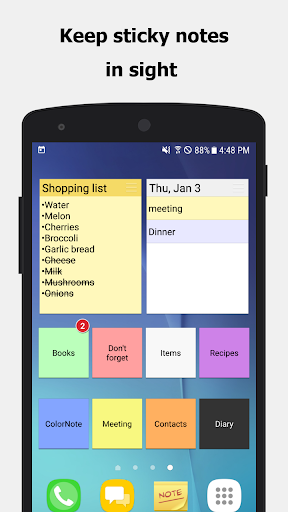
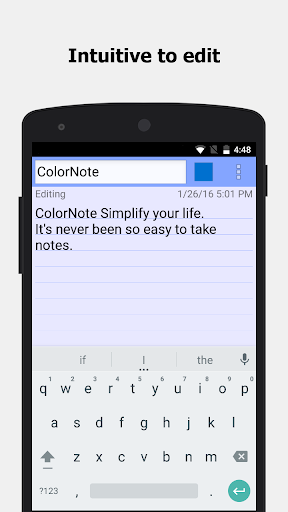
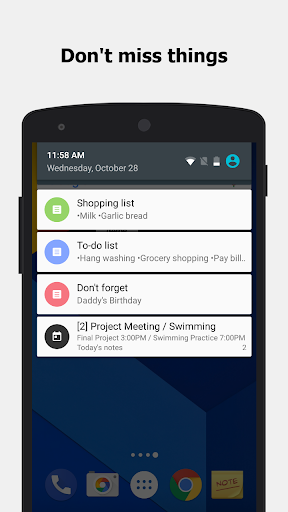
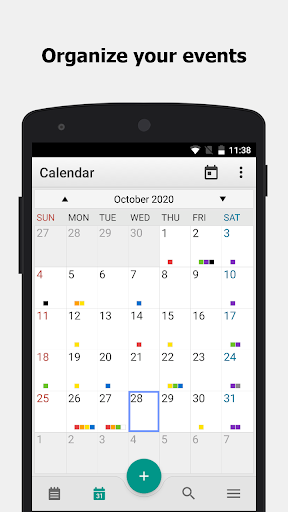
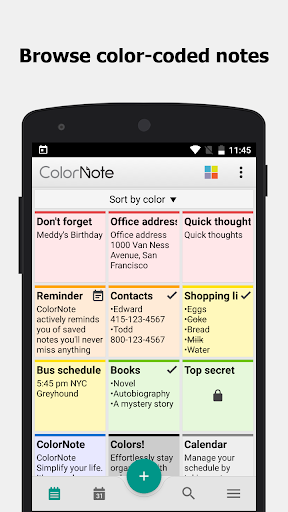
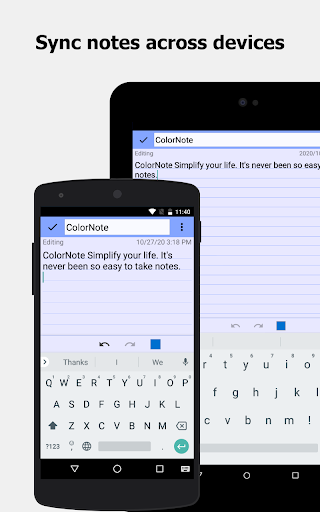
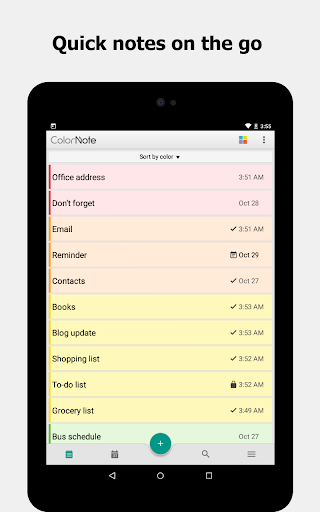
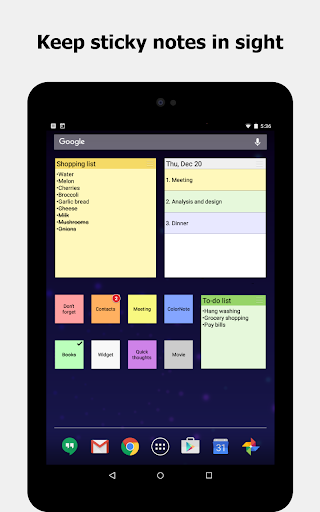
ColorNote® is a simple and awesome notepad app. It gives you a quick and simple notepad editing experience when you write notes, memos, e-mails, messages, shopping lists and to-do lists. Taking notes with ColorNote® Notepad is easier than any other notepad or memo pad app. * Notice * - If you cannot find the widget, then please read the FAQ below. - When you're finished using the notepad, an automatic save command preserves your individual note. * Product Description * ColorNote® features two basic note taking formats, a lined-paper styled text option, and a checklist option. Add as many as you want to your master list, which appears on the app's home screen each time the program opens. This list may be viewed in traditional ascending order, in grid format, or by note color. - Taking a Note - Serving as a simple word processing program, the text option allows for as many characters as you're willing to type. Once saved, you can edit, share, set a reminder, or check off or delete the note through your device's menu button. When checking off a text note, the app places a slash through the list's title, and this will be displayed on the main menu. - Making To-do List or Shopping List - In the checklist mode, you can add as many items as you'd like and arrange their order with drag buttons activated in the edit mode. After the list is finished and saved, you may check or uncheck each line on your list with a quick tap, which will toggle a line slash. If all items have been checked, then the list's title is slashed as well. * Features * - Organize notes by color (color notebook) - Sticky note memo widget (Put your notes on your home screen) - Checklist notes for To do list & Shopping list. (Quick and simple list maker) - Checklist notes to get things done (GTD) - Organize your schedule by note in calendar - Write a diary and journal in calendar - Password Lock note : Protect your notes with passcode - Secured backup notes to SD storage - Supports online back up and sync. You can sync notes between phone and tablet. - Reminder notes on status bar - List/Grid View - Search notes - Notepad supports ColorDict Add-on - Powerful task reminder : Time Alarm, All day, Repetition.(lunar calendar) - Quick memo / notes - Wiki note link : [[Title]] - Share notes via SMS, e-mail or Twitter * Online backup and sync cloud service * - Notes will be encrypted before uploading notes by using the AES standard, which is the same encryption standard used by banks to secure customer data. - It does not send any of your notes to the server without you signing in. - Sign-in with Google or Facebook. * Permissions * - Internet Access: For online backup & sync notes - Storage : For backup notes to the storage of the device - Prevent phone from sleeping, control vibrator, automatically start at boot: For reminder notes * FAQ * Q: How do you put a sticky note widget on the home screen? A: Go to the home screen and hold down your finger on an empty space and choose widget, Color Note will then be desplayed so you can stick on the page. Q: Why don't the widget, the alarm and notes remider functions work? A: If the app is installed on the SD card, your widget, reminder, etc. will not work properly because Android doesn't support these features when installed on an SD card! If you have already moved the app to an SD card, but want those features, then you have to move the app back on the device and reboot your phone. Settings - Applications - Manage Applications - Color Note - Move to Device Q: Where are backed up notes data on the SD card? A: '/data/colornote' or '/Android/data/com.socialnmobile.dictapps.notepad.color.note/files' on SD card Q: I forgot my master password. How can I change it? A: Menu → Settings → Master Password → Menu Button → Clear Password. You will lose your current locked notes when you clear the password! Q: How can I create todo list note? A: New - Select checklist note - Put items - Save. Tap an item to strikethrough.
What's New
Latest version 4.7.9 with bug fixes and performance improvements
Enhanced security and stability
Optimized for better user experience
Kullanıcı Yorumları
10 yorum
Jennifer M. Crandell
10 ay önce
Absolutely LOVE this app! 💛 It's my go-to app for notetaking and to-do lists. Love the syncing feature, which has brought my notes from phone to phone. The only thing that would make this app absolutely perfect, would be if it had the ability to insert images into the notes. Would love the ability to have a visual reference right there, versus having to hunt down the image of whatever it was that past me was referencing 😅

Robert Miller
1 yıl önce
Using app for about 3 or more yrs, perfect! It does what I need it to do w ease & no annoying adds bothering you every 2min. write a bunch of poetry & other things, I'm a contractor, so notes, material lists, schedules, links....i just keep a lot of notes.. what's great are the color coated categories so I can go right to what I'm looking for w out searching through the thousands of notes. I've been through about 4 or 5 phones w this app, I simply download it on néw phone & everything is there!

Cheryl Fortin (Sherri)
5 ay önce
5/30/18 I really like this app. It keeps all my little notes to myself organized and easy to access. 10/21/25 I continue to use this app nearly daily. I have added it to every new phone I have had since 2018, even though there is usually a notes app included in the phone. I haven't found any other one that organizes like Color Note and makes it as easy to save and find my notes. I would give this more than 5 🌟 if possible.
Developer
Trusted developer with verified applications on our platform.
App Information
Download Stats
Safe Download
This app has been verified and is safe to download. No malware detected.
You Might Also Like
More apps from Productivity category











