

Screenshots
About this app
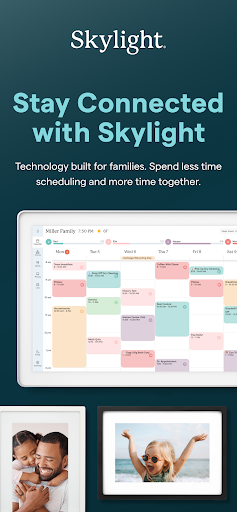
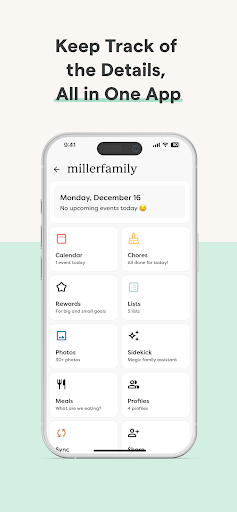
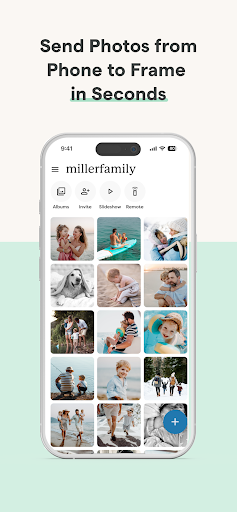
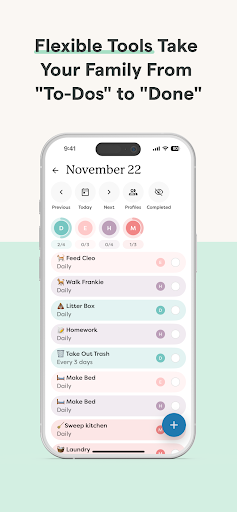
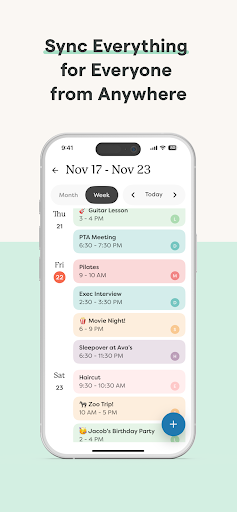
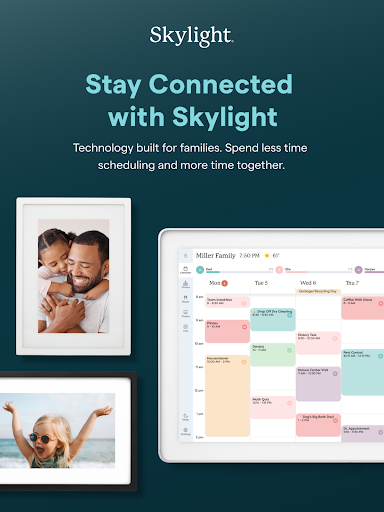
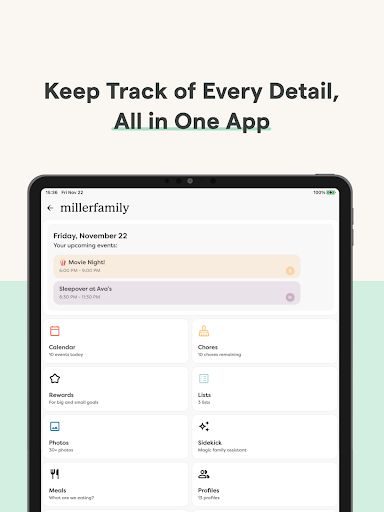
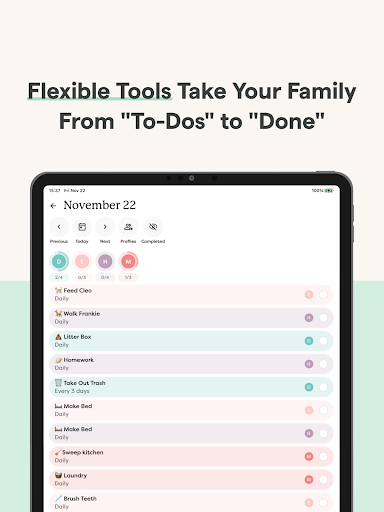
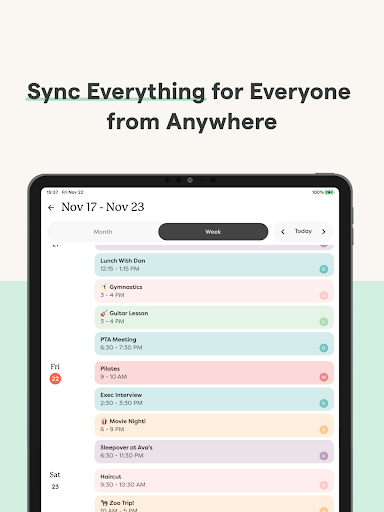
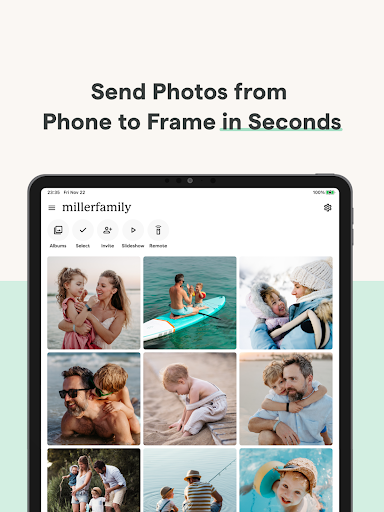
Skylight is the operating system for your family, bringing everyone’s calendars, lists, routines, and memories into one place. The Skylight App can be used to activate and manage your Skylight Calendar and Skylight Frame. Skylight Calendar - Sync unlimited calendars or create events directly - Set recurring chores & routines to keep everyone aligned - Share grocery and to-do lists, plus more! - Earn stars and unlock Rewards for completed tasks [PLUS] - Build your family recipe book & meal plans [PLUS] - Upload photos & videos to use as screensavers [PLUS] - Auto-import events, PDFs, recipes & more [PLUS] Skylight Frame - Easy setup: Connect to WiFi and go - Add photos anytime, anywhere via app or email - Create unlimited albums with captions - Upload videos and customize your display [PLUS] You can find our Terms of Service here: https://myskylight.com/tos/
What's New
Latest version 1.95.0 with bug fixes and performance improvements
Enhanced security and stability
Optimized for better user experience
Kullanıcı Yorumları
10 yorum
Stefanie Tucker
8 ay önce
I love the calendar and the app however, I don't get any notifications on my phone. I've checked the app settings and my phone setting. Notifications and reminders are all turned on and allowed. Using Samsung Galaxy S24. Edit: Updated stars to 5. Skylight provided excellent costumer service and we were eventually able to fix the issue.
Hello Stefanie and thank you for taking the time to review the Skylight app. I'm sorry notifications aren't working as expected. Please email VIP@skylightframe.com, and our Concierge team will be happy to troubleshoot with you.

Bonnie Davaz
7 ay önce
We like the calendar feature; it works well. We've used the task feature some, and it's fine. We use list for shopping, and this feature needs some adjustments. I wish categories would organize alphabetical. It also seems like deleting an item could be easier. Pictures: would be great if we could select pictures we want to see without deleting ones we don't want on rotation right now. For example, I want to display pictures of a person on their birthday, without deleting everything else.
Thanks so much for sharing your feedback—we’re glad you’re enjoying the calendar and lists. For photos, you don’t need to delete others to highlight just one: simply select the photo, tap the screen, and choose “Pause” to display it on its own. We’ve also shared your notes about list organization and deleting items with our developers.

Sandy White
4 ay önce
We haven't paired with a calendar yet, so this review is just for the app. When I first imported my main calendar, it created all the events and tagged them with every person's profile tagged, plus a "profile" of the calendar name, so I had to go through all the events and remove that. I also had the app crash on me 5 or 6 times as I tried to update all the events' tagged profiles. It looks like a lot of great features, but there will definitely be a learning curve from my old calendar app.
Thank you for the thoughtful feedback. I hear how frustrating the tagging and crashing have been, and I’m sorry for the trouble this caused. We’d love to take a closer look and get this fixed for you. Please email VIP@myskylight.com with your device details so we can help.
Developer
Trusted developer with verified applications on our platform.
App Information
Download Stats
Safe Download
This app has been verified and is safe to download. No malware detected.
You Might Also Like
More apps from Photography category


Selfie Camera - Beauty Camera
iMediaStar


FaceFancy-Face Swap & AI Photo
SZYJ Technology


StyleSwap: Outfits & Faces
SkySoft Inc


AI Photo Editor: Gallery Vault
T21 Games


HD Camera: AI Beauty
UniStarSoft


Photo Album F-Stop Pro
Seelye Engineering