

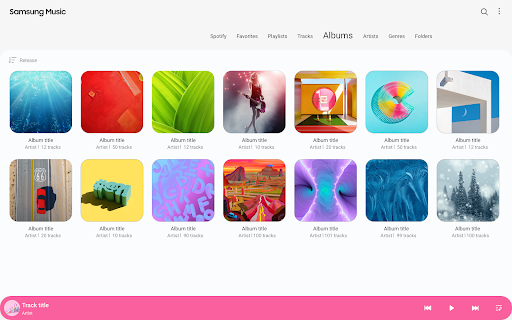
Screenshots

About this app
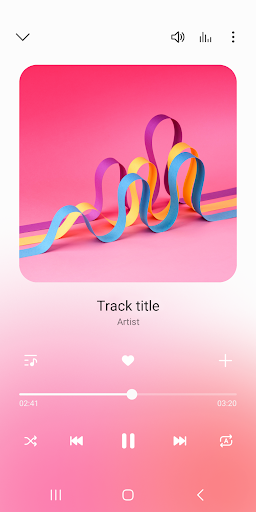
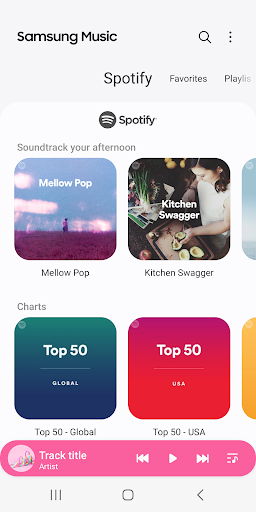
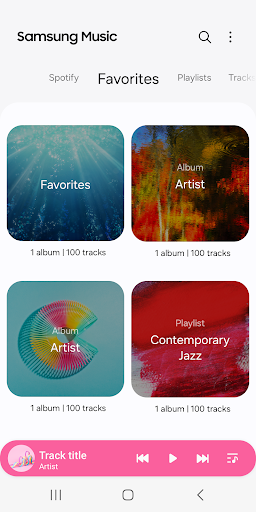
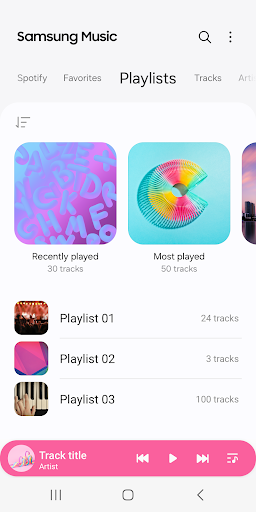
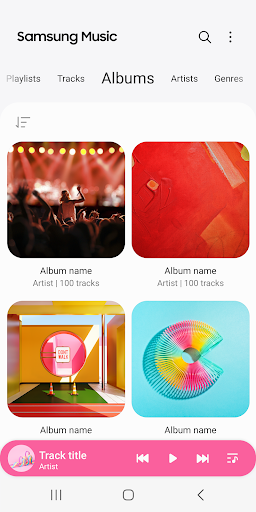
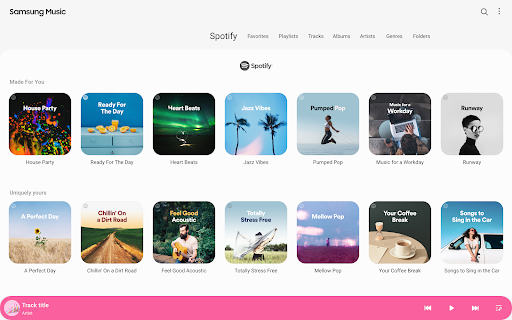
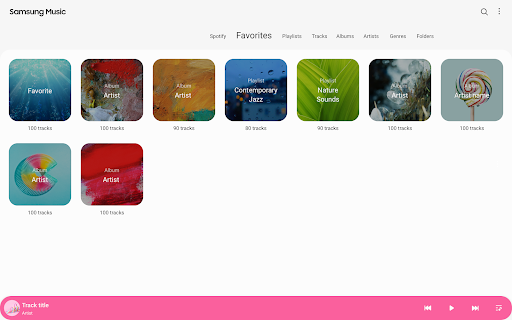
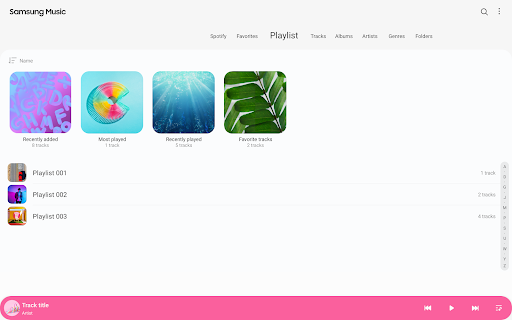
Samsung Music is optimized for Samsung android device and provides a powerful music play functionality and the best user interface. Key Features 1. Supports playback of various sound formats such as MP3, AAC, FLAC. (Supported file formats may vary depending on the device.) 2. Helps to effectively manage song lists by categories.(Track,Album,Artist,Genre,Folder,Composer) 3. Provides a clean and intuitive user interface. 4. The Samsung music shows recommendation of playlists from Spotify. You can find Spotify recommendation music by Spotify tab and search Spotify music you’ll love. (The Spotify tab is only available in countries where Spotify is on service.) For further inquiries about Samsung Music, please contact us via the following methods. * Samsung Music App > More (3 dot) > Settings > Contact US (In order to use the "Contact us" feature, the Samsung Members app must be installed on the device.) *** Required App Permissions *** Below mandatory permission is required for basic features of Samsung Music. Even if optional permission are denied, basic features may work properly. [Mandatory Permission] 1. Music and Audio(Storage) - Allows storing and playing music and audio files - Allows the player to read data from SD card. [Optional Permission] 2. Notifications - Provide notifications related to Samsung Music. 3. Phone : Korean devices only. - Verify your phone when using the music service.
What's New
Latest version 16.2.42.0 with bug fixes and performance improvements
Enhanced security and stability
Optimized for better user experience
Kullanıcı Yorumları
10 yorum
Simon Gates
7 ay önce
Samsung music is a basic player. it does the job without craming ads down your throat. I literally have never seen an ad since iv started using it years ago. I do wish that it would auto scroll when viewing lyrics while a song is playing. other than that its solid player. I have tried looking for a replacement. but others hit you up with ads or they have features i just don't need.

Christian, Holy King of Aristonia
9 ay önce
Love Samsung Music! I love the fact that I can listen to music without having to connect to the internet and having to watch ads (provided you listen to only mp3's). Samsung, if you're reading this, one suggestion I would like to see implemented in the future is a better and more precise control of crossfading. Instead of just seconds, we should be able to do milliseconds, too. Please consider this as a better option for smooth song transitions!

Ken Busser
6 ay önce
I don't care about Album art displayed. I just listen to the music in Playlists. I have them sorted by artists, music groups, years, decades, and more. Easy app to create Playlists in and are easy-to-use. What I have is a continuing problem, an intermittent garbled sound between songs. It comes and goes. Otherwise, what more can you ask for?
Developer
Trusted developer with verified applications on our platform.
App Information
Download Stats
Safe Download
This app has been verified and is safe to download. No malware detected.
You Might Also Like
More apps from Music & Audio category


Audio Elements Pro
Rokaud


Spotify: Music and Podcasts
Spotify AB


Bose QC Earbuds
Bose Corporation

AudioLab Audio Editor Recorder
HitroLab - Mp3 Audio Editor and Ringtone Maker Dev

Musivibe - Enjoy Various Music
Acunsewer Media


AudioTool
jjbunn