
Screenshots
About this app
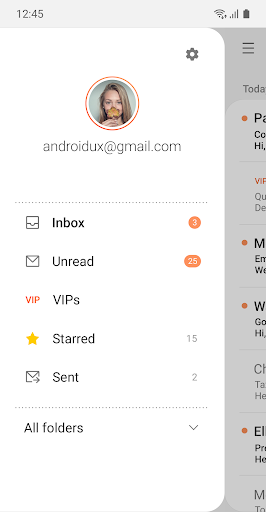
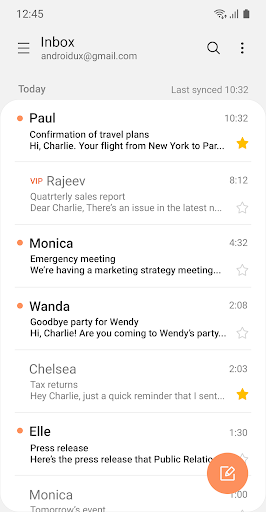
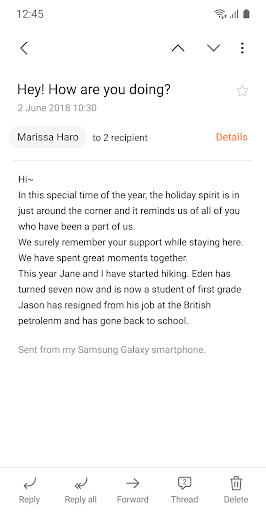
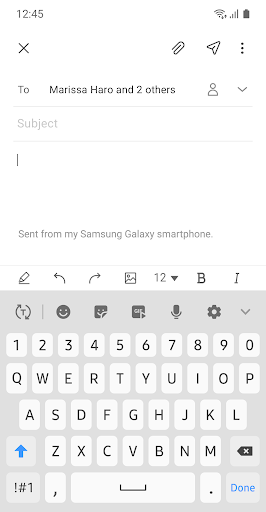
This update is available for Samsung Mobile with Android OS. Samsung Email enables users to manage multiple personal and business email accounts seamlessly. Samsung Email also offers EAS integration for business, encryption using S/MIME to safeguard data and ease-of-use features such as insightful notifications, SPAM management. Furthermore, organizations can administer various policies as needed. Key features · POP3 and IMAP support for managing personal email accounts · Exchange ActiveSync (EAS) integration for synchronizing Exchange Server based business email, calendars, contacts and tasks · Encryption using S/MIME for secure email communication Additional features · Customizable user experience with notifications, schedule synchronization, SPAM management, and combined mailboxes · Policy administration with comprehensive, built-in EAS support · Conversation and thread view to read related mail --- Regarding the App Access Permission --- The following permissions are required for the app service. For optional permissions, the default functionality of the service is turned on, but not allowed. [Required permissions] - None [Optional permissions] - Camera: Used to attach photos to email - Location: Used to attach current location information to email - Contacts: Used to link email recipients/senders with contacts and synchronize contact information when using Microsoft Exchange account - Calendar: Used to synchronize calendar infomation when using Microsoft Exchange account - Notification : Used to display notification when sending or receiving emails - Music and audio (Android 13 or higher) : Used to attach or save files such as music and audio - File and Media (Android 12) : Used to attach(insert) or save files and media. - Storage (Android 11 or less) : Used to attach(insert) or save files [Privacy Policy] https://eula.secb2b.com/EULA/EMAIL/GLOBAL_en_rUS_Privacy_Policy.html [Supported E-mail] b2b.sec@samsung.com
What's New
Latest version 6.2.06.0 with bug fixes and performance improvements
Enhanced security and stability
Optimized for better user experience
Kullanıcı Yorumları
10 yorum
Roy Harrison
1 yıl önce
I don't like using built-in device email apps, but this is excellent and allows me to do things that neither of my email providers apps will - setting your own notification sound for instance, but far and away the best feature is being able to compose 'rich text' emails, in other words you can use bold type, italics, colours and pictures in the body of the text etc.. Essential. EDIT: 16/1 I can no longer make the widget fully transparent, could you fix please?

Dave K
6 ay önce
The email app freezes when attempting to load any and all of my email accounts. After a long wait, I get a message asking if I want to close the app or wait. Basically, I have to force close, clear cache, and reopen the app. Sorting by sender is the only the plus. I can't reinstall from the the APK mirror. Hey developers, any suggestions? Thanks!

Jason Black
7 ay önce
I still use this app for my emails. I love the settings I can customize for each account. I also love being able to send group texts. I still have to use GMail when I need to schedule an email to be sent at a later date/time. Samsung allows for scheduled messages in their texting app so I really wish they would add that function to their email app.
Developer
Trusted developer with verified applications on our platform.
App Information
Download Stats
Safe Download
This app has been verified and is safe to download. No malware detected.
You Might Also Like
More apps from Productivity category











