Screenshots



About this app
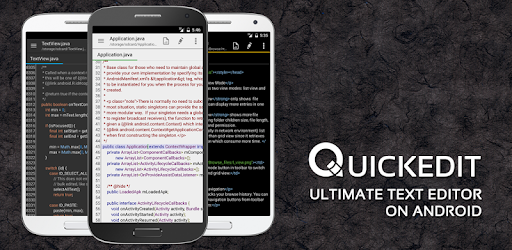
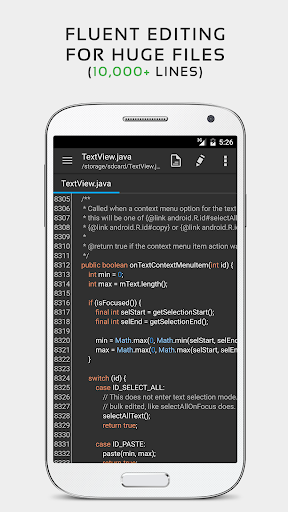
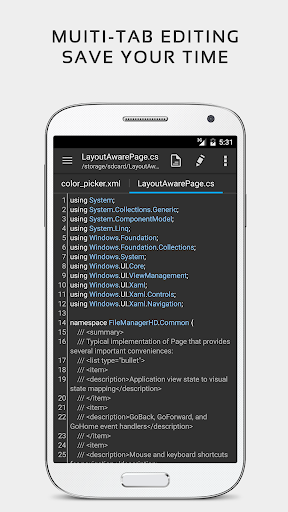
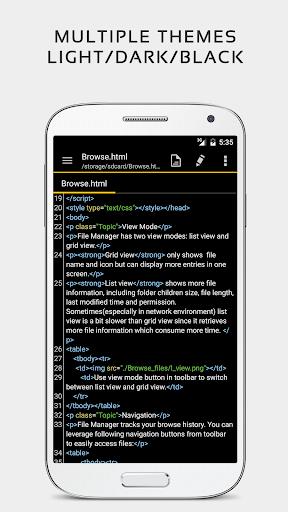
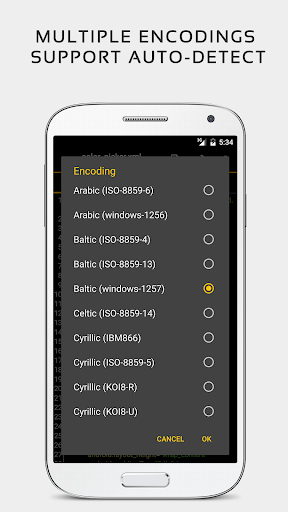
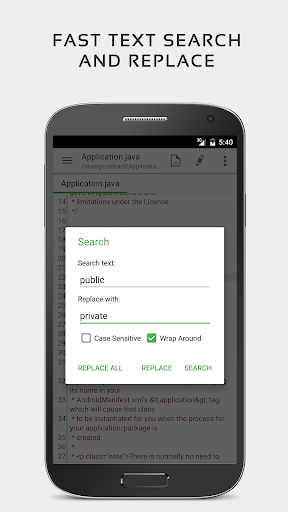
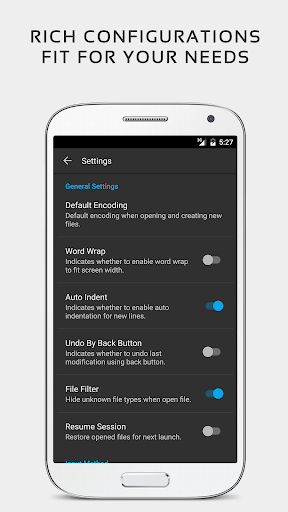
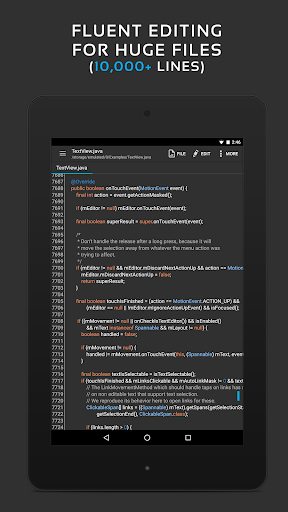
QuickEdit text editor is a fast, stable and full featured text editor. It has been optimized for using on both phones and tablets. QuickEdit text editor can be used as standard text editor for plain text files, or as a code editor for programming files. It is suitable for both general and professional use. QuickEdit text editor includes a number of performance optimizations and user experience tweaks. The speed and responsiveness of the app are much better than other text editor apps commonly found on Google Play. Features: ✓ Enhanced notepad application with numerous improvements. ✓ Code editor and syntax highlight for 170+ languages (C++, C#, Java, XML, Javascript, Markdown, PHP, Perl, Python, Ruby, Smali, Swift, etc). ✓ Include online compiler, can compile and run over 30 common languages (Python, PHP, Java, JS/NodeJS, C/C++, Rust, Pascal, Haskell, Ruby, etc). ✓ High performance with no lag, even on large text files (more than 10,000 lines). ✓ Easily navigate between multiple open tabs. ✓ Show or hide line numbers. ✓ Undo and redo changes without limit. ✓ Display, increase, or decrease line indentations. ✓ Fast selecting and editing abilities. ✓ Physical keyboard support, including key combinations. ✓ Smooth scrolling both vertically and horizontally. ✓ Directly target any specified line number. ✓ Quickly search and replace content. ✓ Easily input hex color values. ✓ Automatically detect charset and encoding. ✓ Automatically indent new lines. ✓ Various fonts and sizes. ✓ Preview HTML, CSS, AsciiDoc and markdown files. ✓ Open files from recently opened or added file collections. ✓ Ability to edit system files on rooted devices. ✓ Access files from FTP, Google Drive, Dropbox, and OneDrive. ✓ Handy tool to edit INI, LOG, TXT files and hack games. ✓ Supports both light and dark themes. ✓ Optimized usage for phones and tablets. ✓ Ad-free version. If you can help to translate this application to your native language, please contact our email: support@rhmsoft.com. If you run into any issues or have any suggestions, please feel free to contact us: support@rhmsoft.com You can also share your comments with the QuickEdit thread on xda-developers: http://forum.xda-developers.com/android/apps-games/app-quickedit-text-editor-t2899385 Thanks for using QuickEdit!
What's New
Latest version 1.12.4 with bug fixes and performance improvements
Enhanced security and stability
Optimized for better user experience
Kullanıcı Yorumları
10 yorum
Glen Dizongo
3 yıl önce
The idea of struggling to find a text editor app on android is crazy, it sounds like such an easy thing to accomplish but that wasn't the case for me. They would always have too many features and a cluttered UI or obnoxious account linking. All I wanted was a text editor that worked and didn't feel annoying to use, and QuickEdit delivers on that. Been using it for 4+ years now, still stands tall as the best text editing app. It looks great, feels great, it's as good as it gets for text editors.

A Google user
6 yıl önce
Very cool, an actual WORKING text file editor. It has lots of useful features too, just like regular computer editors. Unlike many editors, its search function works properly. It took me a long time to find a truly functional Android text editor. It's well worth getting the paid version. The app is now even smaller and even faster responding. The one bad thing (as others have said) is the text selection is a huge pain to do. It's often easier to hold down the backspace key instead.

J M (Country Jack)
4 yıl önce
I'm not a big coding fan on the phone. But I have found that waiting for an appointment or a train, can force you to fight boredom. So, I will load a couple of small files and, mess with them. Many of the text editors on Android are not as intuitive or functional as they are on the desktop. QuickEdit has become a great choice for text and code tweaks while on the go. It performs well on my Galaxy S20 Ultra 5G and has never misformatted a file on save or destroyed one either.
Developer
Trusted developer with verified applications on our platform.
App Information
Download Stats
Safe Download
This app has been verified and is safe to download. No malware detected.
You Might Also Like
More apps from Productivity category











