
Screenshots
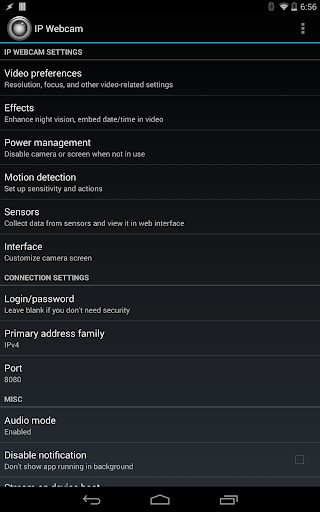
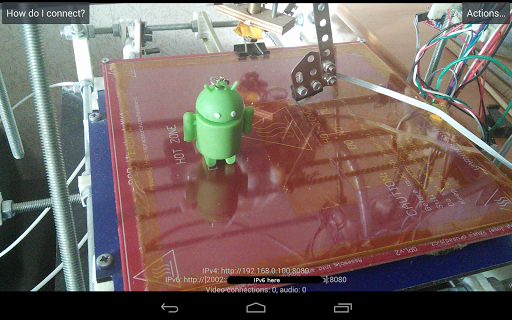
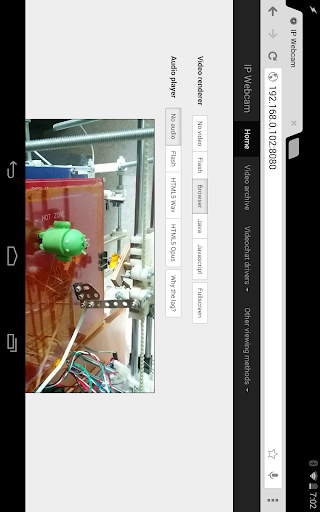
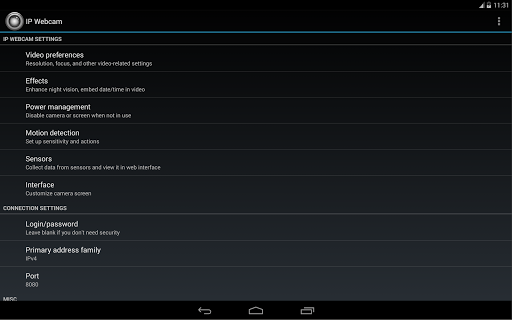
About this app
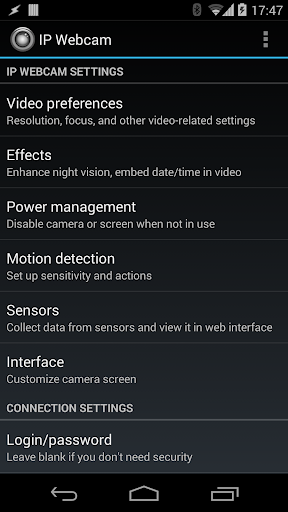
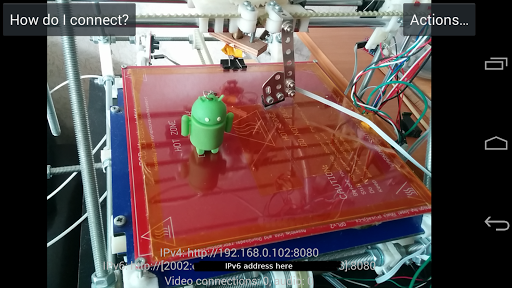
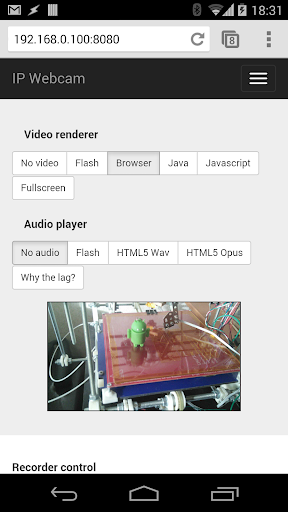
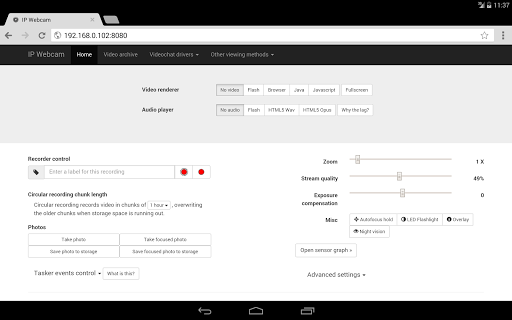
Please try Lite version of IP Webcam first. Its only limitations are lack of Tasker integration and customizable user interface. IP Webcam turns your phone into a network camera with multiple viewing options. View your camera on any platform with VLC player or web browser. Stream video inside WiFi network without internet access. Optional Ivideon cloud broadcasting is supported for instant global access. Two-way audio supported in tinyCam Monitor on another android device. Use IP Webcam with third-party MJPG software, including video surveillance software, security monitors and most audio players. Features include: • Video upload to Dropbox, SFTP, FTP and Email using Filoader plugin • Several web renderers to choose from: Flash, Javascript or built-in • Video recording in WebM, MOV, MKV or MPEG4 (on Android 4.1+) • Audio streaming in wav, opus and AAC (AAC requires Android 4.1+) • Motion detection with sound trigger, Tasker integration. • Date, time and battery level video overlay. • Sensor data acquisition with online web graphing. • Videochat support (video stream only for Windows and Linux via an universal MJPEG video streaming driver) • Cloud push notifications on motion and sound, cloud recording for motion-triggered records, online video broadcasting powered by Ivideon. • Extensive baby and pet monitor features: night vision, motion detection, sound detection. Email me if you have questions after reading the FAQ.
What's New
Latest version VARY with bug fixes and performance improvements
Enhanced security and stability
Optimized for better user experience
Kullanıcı Yorumları
10 yorum
A Google user
7 yıl önce
Its a great app which used to be perfect. But something has happened since I last used it in June. I used to get a perfect nice bright image (using it indoors with LED lighting, but now after 5-10 seconds the image dims and I get grey bands moving across it. I can reduce the band intensity by setting Antibanding to auto instead of default but I can't get rid of it entirely and I can't get my nice bright image any more despite playing with all the different video settings. Is there any documentation of the settings, and why are there 2 different cameras? Any help would be appreciated. Thanks for help - perfect again
Android has 2 supported Camera APIs, Camera1 and Camera2. IP Webcam supports both, because on different devices one or the other might misbehave. Select Camera1 for the pre-update behavior. I answer comments rarely, so please contact me at pas.anddev@gmail.com if you need more help.
A Google user
7 yıl önce
I had a few days of good experience with IP Webcam, non-Pro version. Though I didn't need it, I chose to pay for and use the Pro version, mostly to get rid of the watermark on recordings I guess. I have two concerns with the Pro version: 1. When clicking the back button on my Android device while the server is active, instead of the familiar settings being shown, an error message comes up "Unfortunately, IP Webcam has Stopped". Non-Pro version never issued *any* error. I have rebooted my device and can confirm the paid-for Pro version is in my list of Android apps. 2. There is noticeably more video shadowing of moving objects with the Pro version. Example: Cars driving by will be shown with two or three lagged/shadowed cars behind the moving car in the web client and in recordings. The non-Pro version does much better; there is some stuttering of the moving car in both versions, but no shadowing at all in the non-Pro version. I will continue to use the non-Pro version unless and until these concerns are addressed. I'll change my review to 5 stars at that point too. Great app. Thanks Pavel. Update: thanks for the support response. That helped.
I'll be brief, since there's a 350 character limitation on my response, and review interface is generally not suitable for support. Please contact me at pas.anddev@gmail.com if you need more help. Regarding (1), please make sure you're logged into Google Play with the account that bought the app, and (2) that you have night vision turned off.
A Google user
6 yıl önce
Hi Pavel, can you help? Recently this app caught someone inside of my house. When I tried to play it back there was no audio - only video. However, when I play a live stream there is always audio with the video. Is there a way to make sure it records audio and video when motion is detected? Thank you, great app!
Audio should always record with the video. Could you send me the recording to pas.anddev@gmail.com. I might even be able to extract the audio for you.
Developer
Trusted developer with verified applications on our platform.
App Information
Download Stats
Safe Download
This app has been verified and is safe to download. No malware detected.
You Might Also Like
More apps from Video Players & Editors category


Video Downloader - XDownloader
Download Videos App Tools


VITA - Video Editor & Maker
SNOW Corporation


iWebVR Pro
Panagola Private Limited


Slideshow Maker Photo Video
Govo Tech


AI Video Maker With Music
Aquaworld Infotech


Video Downloader & Player
Innometrics Enterprise