Screenshots
About this app
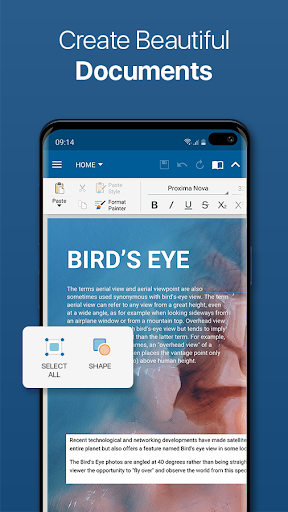
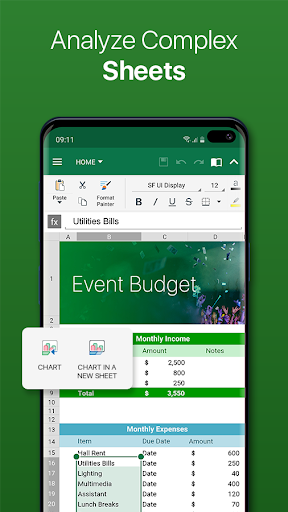
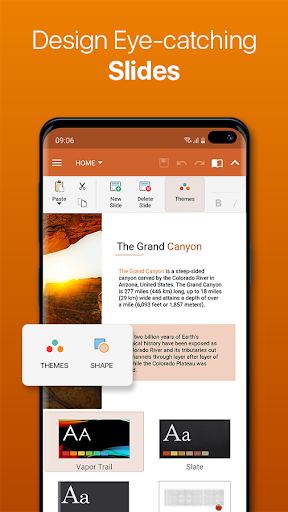
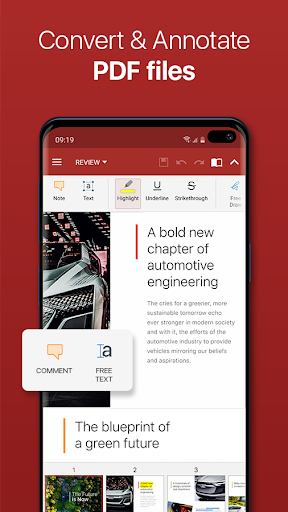
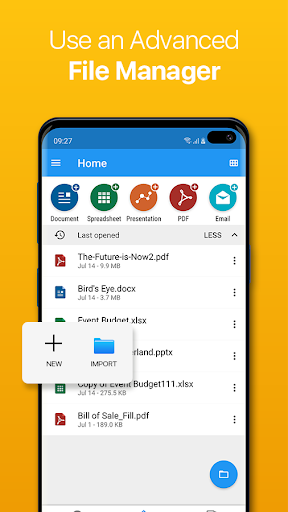
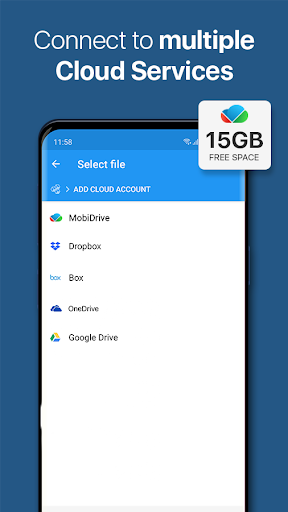
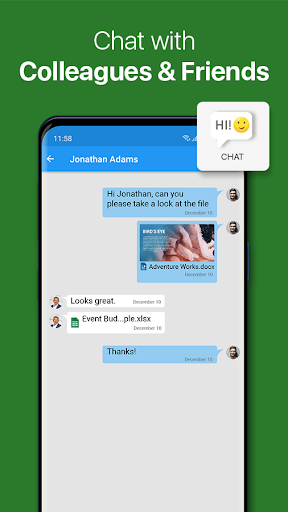
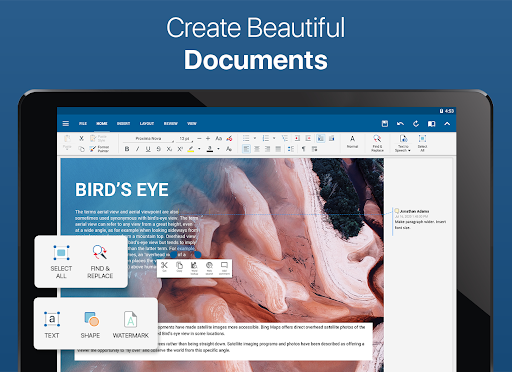
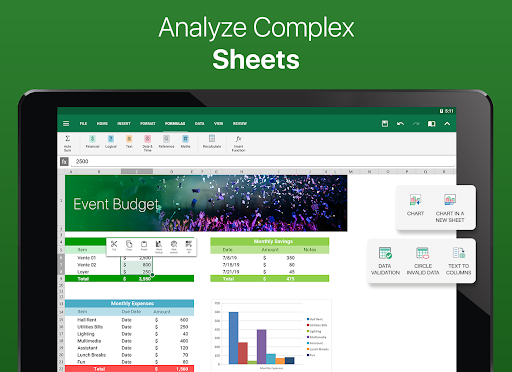
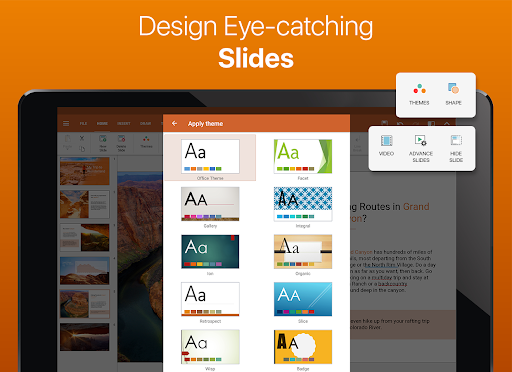
This is the full-feature PRO version of the award-winning OfficeSuite application that lets you easily view, edit, and create Word, Excel, and PowerPoint documents, convert to PDF, and manage your files. • The most downloaded office app on Google Play • Delivers the most exclusive features over any other office app • Installed on 200 million devices in 195 countries and growing Preloaded by top manufacturers including Sony, Amazon, Acer, Alcatel, Toshiba, Sharp, Kyocera and more. GOOGLE PLAY EDITORS’ CHOICE INFOWORLD'S TOP MOBILE OFFICE LIFEHACKER'S BEST ANDROID OFFICE APP PCMAG EDITORS’ CHOICE AWARD KEY FEATURES: •View, create and edit complex office documents using a familiar desktop-style interface •Full compatibility with Microsoft formats including DOC, DOCX, DOCM, XLS, XLSX, XLSM, PPT, PPTX, PPS, PPSX, PPTM, PPSM •Support for PDF files including PDF camera scanning, Export to PDF and Fillable forms •Additional support for common formats like RTF, TXT, LOG, CSV, EML, ZIP; (Open Office - ODT, ODS and ODP - support available as in-app purchase) •Integrated with File Commander for advanced synchronization and quick and easy access to both local and remote files •MobiSystems Drive - you can now store up to 15.0 GB of documents in the cloud •NEW! OfficeSuite Chats – Chat and exchange documents with your friends and colleagues •Integrated spell checker - Available in more than 40 languages the spell checker guarantees that your work in Documents, Slides and Sheets is impeccably written •Sharing via cloud services like OfficeSuite Drive, Box, DropBox, Google Drive, OneDrive, as well as over email and Bluetooth •PDF security and editing features including digital signatures support, permissions management, text to PDF, and annotations •Text-to-Speech support for documents and PDFs •View documents the way they're meant to be seen with the Japanese, Extended and Extended & Japanese Font Pack (available as an add-on) •Create a profile and sync your settings across all your Android, iOS and Windows Desktop (OfficeSuite Personal license) devices •Chromecast dual screen support •Available in 56 languages THE LATEST OFFICESUITE IS SPECIALLY DESIGNED AROUND ANDROID Q AND ALSO INCLUDES: •NEW! With OfficeSuite Chats you can easily send documents, collaborate with colleagues or simply chat with your friends on the go •NEW! Sign into OfficeSuite Now using a phone number •Convert and open files created with Apple Pages, Numbers, or Keynote apps •Open multiple documents and work on two documents simultaneously using split-screen mode with drag-and-drop support (Android 7 and up) •Open documents or create new ones faster than ever with the new Quick access notification drawer •With the enhanced mouse support for Chromebooks users can now work faster and easier than ever •Choose between beautiful new themes to create great presentations •Protect individual sheets and cells in Spreadsheets for extra security •Cast presentations across multiple devices on the same network with Share Cast •Use Quick Sign to easily sign a PDF using your digital signature HOW IS OFFICESUITE PRO BETTER THAN OFFICESUITE FREE? • Security features - work with password protected files • Format Painter in Word documents • Track changes with multiple author support • Insert pictures using your camera or from an external file • Additional options in Excel including Insert Filter, Conditional Formatting, Define Name, Import Image, Edit Chart, and Save as CSV • Interactive form support for PDFs: checkboxes, radio buttons, text fields, etc. • Legacy Microsoft document formats support (.DOC, .XLS, .PPT) along with .ODF formats OfficeSuite granted permissions- http://www.mobisystems.com/android_office/full-features.html#permissions
What's New
Latest version 14.4.51693 with bug fixes and performance improvements
Enhanced security and stability
Optimized for better user experience
Kullanıcı Yorumları
10 yorum
Arthur Cole
2 yıl önce
There are a lot of alternatives. This suite is robust. It is as full-featured as any Microsoft Word derivative. Other apps are missing some of the features in this app. There is a premium subscription, but it is for those that need to edit PDF and need cloud storage. You can save any file as PDF. The title isn't lying. The only stipulation is that you can't convert PDF to another file format or edit them. Keep your projects saved as a word file to export them as PDF and you won't have issues.

Treva Hopkins
11 ay önce
I've used this app for years. It's a good alternative to the MS Word suite. My only issue is that it sometimes seems to have a mind of its own when I use a word with an apostrophe. An example of what I mean is when I type the word "I'm" and IT changes what I typed for no reason, moving the apostrophe to literally sit over top of the letter "m". Not sure how to correct this. I tried manually adding it to the app's speller corrections, unsuccessfully. Would rate it a 5, otherwise.

A Google user
6 yıl önce
It's not bad, and it does the job modestly. It can't keep indents or other formatting like italics when copying/pasting to other docs/websites, which is something I thought would be a given that came with purchasing the program rather than going the free route. The complaints are VALID when they say that they still have an ad when opening the purchased version, even if you follow the instructions to fix it. No recovering unsaved files, either, which is...actually disappointing. Not bad, but meh.
Developer
Trusted developer with verified applications on our platform.
App Information
Download Stats
Safe Download
This app has been verified and is safe to download. No malware detected.