
Screenshots
About this app
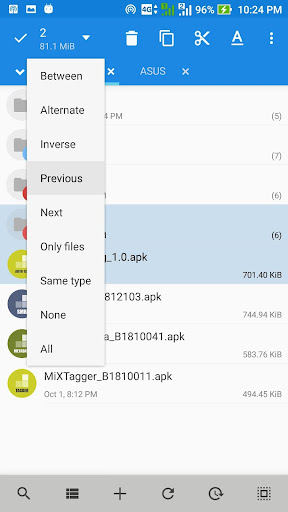
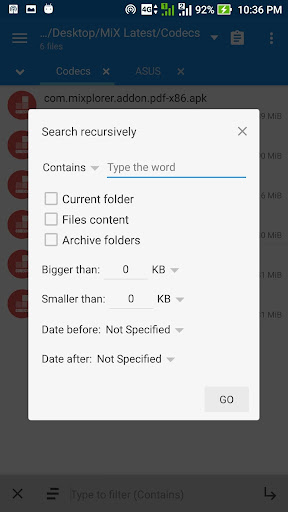
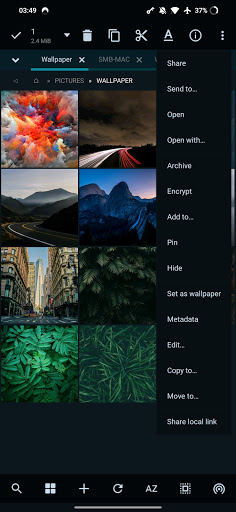
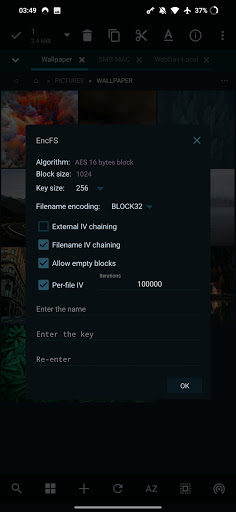
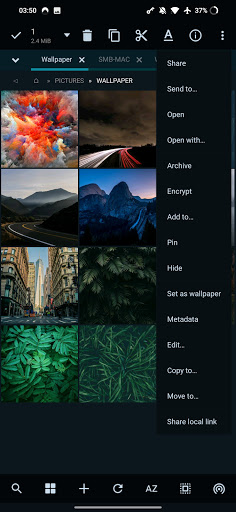
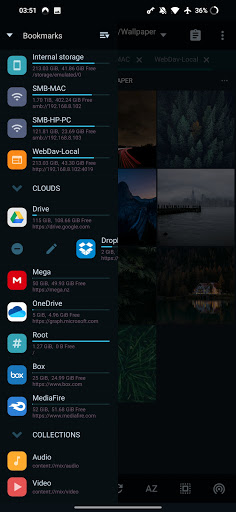
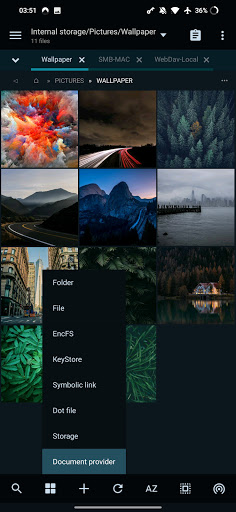
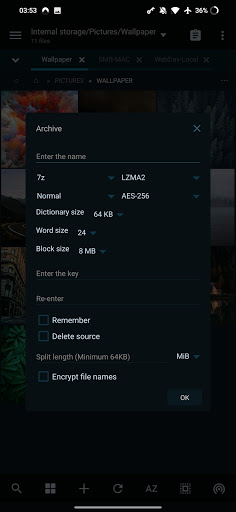
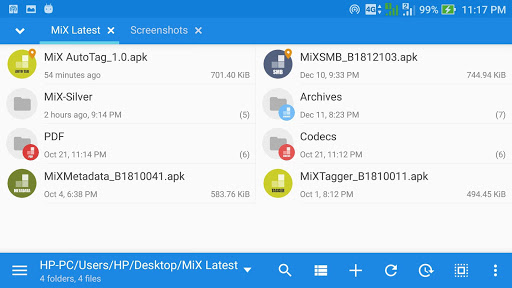
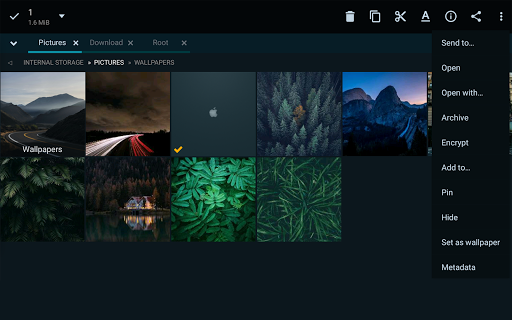
MiX Silver is a bundle of MiXplorer file manager and Archiver, Image, Tagger and PDF add-ons as a paid app to support development of MiXplorer. FAQ: https://goo.gl/K9nf2y Twitter: https://twitter.com/mixplorer Skins: https://mixplorer.com/skins/ You can modify skin colors in the settings + Skin editor. There are also many theme packages with different icons to download. Tap on them + Import. The best way indeed is to explore yourself. But here's a brief list of essential features: - Easily themable with customization option which lets you select any color you like. - Sort/disable/enable all menu options and action buttons. - Unlimited Tabbed browsing and Dual panel in landscape mode and drag & drop between panels also supported. - Easily create Tasks to multitask Copy, Move and other operations. - Various view modes and sorting options for each folder. - Customizable bookmarks drawer with essential file types already categorized. - Advanced search functions. - Html viewer. - Font viewer. - Export/Import all preferences and bookmarks and customized skins. - Packing/unpacking 7z and Zip/Zip64 (splitted-encrypted), TAR, TAR.GZ, TAR.BZ2, GZIP, BZIP2, XZ, WIM, Lizard, LZ4, LZ5, Zstandard. - Unpacking only: AR, ARJ, CAB, CHM, CPIO, CramFS, DMG, EXT, FAT, GPT, HFS, IHEX, ISO, LZH, LZMA, MBR, MSI, NSIS, NTFS, QCOW2, RAR/RAR5, RPM, SquashFS, UDF, UEFI, VDI, VHD, VMDK, XAR and Z. - All your cloud storage needs accessible from one single app. Choose from these providers: Mega.nz, Mail.ru, Dropbox, Box, Yandex, HiDrive, Mediafire, 4Sync, 4Shared, Google Drive (Non-sensitive Scope. You only have access to files which are uploaded with this app), Meo, OneDrive, OneDrive Business, pCloud, SugarSync. + clouds which support webdav like (Yandex.ru, OwnCloud, MyDrive.ch, DriveHQ, CloudMe, CloudSafe). - Modifying zip files. - EPub, MobiPacket and PDF reader add-on. - Root access for all advanced operations. - EncFS volumes supported for all storages. - File encryption and decryption using Aescrypt file format. - FTP(S, ES)/HTTP(S)/WebDav/DLNA servers. - SAMBA (SMB1, SMB2.0/2.1, SMB3), FTP(S, Es), SFTP, WEBDAV clients are supported as well. - APK signer with v1, v2, and v3 schemes are supported. - Image Viewer (it supports GIF, SVG, TGA, ICO). - Media Player + extra video codecs add-on. - Text Editor and Code Editor. - RAW, TIFF and many other image decoders. And many more awesome features for you to explore!
What's New
Latest version 6.69.0-Silver with bug fixes and performance improvements
Enhanced security and stability
Optimized for better user experience
Kullanıcı Yorumları
10 yorum
Roberto Miranda
4 yıl önce
This is the only review I've ever bothered to make on this site and it's just to say: This program is a nearly flawless file explorer for Android. It gets the job done no matter how easy or tough with easy access to local data, SMB shares on your network, or FTP servers anywhere with ease. It has a ton of built in viewers for most common media filetypes and even some you would never expect like an entire HTML Viewer and Code editor. Using the integrated Viewers for Photo for instance can allow you to select multiple files while viewing and then port them into the file manager to do whatever you want with the selected files. You can open several tabs to more easily manage several directories at the same time, make bookmarks for common locations. It is extremely customizable with skins but also with how it manages opening different filetypes, always allowing you to pick a default program to handle each one. This was by far the easiest purchase I've ever had to make for any program on the site.

Treburg Navek
5 yıl önce
There's no reason to keep looking for a file manager. This is the only one. I tried a couple dozen file managers before I ran into the free version of this one on XDA and Ive been using it ever since. You can get all the same functionality from the free one (which is still way more than what comes with most of the paid file managers), but somebody has clearly put a ton of time in on this, so why not buy them a coffee?

Jeff Lange
2 yıl önce
This is the best file manager for Android. I used the XDA version for years but got silver to support the developer. The interface is clean but powerful, and the add-ons add capabilities not found in most file managers (especially the SMB one to mount a remote file system from my NAS) this is one of those "if you know, you know" apps that everyone SHOULD have, and is one of the first five apps I install on any new device. That it only has 50k downloads is a travesty.
Thank you. I appreciate your support.
Developer
Trusted developer with verified applications on our platform.
App Information
Download Stats
Safe Download
This app has been verified and is safe to download. No malware detected.
You Might Also Like
More apps from Productivity category











