Screenshots


About this app
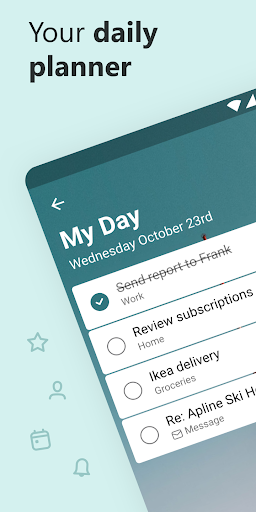
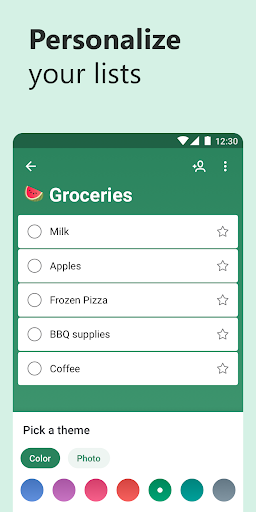
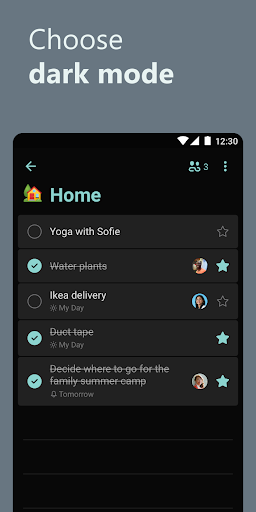
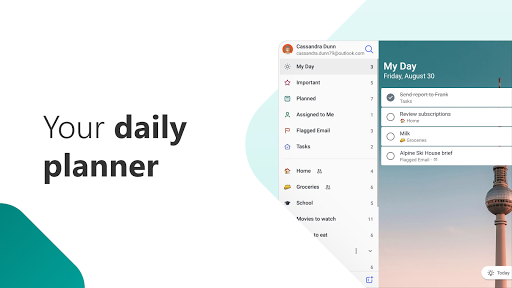
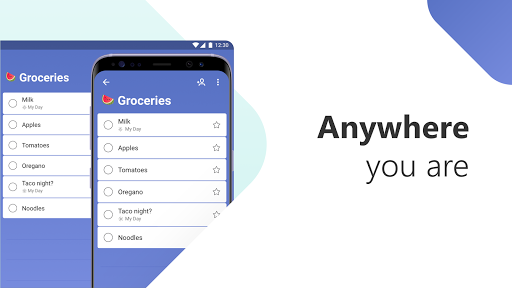
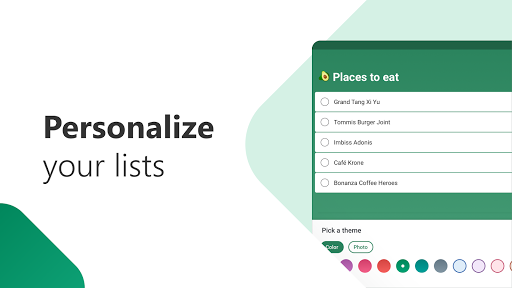
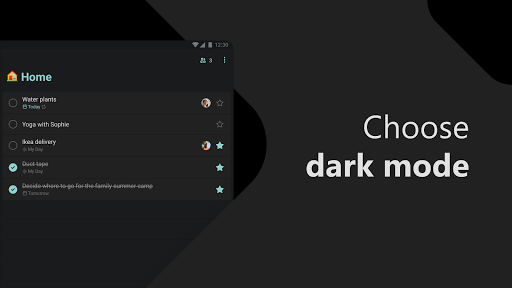
Microsoft To Do is a task management app to help you stay organized and manage your day-to-day. You can use Microsoft To Do to make shopping lists or task lists, take notes, record collections, plan an event, or set reminders to increase your productivity and focus on what matters to you. Microsoft To Do makes it easy to stay organized and manage your life. Accomplish what's meaningful and important to you each day with My Day and Suggestions, your personalized daily planner tools. Intelligent suggestions recommend tasks from across your lists that may be relevant for the day. From grocery lists to housecleaning routines, daily tasks are simple with To Do. When you're quickly switching between contexts and tasks, it's important to have tools that help you achieve what matters. Microsoft To Do helps you quickly capture and retrieve your lists and tasks across devices and between multiple accounts. Capture tasks from different Microsoft apps and services and sync them with Microsoft To Do. Flag emails as tasks in Outlook or any email account hosted by Microsoft, add to lists with Cortana, and see tasks assigned to you from Microsoft Planner. Get peace of mind knowing that your tasks and lists are hosted on the Microsoft 365 service – one of the most reliable services with industry-leading security offerings. Microsoft To Do’s modern, easy-to-use experience makes your lists unique, with customizable features like emoji in lists, colorful themes, dark mode, and more. Plus, shared lists help you stay connected and collaborate with family, friends, and colleagues. Microsoft To Do features: Daily planner • A daily planner personalized with suggested tasks: My Day • To do lists are accessible anywhere, on any device • Share lists and assign tasks with your friends, family, colleagues, and classmates • Task management features break your tasks into manageable steps • Take notes to add to any task • Group lists together by topic or project Task manager • Add reminders, tasks and lists with the To Do widget • Daily organizer personalized with bold and colorful backgrounds • Reminders with one-time or recurring due dates • Make task lists and switch between school, work, and personal lists • Attach up to 25 MB of files to any task To Do lists for any purpose • Bill planner • Shopping list • Reminders • Task management • Take notes • And more Office 365 integration • Sync reminders and task lists between Outlook and To Do • Lists and tasks are hosted with the security of Microsoft 365 • Task lists are compiled from the apps and services across Microsoft 365 • Add multiple Microsoft accounts Microsoft To Do helps you organize and simplify your plans, whether it's for work, school, or home. To Do is free and available across the web and iOS, Mac, Android, and Windows devices. Learn more: https://to-do.microsoft.com Follow us on Twitter: @MicrosoftToDo Need support? https://todosupport.microsoft.com/support?product_id=todo By installing Microsoft To Do, you agree to the Microsoft Terms of Use: https://go.microsoft.com/fwlink/?linkid=842575
What's New
Latest version VARY with bug fixes and performance improvements
Enhanced security and stability
Optimized for better user experience
Kullanıcı Yorumları
10 yorum
Tina Y. Wu
4 yıl önce
Absolutely love this app and the many ways you can form a list. It's changed my life and how I use my mobile. I tried to get away from hand-written lists with various "notes" apps, but the lists got too long, too unwieldy, and too disorganized, and I couldn't sync across devices. To Do solved all those issues, and also allowed me to grab whichever one of my devices is closest at hand, without skipping a beat.

Talina Martin
5 yıl önce
I love this app, I use it for everything! I do have one suggestion, but it's not important enough for me to dock stars haha. Since you can due dates for tasks, I think it would be cool/ easier to use if there were a calendar section (that looks like a traditional calendar) so you can see all your tasks all at once instead of scrolling through them.

Pat Jordison
2 yıl önce
'Microsoft to do list' is a great and I use it constantly. One nice feature is that you can start your most important and group them at the top or with the sort feature. Other nice features are the ability to add steps, coordinate with calendar, & use due dates. It's very easy to use. You can share your list with others but not all. I think it may not work well between Android and iPhone. Haven't tried this recently.
Developer
Trusted developer with verified applications on our platform.
App Information
Download Stats
Safe Download
This app has been verified and is safe to download. No malware detected.
You Might Also Like
More apps from Productivity category











