
Screenshots

About this app
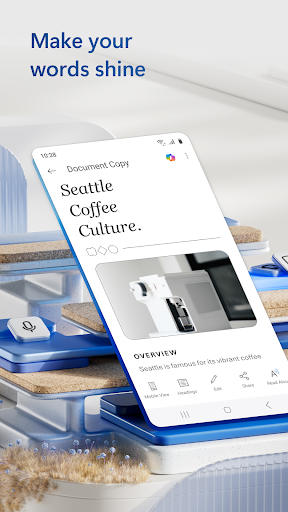
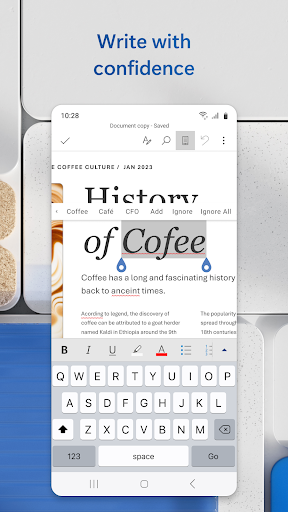
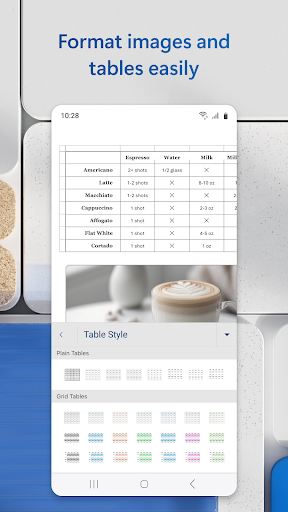
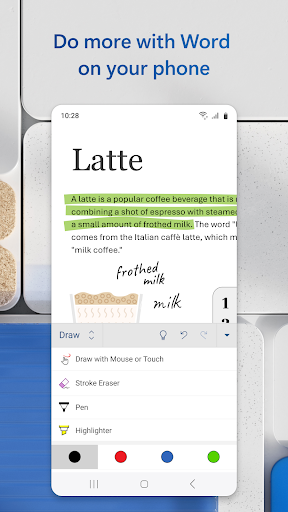
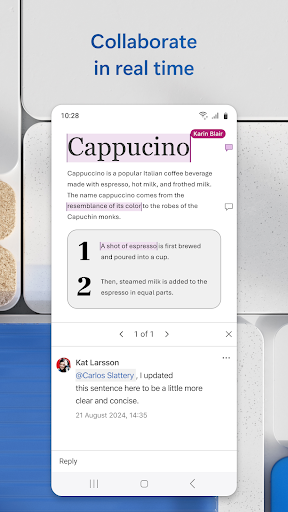
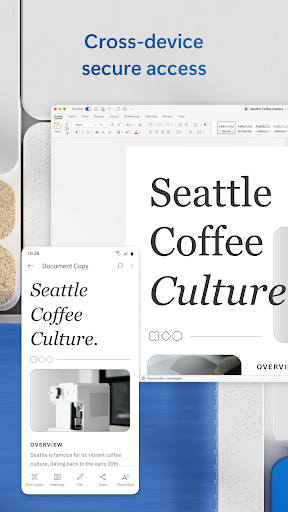
The document editor that you can take with you on the go – Microsoft Word. Write and create documents on your mobile device much like you do on your PC. Edit docs, share notes, convert to PDF documents, craft a powerful cover letter, and collaborate on projects using your mobile device. Documents are easy to create, read, edit and share with Microsoft Word. Simplify on-the-go document collaboration and editing with our easy-to-use Word app features. Convert to PDF from Word and vice versa. From doc editing to collaboration and beyond, Microsoft Word is one of the best free writing apps for writing on the go. Access files, documents and make edits with ease using the Word app. Read documents and open attachments with built-in docs viewer. Edit a PDF using Word’s PDF converter feature easily. Share files, documents and notes in the format you’d like. Create documents on the go with Word’s expert editing tools anytime, anywhere. Read, edit docs and create a document for any need. Resume templates, newsletters, brochures and more are accessible in the template gallery. Select the documents you would like and get started. Blogger, writer, journalist, columnist or project manager: the Microsoft Word writing app moves with you. Easy document editing, at your fingertips. Write a letter, create templates, read Word documents, edit docs and collaborate with your team anywhere! Get the docs and PDF app that can do it all. Create Documents • Use Microsoft Word as a cover letter creator by leveraging our beautiful templates • Document editor keeps formats & layouts looking great. • Docs app with templates for resumes, cover letters, forms & more. • Documents are easily created for any writing task. • Editing with rich formatting & layout. Read, Write and Edit Documents • Read docs, letters, PDFs & scripts on your device in Reading View. • Document & PDF App: Edit documents from PDFs by converting to & from Word documents. • PDF Converter: Save as PDF after editing & share the PDF easily. Collaborate and Share With Anyone, Anywhere • Document comments can be left right next to the text using for seamless collaboration. • View documents using the built-in docs viewer. • Edit documents as a team and stay on top of changes to the text, layout & formatting. • Edit docs and view editor history: easily revert to view earlier drafts when you need to. Microsoft Word for Anything • Documents for your needs: Letters, blogs, scripts, notes, resumes, & more can be created beautifully designed modern templates. • Write a letter easily using Word’s templates. • Share documents as a link, email or attachment. • Proofread, check spelling & review any document. File Sharing Simplified • Share files & collaborate with a few taps. • File & document permission management: see who is working on what. • Copy files into the body of an email message with its format intact or attach PDFs & docs to the email. Document, PDf and writing app free of restrictions, hassle and workarounds. Download Microsoft Word to edit documents anywhere, seamlessly. REQUIREMENTS 1 GB RAM or above To create or edit documents, sign in with a free Microsoft account on devices with a screen size smaller than 10.1 inches.
What's New
Latest version VARY with bug fixes and performance improvements
Enhanced security and stability
Optimized for better user experience
Kullanıcı Yorumları
10 yorum
Nat
7 ay önce
You just can't go wrong with Microsoft word. Maybe it is because I've been using this since I was, like, 6 years old on my parents old-school desktop computer. But I've tried exploring a LOT of other word processors, trying other options, seeing if there is anything I just might like better, but time and time again I always turn back to this. And it is 10x better then Google Doc, hands down. You can't even compare the two, this one wins everyday, every time, no matter what.

Marc Brien
7 ay önce
Word on Android is very useful. I've written tens of thousands of words with it. I have three complaints that I would like the developers to fix: 1) I can search a word, but when I try to enter into the text at that point it goes crazy and jumps to somewhere else in the text, usually far away 2) As a variation of the above problem, fairly regularly I will be typing and the cursor will decide it would rather be somewhere else 3) I cannot see a word count for the file.

Caleb Meshirer
4 ay önce
I have been using Microsoft Word for 2 years, and it has some really good features that Google doesn't have. To the people having struggles with the app, I'd recommend taking a course on Microsoft Office for two reasons. Firstly, you can become a MOS Specialist, which looks good on your resume. And secondly, once you learn how to use Microsoft Word fully, it is extremely useful and can automate specific tasks, unlike Google.
Developer
Trusted developer with verified applications on our platform.
App Information
Download Stats
Safe Download
This app has been verified and is safe to download. No malware detected.
You Might Also Like
More apps from Productivity category











