
Screenshots


About this app
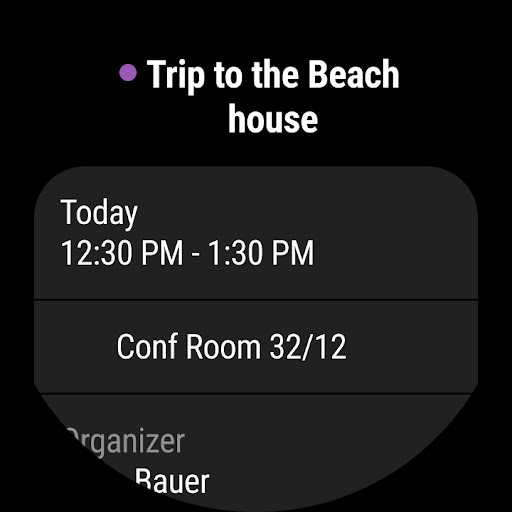
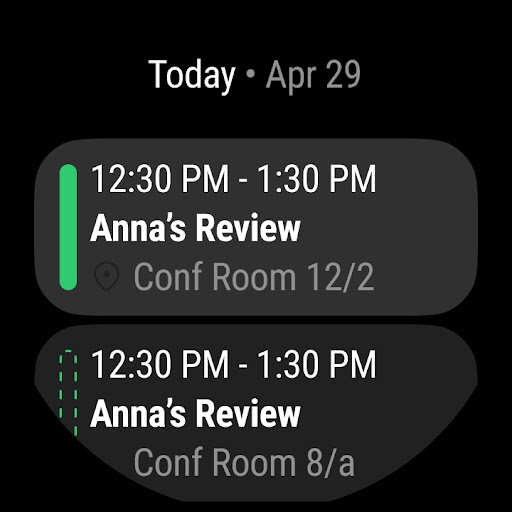
Connect and coordinate your busy life with Microsoft Outlook . Stay on top of your day through a secure email and calendar app that lets you manage your emails, files and calendar all in one place. Stay productive with whatever hits your inbox, whether it's from your work, school or your personal account. Organize your email intelligently, filtered into Focused and Other so you can easily see your most important messages. Keep your day organized by seeing multiple calendars at a glance. Outlook is free for personal use. You can connect your various accounts, like Microsoft Exchange, Microsoft 365, Outlook.com, Gmail, Yahoo Mail, iCloud and IMAP, giving you flexibility to stay connected on the go. Write polished, professional-quality emails with built-in intelligent editing tools for real-time typing suggestions, grammar, and spelling help. Send documents, photos, or video from your Files list, OneDrive, or your Gallery. Open Word, Excel, and PowerPoint documents right from your inbox. Cut through daily noise and remove clutter with swipe gestures to delete, archive, snooze, or move to folders quickly. Flag important messages for follow-up or pin them to the top of your inbox. Listen to what’s new in your inbox, and find what you need with Search with a tap or your voice. Stay protected from phishing and spam with Outlook’s enterprise-grade security. Connect with Teams, Skype, Zoom, or other video calling providers for any meeting on the go. If it’s important, manage it with Microsoft Outlook. Microsoft Outlook Includes: Inbox for Everything All in One Place - Email, Contacts & Files • Inbox access to everything you need, including other email providers. Manage your Gmail, Yahoo Mail, and iCloud inbox and calendars for free with Outlook • Files are accessible right from your inbox, with connected experiences to Microsoft 365, Word, Excel, PowerPoint & OneNote. Access recent attachments from within Outlook, or attach links from OneDrive or other cloud storage • Email organizer equipped with filters, folders & more. Easily filter out unwanted spam email Planning & Calendar Management • See your various calendars side by side to help you schedule your day • Create and join your online video calls from Teams, Zoom, and Skype • RSVP to invites from your inbox & send personalized comments • Keep your weekly calendar and daily tasks organized with Outlook Task Organizer & Productivity Solutions - Intelligence Everywhere • Group same subject emails & conversations for easier tracking • Use your voice to find people, contacts, emails, events & attachments with Search • Use suggested replies to respond quickly • Listen to emails with Play My Emails & catch up hands-free • Calendar automatically updates with travel & delivery information Security & Privacy - Protect your mailbox with enterprise-grade security • Microsoft Outlook protects your files, emails and information with security you can trust • Secure email app with built-in protection against viruses, phishing & spam email • Encrypt emails to prevent forwarding when sending sensitive information (requires Microsoft 365 subscription) The Microsoft Outlook mobile app is compatible with: • Microsoft Exchange • Microsoft 365 • Outlook.com, Hotmail.com, MSN.com, Live.com • Gmail • Yahoo Mail • iCloud • IMAP, POP3 To see your emails and events at a glance, get the Outlook companion app - including a complication and tile - for Wear OS. Consumer Health Data Privacy Policy: https://go.microsoft.com/fwlink/?linkid=2259814
What's New
Latest version 5.2548.3 with bug fixes and performance improvements
Enhanced security and stability
Optimized for better user experience
Kullanıcı Yorumları
10 yorum
Anis BAKIRI
8 ay önce
Microsoft Outlook offers significant utility for both personal and professional applications. Its interface is user-friendly and facilitates efficient navigation. The calendar functionality is especially beneficial for scheduling and coordinating engagements. Email management is streamlined through organizational tools such as folders and filters. Furthermore, the integration capabilities enhance the overall user experience. I am currently satisfied with this application. Very clever!

Henry Blair
4 ay önce
I've had no problems with Ms Outlook. Email and calendar are simple and are user friendly. Some ads pop up at the top of my inbox, I usually just delete them I use outlook on my mobile as well as my laptop. Update from my initial review of 01/05)21. This Outlook app is still working for me with no problems at all. I've read other reviews where it freezes and doesn't refresh emails. Not so with me. Maybe I'm lucky, I use this app on a Motorola Edge 40 mobile.

Jeff Fuhr
3 ay önce
IT professional with decades of heavy Outlook on Windows use. Outlook on Android is not a desktop clone, e.g. it relies on native Android app for contacts. On Android, Outlook is its own animal. But it's flat out the best there is. Check out the extensive feature list in the Play Store. That's not a mere wish list. It all works rock solid. I use it to manage my personal and professional life while on the go. Don't leave home without it. (last edited December 2025).
Developer
Trusted developer with verified applications on our platform.
App Information
Download Stats
Safe Download
This app has been verified and is safe to download. No malware detected.
You Might Also Like
More apps from Productivity category











