Screenshots

About this app
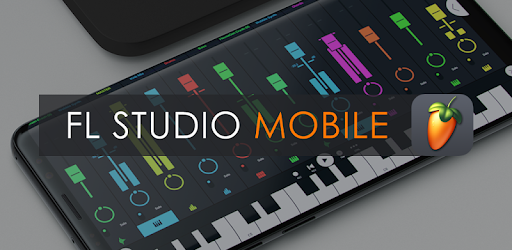
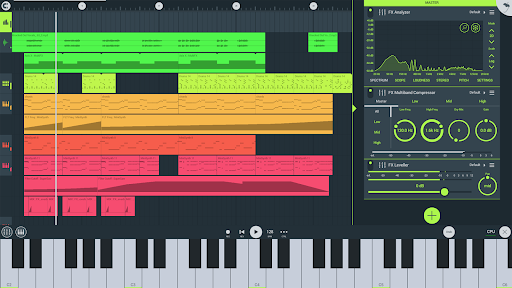
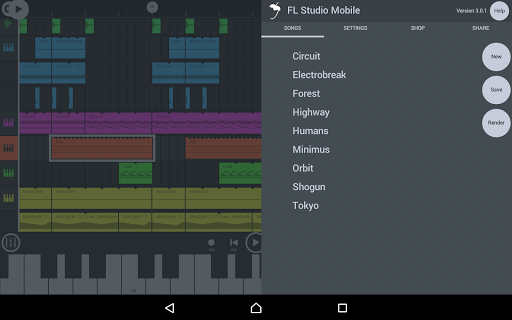
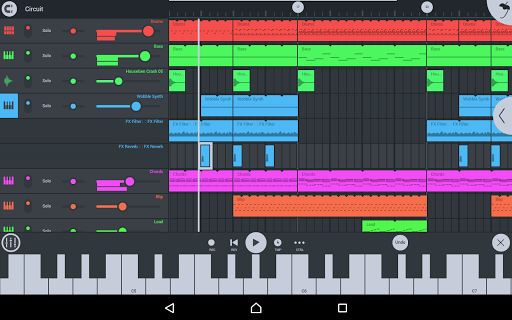
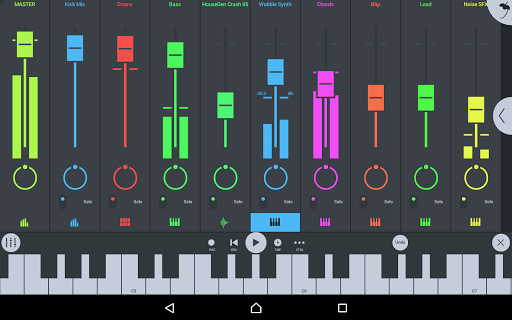
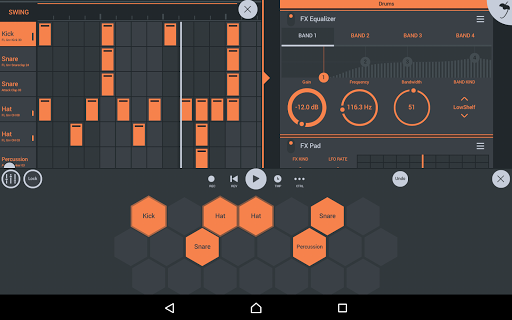
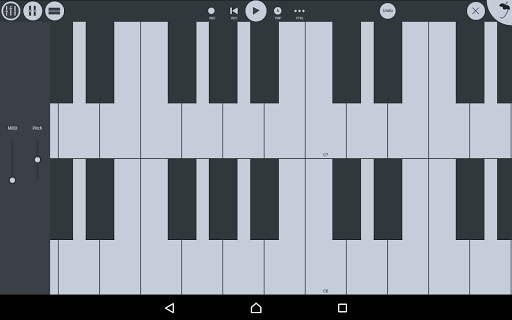
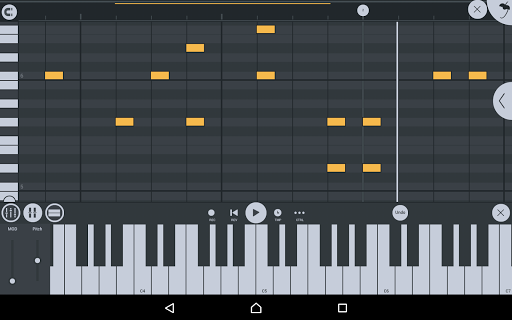
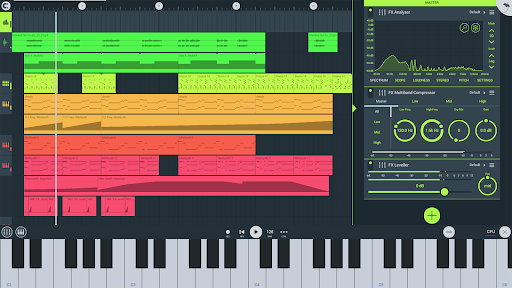
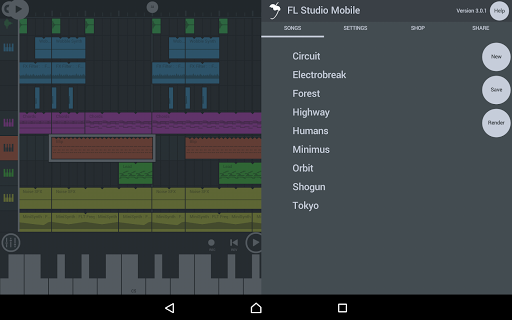
Create and save complete multi-track music projects on your Phone, Tablet or Chromebook. Record, sequence, edit, mix and render complete songs. FEATURE HIGHLIGHTS * Audio recording, track-length stem/wav import * Browse sample and presets with preview * Effects modules (see Included Content) * Full-screen DeX & Chromebook Touch, Trackpad & Mouse support. * High quality synthesizers, sampler, drum kits & sliced-loop beats * Instrument modules (see Included Content) * Load projects in the FL STUDIO** FREE Plugin version of this App * MIDI controller support (class compliant). Automation support. * MIDI file import and Export (Single-track or Multi-track) * Mixer: Per-track mute, solo, effect bus, pan and volume adjustment * Piano roll: Edit notes or capture recorded performances. * Save and load WAV, MP3, AAC*, FLAC, MIDI * Share your songs via Wi-Fi or Cloud to other Mobile 3 installations * Step sequencer * User interface configurable with all screen resolutions and sizes. * Virtual piano-keyboard & Drumpads# #Touch to audio output latency depends on your device. * Depending on your OS. ** The plugin-version of FL Studio Mobile is included with FL Studio IN APP PURCHASES & INCLUDED CONTENT FL Studio Mobile includes in-app purchases for the DirectWave sample player. You can install your own samples and don’t need to buy content. All Instrument modules are included: Drum Sampler, DirectWave Sample Player, GMS (Groove Machine Synth), Transistor Bass, MiniSynth & SuperSaw. All Effect modules are included: Analyzer (visual), Auto Ducker, Auto-Pitch (pitch correction), Chorus, Compressor, Limiter, Distortion, Parametric Equalizer, Graphic Equalizer, Flanger, Reverb, Tuner (Guitar/Vocal/Inst), High-Pass/Low-Pass/Band-Pass/Formant (Vox) Filters, Delays, Phaser and Stereoizer. Included Drum Samples: Cymbals, Hats, Kicks, Snares, Toms, Percussion, Risers, SFX Included DirectWave Instruments: Guitars, Keyboards, Orchestral, Synth, Bass, Synth Keyboards, Synth Leads, Synth Pads, Sliced, Drums, Drum Kits and Effects. Included MiniSynth Presets: Bass, Keys, Leads, Pads, SFX, Synths Included SuperSaw Presets: Arps, Bass, Bells, SFX, Leads, Pads, Sequences, Synths WANT TO TRY FL STUDIO MOBILE? Install FL STUDIO 20 for macOS / Windows and use the FL Studio Mobile Plugin. This is identical to the App. Get FL Studio here: http://www.image-line.com/downloads/flstudiodownload.html MANUAL / TRAINING / VIDEOS http://support.image-line.com/redirect/flstudiomobile_help http://support.image-line.com/redirect/flstudiomobile_videos PERMISSIONS * Location (Google Mandated) - Required to access Bluetooth Low Energy (BTLE) connectivity. BTLE triggers a 'Location' permission because it is possible to guess your location from nearby BT devices. We do not do this. We use BTLE for MIDI keyboards and will not try to locate you, ever! See: https://developer.android.com/guide/topics/connectivity/bluetooth-le.html#permissions SUPPORT % Follow the steps here: http://support.image-line.com/redirect/flmobile_android_troubleshooting Please help us to help you! Register FL Studio Mobile - Tap 'HELP > Users & Support Forums' to register and visit the FL Studio mobile forum to report bugs/problems or get free DirectWave content: http://support.image-line.com/redirect/flmobile_forum NOTES * "FL Studio" desktop PC version (sold separately) is installed, on average, over 30,000 times each DAY making it one of the world's most popular and exciting music production systems. You can download the demo version of the FL Studio Desktop PC version and use the FL plugin version of FL Studio Mobile. # FL Studio Mobile is available on Windows, Android and iOS (sold separately). % Custom ROMS / Rooted Devices are not supported.
What's New
Latest version 4.9.1 with bug fixes and performance improvements
Enhanced security and stability
Optimized for better user experience
Kullanıcı Yorumları
10 yorum
Derrick K.
1 yıl önce
This is awesome. It can get a little expensive if you buy enough audio packs in the store, but they're all optional – only the DAW is required to be purchased. Read if you use FL Studio on PC, you can share the project files between the 2, but if you use something else, you'd have to export the instruments as separate files & import the files into your other DAW instead. Plenty of tutorials on YouTube, so should be no problem. Overall, best DAW I tried on my phone... 👍🏻😍

Joe K
1 yıl önce
Brilliant. I've been hooked on FL Mobile for a couple of years now. I have made full tracks in app, right down to the mastering stage. It's absolutely remarkable that I can make music anywhere, anytime. Everything you need is here, though having extensive experience using the desktop version does aid in extracting all it's features. If I had but one request, it would be to have the Fruity Peak Controller ported over. ^.^ I know I can use a compressor to side chain, but it's not the same. 🤘🎶

Stephen B.
4 yıl önce
I balked at buying this app for so long due to its cost and the fact that I already had similar apps. Once I got a Chromebook, I found out that this was compatible, and finally decided to give it a go. Works great! The app itself should seem very familiar to most who've used a DAW before. That's nice, of course, and I've been able to figure things out pretty easily. I do wish there was an octave button on the keyboard for us mouse users.
Developer
Trusted developer with verified applications on our platform.
App Information
Download Stats
Safe Download
This app has been verified and is safe to download. No malware detected.
You Might Also Like
More apps from Music & Audio category
Audio Elements Pro
Rokaud


Spotify: Music and Podcasts
Spotify AB

Bose QC Earbuds
Bose Corporation
AudioLab Audio Editor Recorder
HitroLab - Mp3 Audio Editor and Ringtone Maker Dev

Musivibe - Enjoy Various Music
Acunsewer Media

AudioTool
jjbunn