
Screenshots




About this app
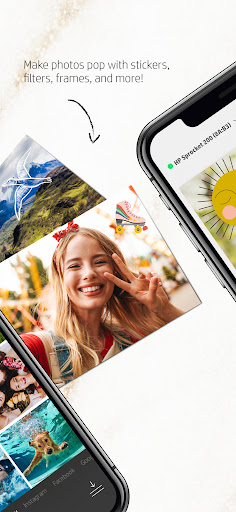
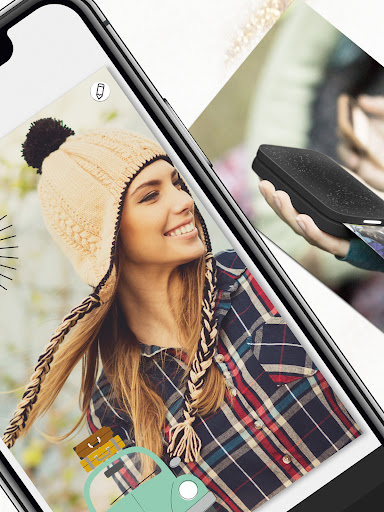
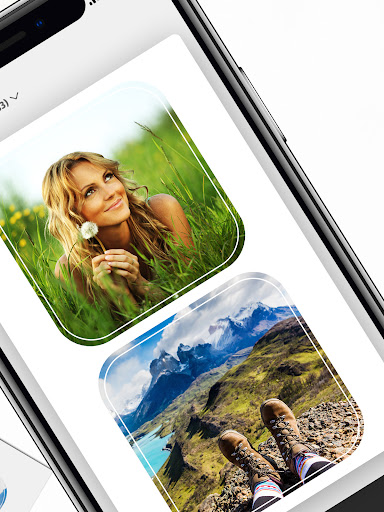
Print your favorite memories on 2x3”, 2.3x3.4”, 3.5x4.25”, or 4x6” photo paper with HP’s incredible photo-editing hub for all HP Sprocket printers. Find your memorable photos on your smartphone or social media and send them to the app to create beautiful, vibrant prints. Hang up your unforgettable images printed on classic photo paper or decorate your belongings with fun stickers using HP Sprocket sticker photo paper. Of course, before you print, you can take full advantage of the app by customize your photos. Add text, borders, emojis, and more to each photo to add style and make them stand out. Each HP Sprocket printer is compact, sleek, and lightweight to easily carry with you. Pair any of the HP Sprocket printers to the app in seconds and get ready to print amazing images anywhere you go. HP and Sprocket are registered trademarks of HP Inc. and are used by C&A Marketing Inc. under license from HP Inc.
What's New
Latest version 3.0.201.1 with bug fixes and performance improvements
Enhanced security and stability
Optimized for better user experience
Kullanıcı Yorumları
10 yorum
Roxane Davis
1 yıl önce
This was a gift from my husband and I love it! I take a lot of photographs, including a lot of doll photography, so these tiny prints are great, because they take up minimal space. I had to download the Sprocket app, connected the Sprocket printer to my phone via Bluetooth and then had to download a firmware update. This mini printer prints out 2x3 inch photos and the photos are clear, sharp with crisp colors. They look better than photos printed from my CANON wireless printer.
Thank you for your review. Enjoy & keep supporting us :) If you have any feedback or suggestion, you could write to us at info@sprocketprinters.com. We would love to hear from you!

A Google user
6 yıl önce
I love the app and printer so far. the photos are small (wallet size) and it prints fairly quickly. the app is simple and easy to use. the photos do come out with a little reddish tint, so I want to see if you can correct that via the app but if not, it's not a HUGE problem. its super cute so I can't complain.
A Google user
6 yıl önce
**The printer must be fully charged first!! The instructions skipped over this critical step. I didn't have enough space to download the app a year ago when I received the Sprocket as a gift.It had good reviews online so I waited. The new phone (LG 5) arrived yesterday and the fun has begun. Syncing was easy after the unit charged (about 90 mins). The first print came out so great I was jumping up and down. Printed out pictures of my grandson, my kids, etc. I'm gonna learn the editing tools. I've already put stars and leaf frames on some pictures. The printer is small enough to take along to holiday parties and leave souvenirs wherever I go!
Developer
Trusted developer with verified applications on our platform.
App Information
Download Stats
Safe Download
This app has been verified and is safe to download. No malware detected.
You Might Also Like
More apps from Photography category


Selfie Camera - Beauty Camera
iMediaStar


FaceFancy-Face Swap & AI Photo
SZYJ Technology


StyleSwap: Outfits & Faces
SkySoft Inc


AI Photo Editor: Gallery Vault
T21 Games


HD Camera: AI Beauty
UniStarSoft


Photo Album F-Stop Pro
Seelye Engineering