Screenshots
About this app
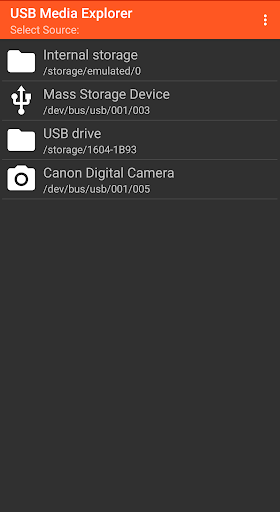
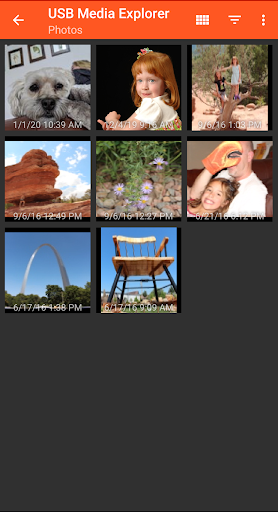
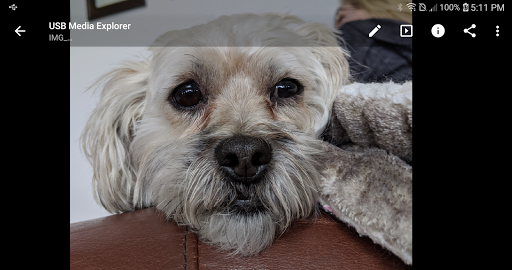
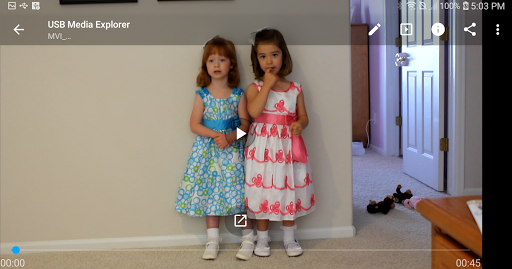
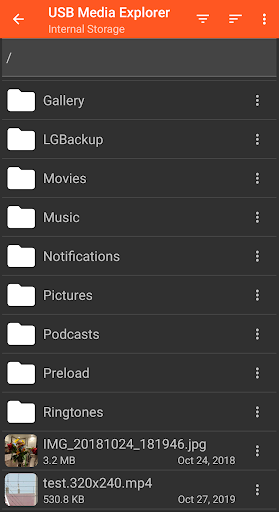
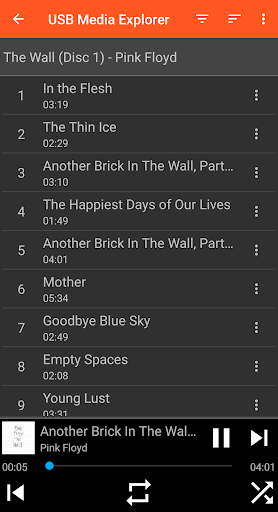
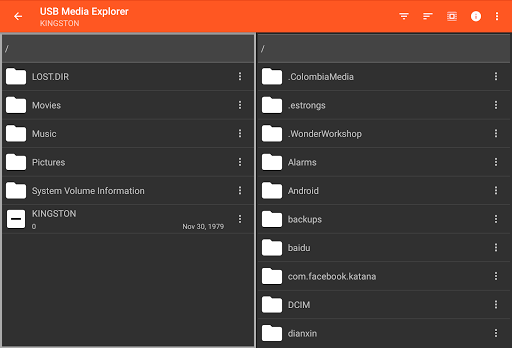
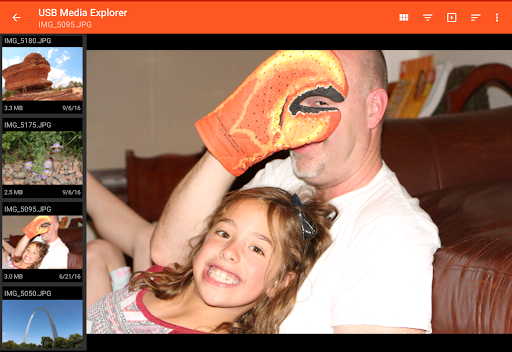
USB Media Explorer (UME), formerly known as Nexus Media Importer, allows you view photos (Jpeg and Raw), stream videos1, listen to music, and view documents from USB storage devices and cameras. Specialized screens for photos, videos, music, documents and file management. Copy files to and from the USB device. View full size photos and videos without importing! Supported Devices: - Flash/Pen Drives - Card Readers - Hard Drives2 - Cameras3 - Other Android devices4 - MTP/UMS audio players5 - Some DVD drives6 Additional Hardware Requirements: - Connecting most devices will require a microUSB OTG cable or USB C to USB adapter. These are available from most major retail websites. Notes: 1. Video and audio formats not natively supported by Android (AVI, Dolby, DTS, WMV) may require a third party player like VLC. 2. Hard drives require considerable power and may require an external power source, like a powered USB hub. 3. Only cameras with storage are supported. Live image devices like endoscopes and webcams are not supported. 4. To access another Android device, put the target device in MTP/File Transfer Mode. 5. Most “i” devices use a proprietary protocol. These are NOT supported. 6. Only DVD drives that support AV Connect mode or similar are supported. See your DVD drive manual. Commercial DVDs are not supported. Support: - If you have an issue, you can tap "Homesoft" from the About screen for email support. I read and reply to reviews, but due to their one way nature, it’s difficult to resolve issues. If you have a support request, please include the Android device you are using, the USB device you are trying to use and a description of the problem.
What's New
Latest version 11.5.2 with bug fixes and performance improvements
Enhanced security and stability
Optimized for better user experience
Kullanıcı Yorumları
10 yorum
A Google user
6 yıl önce
Okay I have a couple trail cameras and this is the best app for reading my memory cards. I am able to set it up to view all pictures or videos. (Just a remember you have too have your trail camera set for videos.) You can also select your pictures by swiping picture too picture. Or let it play picture to picture for you, have to select it in the settings. Can't hurt to try this app.
A Google user
7 yıl önce
Ignore the people who cannot fathom how to work this app. If you have half a brain you can use it. I've used this on multiple phones and tablets over the years and it was and remains to be the VERY BEST USB OTG file manager there is. Power flash memory, external hard drives, no other app works as well as this one for USB OTG. Try the FREE USB photo viewer first. If that works on your phone, this will too.

mn casipit
5 yıl önce
Just bought and used this and I love it! better than the free apps here because it lets you see thumbnails of the photos. some do not allow this so browsing through multiple photos here was a breeze. just want to request one thing: I can't see the number of files in a folder once i'm inside it, going up one folder does not refresh file count as well. would be helpful to see current number of files when sorted as well (by .jpg for example). Using Samsung Galaxy S7 plus.
Developer
Trusted developer with verified applications on our platform.
App Information
Download Stats
Safe Download
This app has been verified and is safe to download. No malware detected.
You Might Also Like
More apps from Photography category


Selfie Camera - Beauty Camera
iMediaStar


FaceFancy-Face Swap & AI Photo
SZYJ Technology


StyleSwap: Outfits & Faces
SkySoft Inc


AI Photo Editor: Gallery Vault
T21 Games


HD Camera: AI Beauty
UniStarSoft


Photo Album F-Stop Pro
Seelye Engineering