Screenshots
About this app
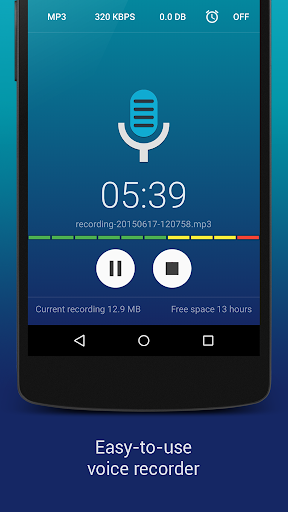
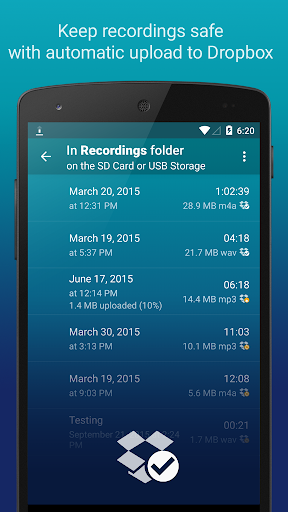
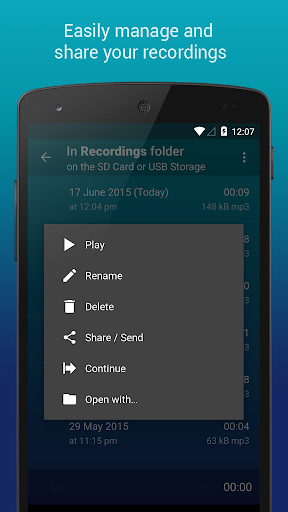
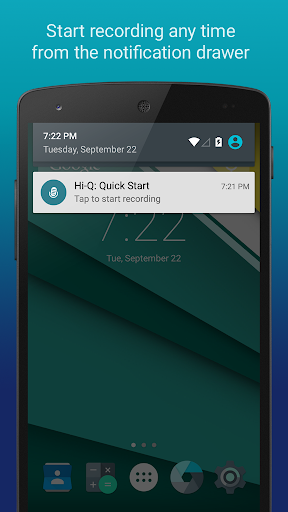
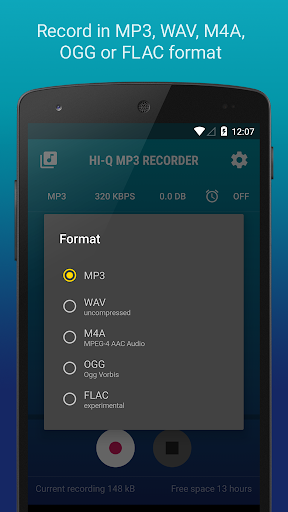
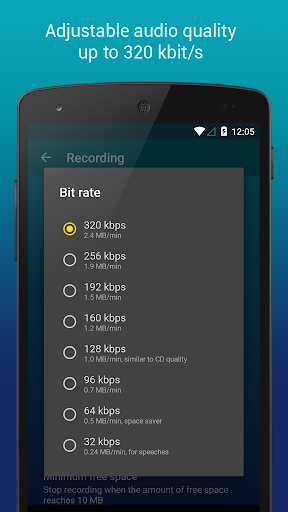
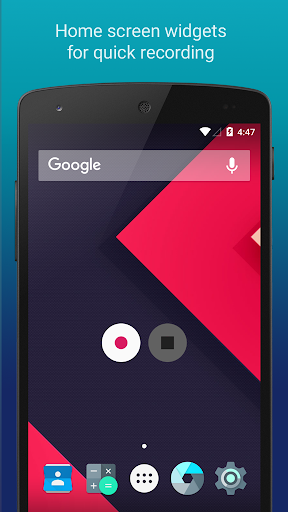
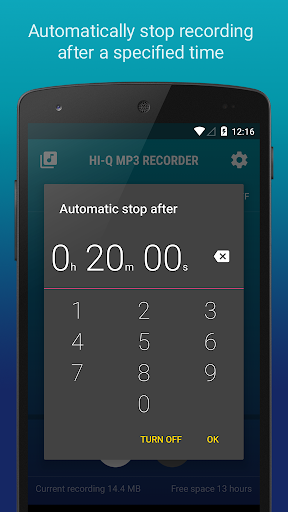
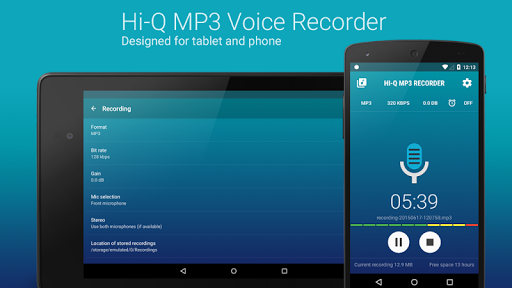
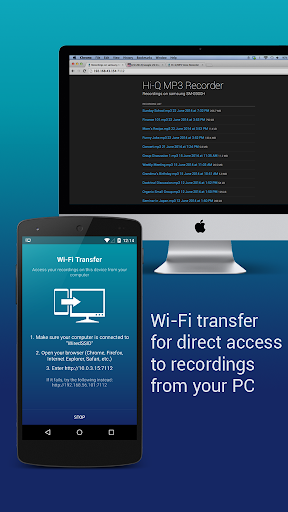
The Hi-Q MP3 Voice Recorder is a feature-packed, yet easy to use app that takes the mobile sound recording to the next level. The variety of customization options suggest the ultimate user experience and it’s high-fidelity 44 kHz audio sampling makes it miles ahead of any standard recording app. What can you use the recorder app for? From personal voice notes, group discussions, lectures, talks to band practice, concerts, and so much more — if you can hear it, this app can record it. Top features: • Shhh! - Discretion Mode • 320 kbps recordings • Home Screen Widgets • Google Drive or Dropbox Auto Upload • Clip Management • Wi-Fi Transfer • Control Gain Level How does it work? Start the app and you are good to go! Press the striking Red button, and you'll immediately start recording. Being a pro recorder app, Hi-Q MP3 Voice Recorder (Pro) allows you to customize your notification drawer for even easier access. Another great “ease-of-access” feature the app provides is the home screen widget for even quicker recordings. With this voice recorder app, you won’t ever have to fuss with your phone to get the best recording quality. Record yourself and practice for a presentation, record song ideas and brainstorming sessions. You can record anything! More details about the features: MP3 clips: Your recordings are stored as MP3 files in real-time, which are compact enough and can be played almost everywhere. Keep Recordings Safe: With automatic upload to Dropbox and Google Drive, your recordings are stored safely and you can free up more space on your device. Sync happens when the preferred connection is available (Wi-Fi only or Wi-Fi and mobile network). Home Screen Widgets: You can start, pause, and resume recording in a flash with the home screen widgets specially designed for your personal voice recorder. Quality Settings: Customize audio quality with a changeable bit rate up to 320 kbps. You can also record in WAV, OGG, M4A, and FLAC (experimental) formats. Input Selection: Select the more sensitive front microphone, or the clearer back microphone as you wish (depending on individual device). Whether you only need an MP3 voice sample or you are recording a demo, this app has got you covered. Shhh! You can switch the recording icon for discretion so nobody notices if you are pressing the record button. Manage Clips: Share, sort, rename and delete recordings as you please. Speed up playback to save time, or slow down to perceive details in your recordings without changing pitch. Wi-Fi Transfer: Transfer recordings to your computer and other devices wirelessly with the built-in Wi-Fi Transfer, utilizing your home Wi-Fi or your device's Wi-Fi Hotspot capability. Gain: Specify input gain settings in real-time for optimum recording at various noise levels. If you have any questions about the professional voice recorder app, feel free to read the FAQ Link: http://www.hiqrecorder.com/faq Notes: – Phone calls are not supported. – Widgets are enabled only when the app is installed on the phone’s main storage, not an SD card. To use widgets, go to Android Settings → Apps and move the app to the phone.
What's New
Latest version VARY with bug fixes and performance improvements
Enhanced security and stability
Optimized for better user experience
Kullanıcı Yorumları
10 yorum
Gregory Spear
5 yıl önce
Wow! After exploring many recording apps this is the one that does it all for me. It records anything including streaming audio perfectly and with high quality and for as long as you want, and does it by default in mp3 format, saving it wherever you want, with easy renaming of the file. Set it save to your cloud storage and never again lose a file or lose access because the app glitches or disappears or you just want to switch apps. Your recordings are yours and any audio player can play them.

Ana Lyze (Ana Lyze NPonder)
3 yıl önce
Excellent application . Provides all the necessary options that one would need for personal audio recording. Love that it has the option to choose between several bit rates and also increase decibel level if needed. It also provides the option to choose between MP3, M4A, WAV, OGG & FLAC formats. Also love the option of transferring it to online drives like Dropbox and Google drive. Have used it in several previous phones and this has worked flawlessly.

A Google user
7 yıl önce
The premium allows you to record over 10 minutes of anything you want and I find this app absolutely priceless for recording on the spot new songs and the conversations. I would totally recommend it for anybody that is serious about recording spontaneously off your phone. You can also change the DB level to make it more or less sensitive depending on where you are and how loud the source is.
Developer
Trusted developer with verified applications on our platform.
App Information
Download Stats
Safe Download
This app has been verified and is safe to download. No malware detected.
You Might Also Like
More apps from Music & Audio category

Audio Elements Pro
Rokaud


Spotify: Music and Podcasts
Spotify AB


Bose QC Earbuds
Bose Corporation
AudioLab Audio Editor Recorder
HitroLab - Mp3 Audio Editor and Ringtone Maker Dev

Musivibe - Enjoy Various Music
Acunsewer Media

AudioTool
jjbunn