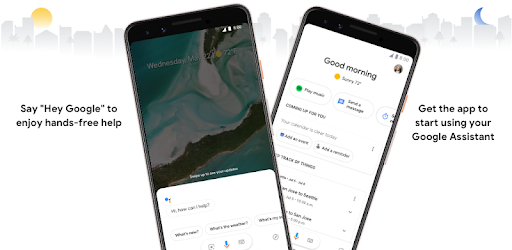
Screenshots
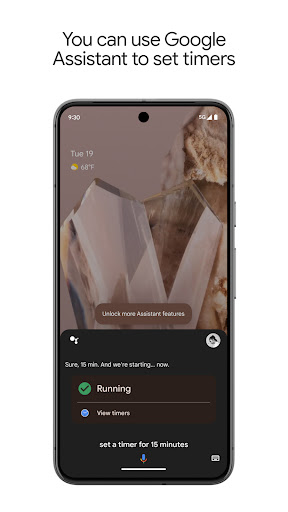
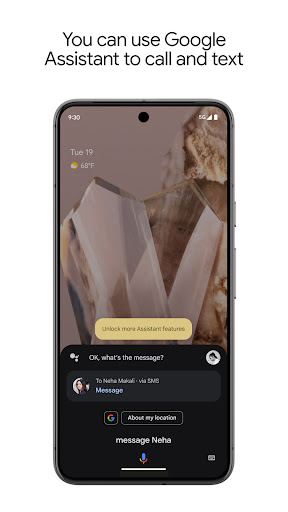
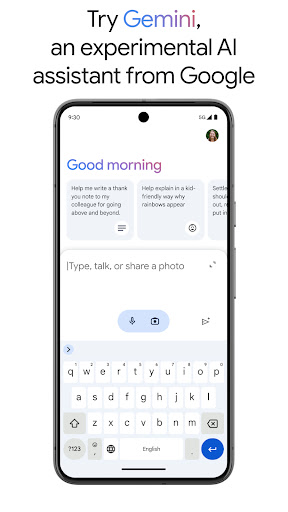

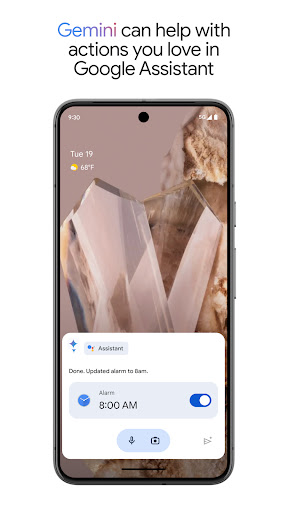
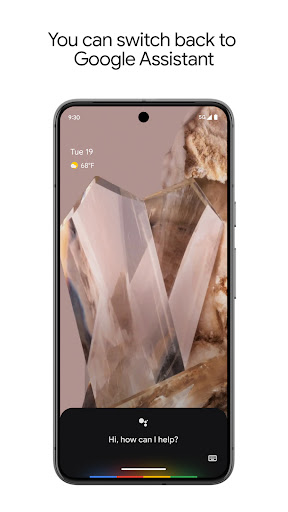
About this app
Google Assistant: Your Hands-Free Helper. Get instant help with everyday tasks using just your voice. Google Assistant makes it easy to: - Control your phone: Open apps, adjust settings, turn on the flashlight, and more. - Stay connected: Make calls, send texts, and manage emails without lifting a finger. - Get things done: Set reminders, create lists, ask questions, and find directions. - Manage your smart home: Control lights, thermostats, and other devices from anywhere.* New! Now you can also opt in to Gemini (formerly Bard) from Google Assistant and have it act as your primary assistant from Google on your phone. Gemini is an experimental AI assistant that gives you direct access to Google’s best family of AI models unlocking new ways to assist you, while still incorporating many of the actions you love in Google Assistant today. While some of the actions won’t work right away, we are working to support more coming soon. You will be able to switch back to Google Assistant in app settings. Gemini opt in is rolling out to select devices and countries - opt in to Gemini from your Google Assistant or by downloading the Gemini app. Learn more about availability: https://support.google.com/?p=gemini_app_requirements_android *Compatible devices required
What's New
Latest version 0.1.766117055 with bug fixes and performance improvements
Enhanced security and stability
Optimized for better user experience
Kullanıcı Yorumları
10 yorum
Bern “Bernardo” A
2 yıl önce
It seems like an update has disabled. Simple things. For example, being able to snooze my alarm by saying Hey Google, snooze my alarm for 5 minutes. On my phone. It doesn't seem to register that anymore even when I hit the microphone when I hit the microphone to say hey Google set alarm for a certain time. Now I can't seem to do it. I have to go into the clock app. Just really frustrating changes that don't make any sense.

Dutch
3 yıl önce
The voice recognition seems to work when it wants to. Might be tied to the security updates for Android. One week I was able to set reminders without unlocking my phone which was great, then it stopped working. The settings in the options don't change so I never know when a feature stops working. Annoying as hell. I might need to make a call, or get some quick directions but I can't unlock while driving, so really sucks when it stops working.
Hi there. Thank you for reporting this issue. We've identified the problem and we appreciate your patience as we work to resolve it as quickly as we can.

A Google user
6 yıl önce
The app and the ability to use my Google Assistant appeared automatically on older Chromebooks, with specs that are several generations behind this one. This Chromebook is much more powerful and faster, but it doesn't allow for Assistant? Why not? I figured out going to chrome/flags and enabling the assistant on all my Chromebooks, makes Assistant available on all Chromebooks. It doesn't make sense, though, that on some, it just became available and on others (and more powerful Chromebooks), I had to manually set it up. But now that it's set up it's great - it's the process of getting it set up that is not easy.
Developer
Trusted developer with verified applications on our platform.
App Information
Download Stats
Safe Download
This app has been verified and is safe to download. No malware detected.
You Might Also Like
More apps from Productivity category











