Screenshots
About this app
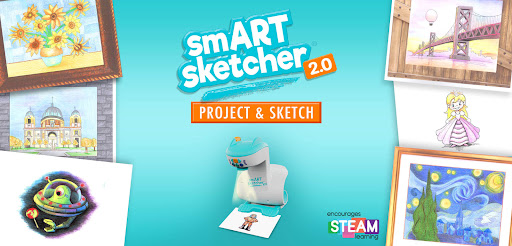
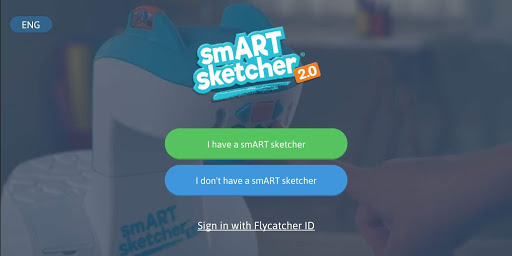
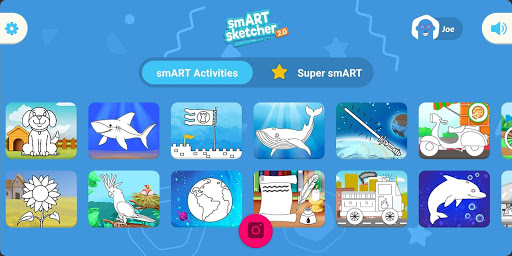
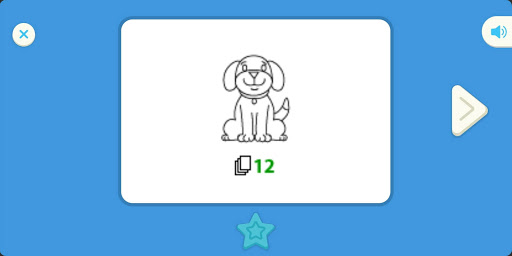
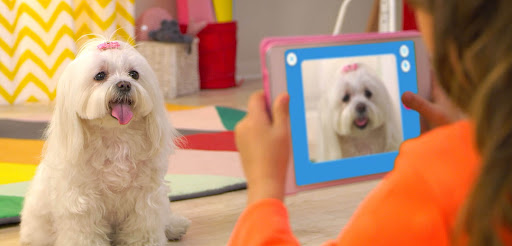
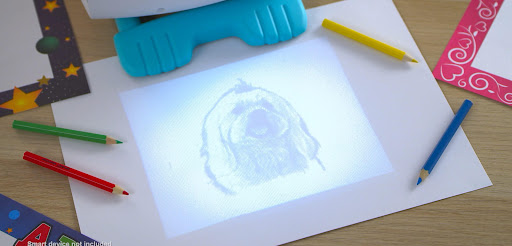
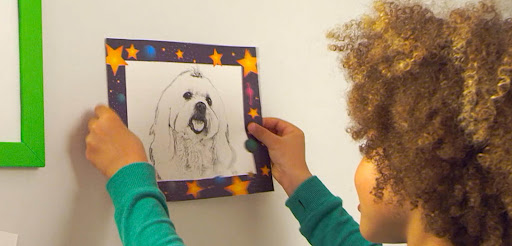
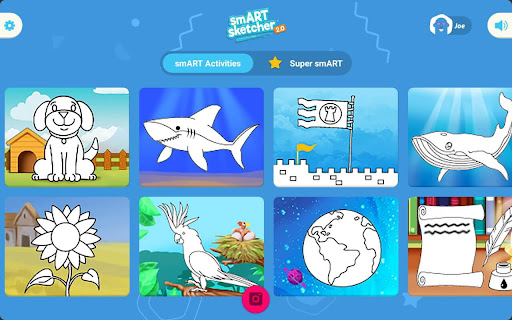
The smART sketcher Projector App is compatible with both the original smART sketcher® Projector and the smART sketcher® 2.0 Projector. Please note this App is not compatible with the smART sketcher® AI. Sketch, draw, and learn to write like a pro using the smART sketcher® Projector and this FREE APP. Step-by-step instructions guide small – or large – hands through the entire process. It makes learning playful and engaging. Just as it should be! Note: You need to have a smART sketcher® Projector or smART sketcher® 2.0 Projector to use this app. smART sketcher® puts the fun of sketching, drawing, and writing into the hands of anyone ages 5 to 105 using a smART sketcher® Projector. Just sketch photos from any mobile device or use pre-loaded activity packs for endless play-and-learning activities. smART sketcher® encourages creativity, small motor development, storytelling, and early reading skills. It helps bridge the gap between schoolwork, homework and play! NEW!!! - Play smarter! Up your smART sketcher® experience with a Super smART subscription. Join the smART sketcher® members-only program and receive exclusive content. It’s the newest and smARTest way to play! - 3 subscription plans to choose from. - Receive new members-only activities every month. - Play on all of your Android connected mobile devices registered with your Flycatcher ID. - Try 1 month for free! After the free-trial, a monthly/yearly auto-renewable subscription will be activated. We’re pretty sure you’re going to love this, but if you don’t, you can cancel your subscription anytime. One month of free-trial is available for new subscribers only. Check our EULA at https://www.flycatcher.toys/smart-sketcher/eula/ and Privacy Policy at https://www.flycatcher.toys/smart-sketcher/privacy-policy/ for full details. Play 3 waysImagine anything!Download any photo from your mobile device. Project it on paper with your connected smART sketcher® Projector. Filter it for crayon, marker, or pencil drawing. Sketch like a pro! Color it in to add your own details. Sketch and colorChoose a preloaded picture on your smART sketcher® Projector. Step-by-step instructions show you how to draw it like a pro! Watch the finished image come to life with sound and movement. Write and playLearn to form upper case, lower case and cursive letters the correct way with step-by-step instructions, plus curriculum-based early reading content, and lots of space to practice your skills! If you want to extend the fun, additional smART sketcher® activity products are available for separate purchase at https://www.flycatcher.toys/smart-sketcher-2/ For app support contact us at https://www.flycatcher.toys/support/ Our privacy policy and terms of use for apps are accepted if you download this app. smART sketcher® is a trademark of Flycatcher Toys INC © 2025. All rights reserved.
What's New
Latest version 6.09 with bug fixes and performance improvements
Enhanced security and stability
Optimized for better user experience
Kullanıcı Yorumları
10 yorum
A Google user
6 yıl önce
This is a great idea, the disc with built in pics are very clear. If you are hooking it up to your phone, make sure you go into settings & ap settings & allow smART projector to make changes. also turn on your blue tooth, & allow access to other devices. Also found in settings. It is very easy to use after you allow this ap to make changes to your phone. The projector doesn't have good enough pixels for fine detail, but we were able to trace photos of photos without issues.
A Google user
7 yıl önce
Please read the reviews below for great troubleshooting advice. I followed what they said and had only one issue but it was an easy fix. You must make sure to have your location turned on as well as give permission to the app to use your location. Also make sure you connect through the app, not bluetooth. I hope this helps, it is a really cool app!
A Google user
6 yıl önce
09/24/19 : I was worried at first because of all the negative reviews. Although, it works perfect for my son and I! Every time! You must have your Bluetooth AND location on at the same time and have the phone somewhat close when connecting. Once connected, you're good to go! My son loves when I use my phone to upload photos to his projector. Love it!
Developer
Trusted developer with verified applications on our platform.
App Information
Download Stats
Safe Download
This app has been verified and is safe to download. No malware detected.
You Might Also Like
More apps from Entertainment category