Screenshots


About this app
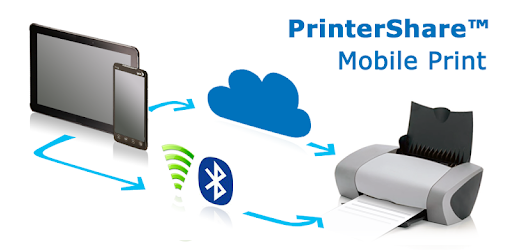
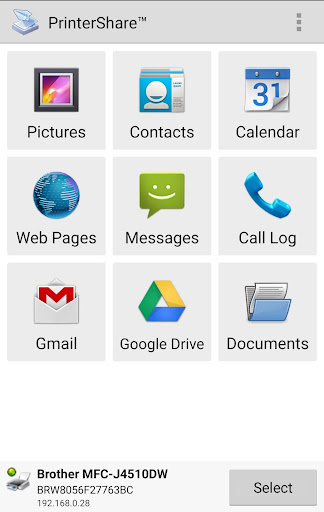
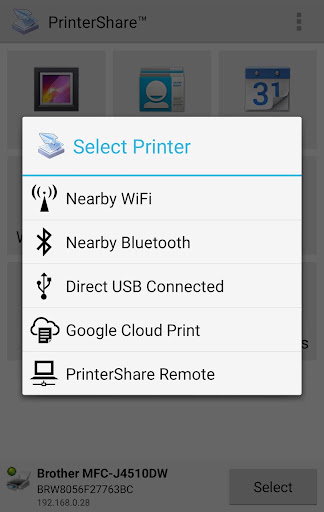
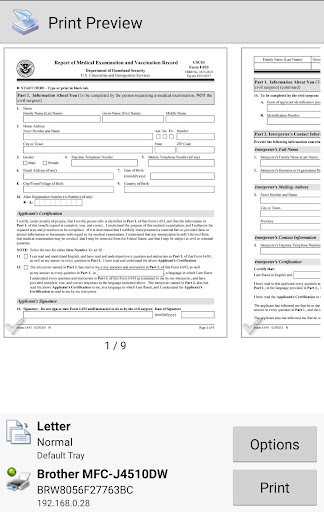
Once installed, this Premium Key unlocks the premium features of the free PrinterShare Mobile Print application. However, please note that it cannot be used on its own! One needs to install the main free PrinterShare Mobile Print app in order to print. PrinterShare Mobile Print app supports a wide variety of HP (Officejet, LaserJet, Photosmart, Deskjet and other models including HP Officejet 100/150/200/250 Mobile series and HP Officejet H470), Epson (Artisan, WorkForce, Stylus and other series), Canon (PIXMA MP/MX/MG and other series), Brother, Kodak, Samsung, Dell, Ricoh, Lexmark, Kyocera, OKI and other printers including legacy networkable. A full list of supported printers available at http://printershare.com/help-mobile-supported.sdf. You can also print to unsupported and legacy printers with our free computer software for Mac and Windows available at http://printershare.com. Here is the list of printers supported by PrinterShare app: http://www.printershare.com/help-mobile-supported.sdf Make sure that your printer is supported. Also, please print a test page before purchasing this Premium Key. With PrinterShare you can instantly print Office documents, bills and invoices (Word, Excel, PowerPoint, PDF, text files and more) directly from your tablet or phone (from internal memory, SD card or cloud source such as Google Drive / Google Docs) to a printer right next to you or anywhere in the world! Premium Features: * Unlimited Nearby direct printing via Wi-Fi, Bluetooth and USB without PC; Have a good print!
What's New
Latest version 5.5 with bug fixes and performance improvements
Enhanced security and stability
Optimized for better user experience
Kullanıcı Yorumları
10 yorum
A Google user
7 yıl önce
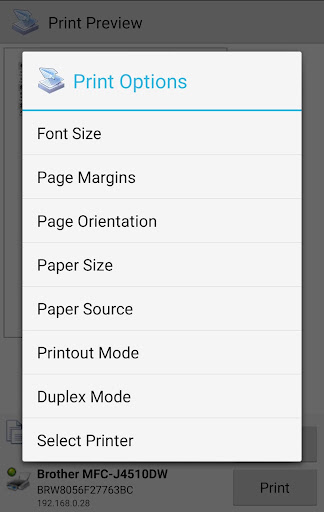
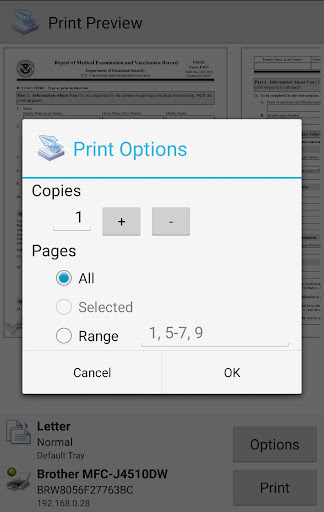
I've had this app for several years and remain satisfied, even when compared to newer printer apps, including the default printer on my Samsung or the Google bundle. I love this app due to it's ease, simplicity, dependability and wi-fi sensitivity. I'm able to use my phone as a hot spot and still print to both nearby and remote printers. it's easy to navigate and allows for page selection, # of jobs and page orientation. My only complaints are the inability to adjust the font size or crop.
A Google user
7 yıl önce
I am amazed how easily I can print using my phone and/or Chromebook! I tried everything in the Help section to connect to my printer and nothing worked. Downloaded this app as a last resort but didnt expect it to work. It literally took 30 seconds to connect and I was already printing the test page! Highly recommend this app and the fee is worth it!

Jay Trivedi
3 yıl önce
Dear developers, this app by far is one of the best for printing purpose I must say. I have been a user of this app for more than 3 years now and I haven't had any complains but one. I have often struggled when it came to printing on both sides of a paper sheet. In a laptop, option to only print odd or even pages of a document is there which this application lacks. Had this option of printing only alternating pages been available, printing on both sides wouldn't be an issue thereafter.
Developer
Trusted developer with verified applications on our platform.
App Information
Download Stats
Safe Download
This app has been verified and is safe to download. No malware detected.