
Screenshots




About this app
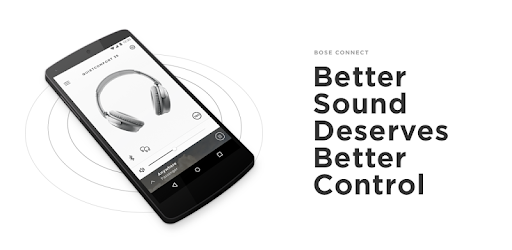
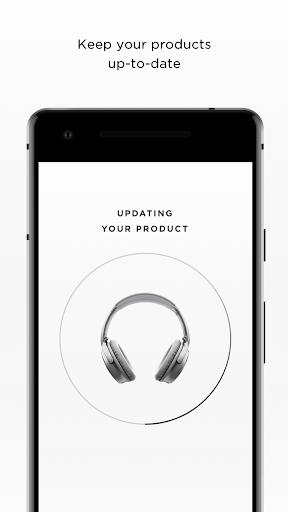
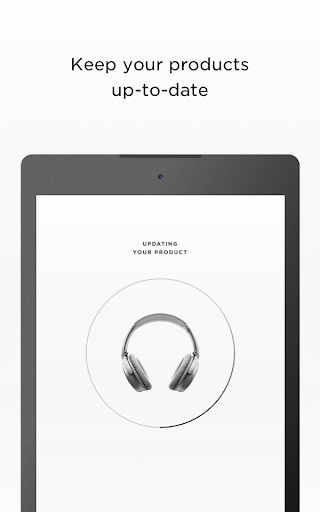
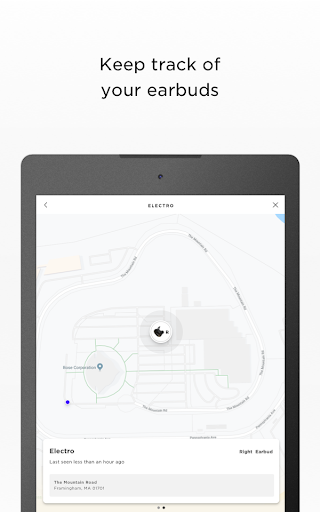
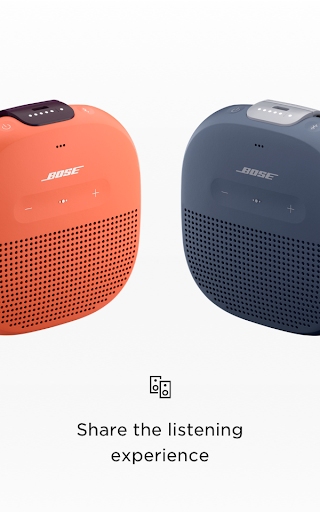
EASY ACCESS TO EVERYTHING Get quick access to the key features on your products, like the auto-off timer, volume control and battery readings. And it’s the easiest way to manage multiple Bluetooth connections. But that’s just the beginning. SHARE THE MUSIC MUSIC SHARE lets you listen together. Now two pairs of Bose® wireless headphones can share the experience - listen together, at the same time, while one of you DJ’s. New PARTY MODE lets you sync two SoundLink® speakers for double the audio…ideal for listening in two different places, and new STEREO MODE immerses you in music by separating the sound into Left and Right channels across two paired speakers for that amazing stereo experience. GET THE MOST OUT OF YOUR HEADPHONES CONTROLLABLE NOISE CANCELLATION on our QC®30 headphones lets you decide how much of the world to let in by adjusting the level of noise cancellation right in the app. And the built-in HEART RATE MONITOR for our SoundSport® Pulse headphones displays your heart rate clearly in the app. AND SO MUCH MORE From viewing product details to personalizing settings, get the most out of your Bose wireless products. It even downloads the latest software in the background and only installs it when you’re ready. See how our simple app can make all the difference. * NOTE * Bose Connect works with Bose Frames, QC®35, SoundSport® wireless, SoundSport® Pulse wireless, SoundSport® Free wireless, QuietControl™ 30, SoundLink® wireless II, ProFlight® headphones, and SoundWear Companion speaker, SoundLink® Color II, SoundLink® Revolve, SoundLink® Revolve+, SoundLink® Micro, and S1 Pro® speakers Some features may not be available for all products. The Bluetooth® word mark and logos are registered trademarks owned by Bluetooth SIG, Inc. and any use of such marks by Bose Corporation is under license. https://www.bose.com/en_us/legal/california_privacy_notice_of_collection.html https://worldwide.bose.com/privacypolicy
What's New
Latest version VARY with bug fixes and performance improvements
Enhanced security and stability
Optimized for better user experience
Kullanıcı Yorumları
10 yorum
CaprockExpress
5 ay önce
I have enjoyed this app for several years. My favorite part is the ability to select/prioritize which device the headphones are connected to. My Oculus is rather aggressive in terms of Bluetooth connection with my headphones. Often, I find myself needing to disconnect from the headset in order to continue with my day. No other app/brand that I have used lets me do this. :-)

Rashae Starks
5 yıl önce
Could not connect other soundlink speakers. The app only allowed for the sync of two speakers. Other aoumdlink products were not located by the app. If I am able to figure this out I will update my comment. The speakers dont have a lot of base but they are perfect for my outdoor deck. Sound is crisp. Has a party mode and a stereo mode. Play time is about 5 hours before needing to charge. Overall great sound coming from a little speaker.

Al Capilit
10 ay önce
The sound quality is top-notch. the build quality is sleek and robust. I would like to give my QC 35II a 5-star rating... except it's glitch when I transition from my phone, my laptop and my TV. For whatever reason, it's not connecting automatically when I click "connect." I end up re-booting the headphones at least twice a week. It's extremely frustrating! C'mon, Bose. I know you can do better than this. I'm about to get the Sony equivalent just to avoid this hassle.
Developer
Trusted developer with verified applications on our platform.
App Information
Download Stats
Safe Download
This app has been verified and is safe to download. No malware detected.
You Might Also Like
More apps from Music & Audio category

Audio Elements Pro
Rokaud


Spotify: Music and Podcasts
Spotify AB


Bose QC Earbuds
Bose Corporation
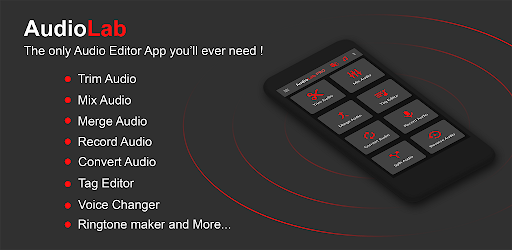
AudioLab Audio Editor Recorder
HitroLab - Mp3 Audio Editor and Ringtone Maker Dev

Musivibe - Enjoy Various Music
Acunsewer Media

AudioTool
jjbunn