
Screenshots
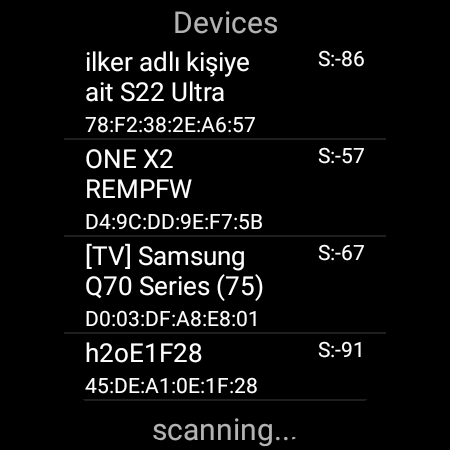
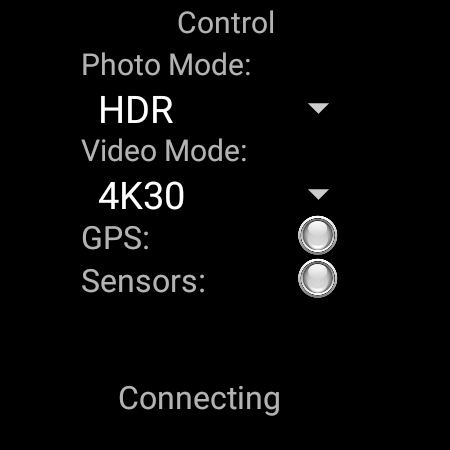
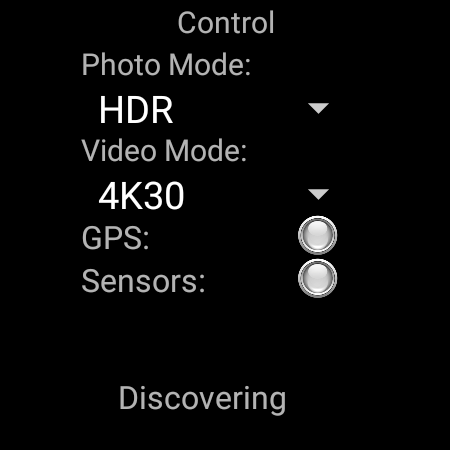
About this app
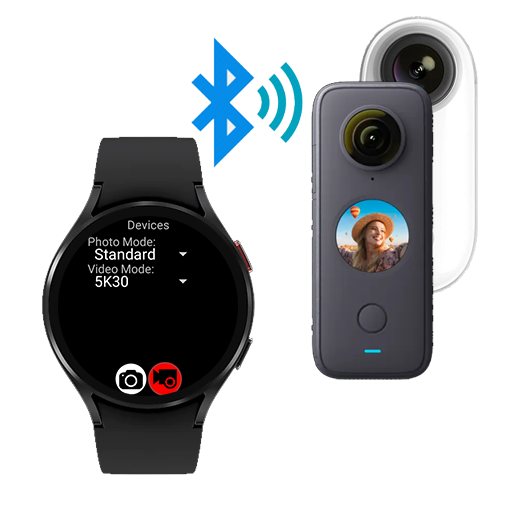
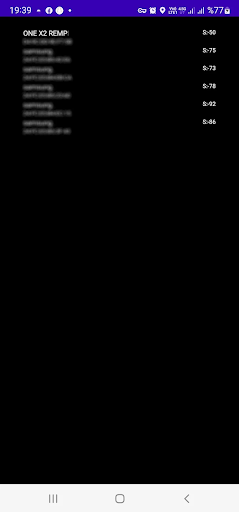
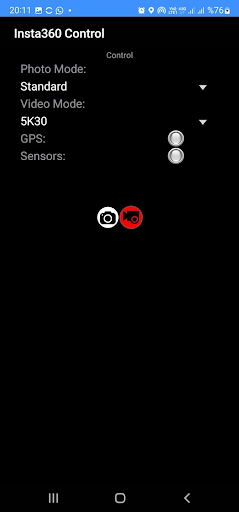
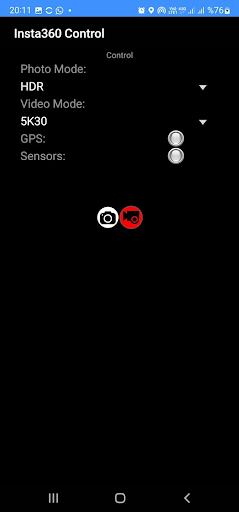
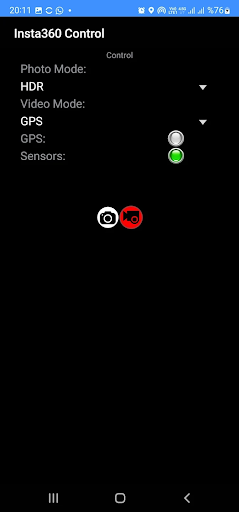
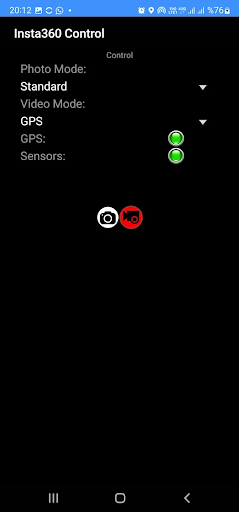
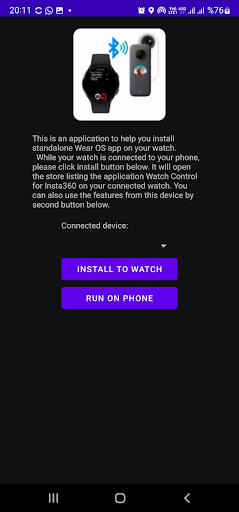
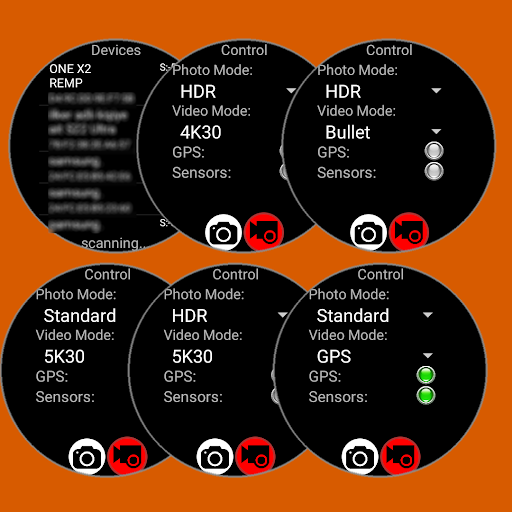
This is the paid version of "Insta360 Control" app. Please try the free version before purchasing this app. ------------------------------------------------------ Remote control your Insta 360 camera, either from your Wear OS watch or from your Android phone. This application connects to your Insta 360 camera through bluetooth connection and lets you capture photos or videos using your Wear OS watch as a remote control. It also supports sending GPS data (location, elevation, speed, heading) to the camera for stats recording. Features: - Photo Capture (Standard / HDR) - Video Capture (5K/4K/Bullet Time/HDR/GPS) - GPS Stats feeding to camera for video recording Comparison with my other Insta 360 remote control app: Insta 360 Control (this app): + Controls over Bluetooth , easy & quick + GPS (Stats) data feeding to video recording + Various recording modes (4K, 5K, HDR, Bullet Time, GPS) + Runs both on watch (standalone) or phone - No Liveview Watch Control Pro for Insta360 (other app): - Controls over wifi, not as easy as bluetooth and disables internet connection while using - incompatibility issues coming from different watch/camera pairs + Liveview while recording/capturing Insta360 models supported: - Insta360 ONE X - Insta360 ONE X2 - Insta360 ONE X3 - Insta360 OneR - Insta360 OneRS App is tested on following Wear OS watches: - Samsung Galaxy Watch 4 - Oppo Watch 46mm - Tag Heuer Connected 2021 - Suunto 7 - Huawei Watch 2 - Fossil Gen 5 fossil Q Explorist HR - Ticwatch Watch Pro 3 IMPORTANT: It is only useful with a Wear OS watches. (not compatible with other watches using Tizen or other operating systems) Here are videos showing full functionality this app: https://www.youtube.com/watch?v=ntjqfpKJ4sM IMPORTANT: You can use the app on your phone and/or on your watch. The app itself is free but for full access you have to make a payment. If you pay on your phone, it will be detected after a few minutes when you reopen the app on your watch. You don't have to pay twice for using on both phone and watch. FOR GPS RECORDING: GPS Recording requires the app to be open on screen or have permission to do background activity. You can either enable background activity on Wearable app for this application (and then you can turn of the screen manually) OR our update (4.56) will keep the screen on (dimmed) while recording with GPS data.
What's New
Latest version VARY with bug fixes and performance improvements
Enhanced security and stability
Optimized for better user experience
Kullanıcı Yorumları
10 yorum
Craig Huey
1 yıl önce
Works great! Saved me from having to buy the expensive remote. Also the support was quick and helpful, much appreciated!

farid fien
1 yıl önce
Damn it . I'm using insta360 x3..Works flawlessly!!. i used to have insta360 gps remote and now it's gone .. I'm using my phone now as my gps overlay in insta's videos.. exactly works the same as my late insta360 gps remote... btw, need response from Dev.M, I've tried it with Xiaomi Watch 2, Wear OS 3.5.. Seems not working.. no gps data to my insta360 x3

Cryogenic Noble KG
2 yıl önce
App works great for X3, galaxy watch 5pro. Live preview and ability to switch between front and rear camera would be great....that's my only reason for not giving 5 stars. However you can listen to sound from device to confirm picture taking or start/stop of video. Outside of all that great app. Hoping for new features for 2024.
Developer
Trusted developer with verified applications on our platform.
App Information
Download Stats
Safe Download
This app has been verified and is safe to download. No malware detected.
You Might Also Like
More apps from Photography category


Selfie Camera - Beauty Camera
iMediaStar


FaceFancy-Face Swap & AI Photo
SZYJ Technology


StyleSwap: Outfits & Faces
SkySoft Inc


AI Photo Editor: Gallery Vault
T21 Games


HD Camera: AI Beauty
UniStarSoft


Photo Album F-Stop Pro
Seelye Engineering