
Screenshots


About this app
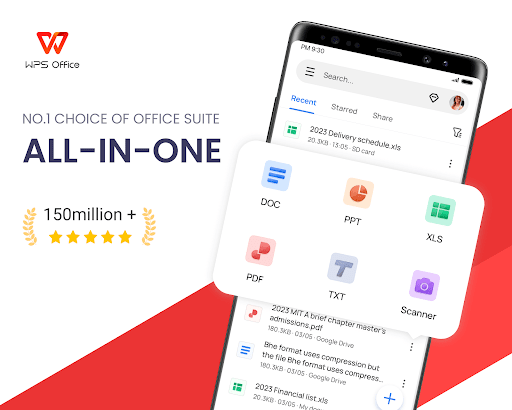
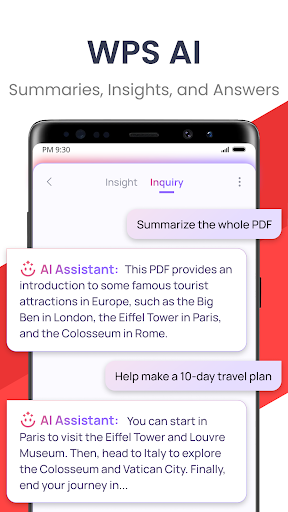
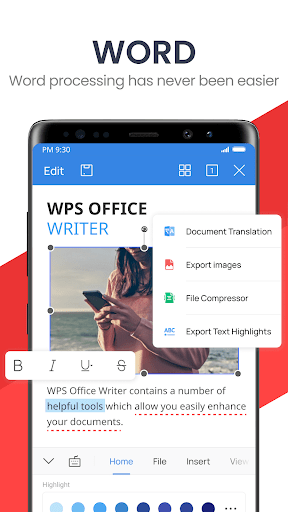
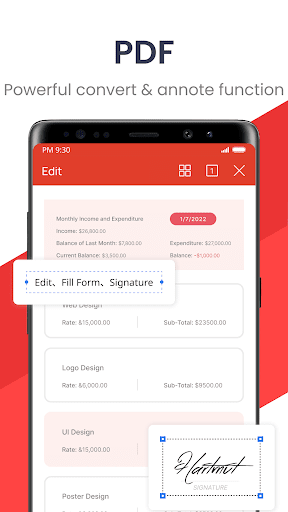
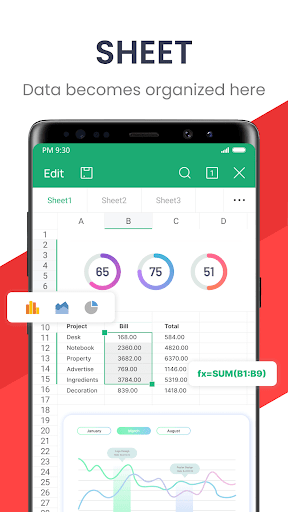
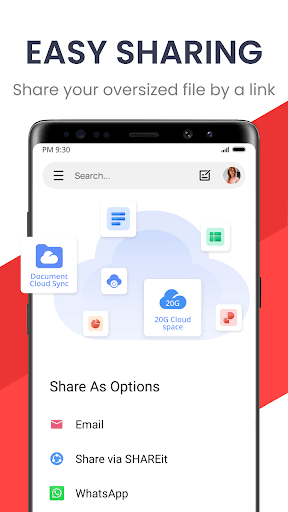
★WPS Office-Free Office suite for Word, PDF, Sheet, is an all-in-one office suite integrates Word docs, PDF, Sheet spreadsheets, PowerPoint slides, WPS AI, Forms, Cloud Storage, Online Editing, Template library and Sharing. Access various WPS Office functions through mobile devices, such as scan PDF files, edit slides, convert spreadsheets, or view documents anytime, anywhere. WPS AI revolutionizes your workflow by offering functions like AI-Powered document scanner, AI-generated content, rewriting, ChatPDFs, and more. 「Features of WPS AI 」 1. AI-Powered Document Scanner • Digitize paper documents, extract & erase elements rapidly and accurately! 2. WPS AI-generated content (AIGC) • Get instant and high-quality content like meeting summaries, event planning, resumes, etc, all with a prompt! 3. AI-powered rewriting • WPS AI is here to offer professional rewriting and polishing work. • WPS AI is committed to be a powerful writing assistant and revolutionize the writing process. 4. ChatPDFs • Free from tedious PDF-reading workload! • WPS AI is able to effortlessly process long PDFs and provides summaries, outlines or translations as you like. • Engage in conversations with WPS AI and get instant answers about the PDFs. 5. AI-powered OCR • Revolutionized OCR technology helps to deal with the data entry work. • Ready to provide insights for any scanned document. ★As a professional word processor, WPS Office is compatible with various office softwares in core functions, more intelligent and easier. 「 Typical Features of WPS Office 」 1. Powerful Office Suite on your Android device • Using templates to start editing your budget, Word, Presentations, sheet, resumes, documents and other files. •Using tools to convert and process Document, PDF and images. •Easy to create, edit, share files and collaborated on with others in real-time. 2. Scan, view, edit, convert PDF on your Android device • Free PDF viewer that can open, view, share and comment on PDFs anywhere and on any device. • Convert all Office documents (Word, Text, Sheet, PowerPoint, Docs, Images) to PDF. • Scan paper documents to PDF. • Support PDF annotation, PDF signature, PDF extraction/split, PDF merge. • Easily add and delete watermarks in PDF. 3. Powerful cloud storage function, you are not afraid of losing documents • Use WPS Cloud to manage all documents, synchronize in real time on mobile phones and computers, and easily and directly access and edit office documents • Save documents to third-party clouds: Dropbox, Google Drive, Box, Evernote and Microsoft OneDrive. 4. Solutions for working remotely on Android devices • 1G free cloud storage, support online editing and sharing of files, easy to build and join the cloud team. • Easy to share office documents via WIFI, NFC, DLNA, email, instant messaging, WhatsApp, Telegram, Facebook and Twitter. Now available PC and Mac for free , please visit the following link: https://www.wps.com/download/ Support page: https://www.wps.com/support/
What's New
Latest version 18.23 with bug fixes and performance improvements
Enhanced security and stability
Optimized for better user experience
Kullanıcı Yorumları
10 yorum
nwabueze njoku
1 yıl önce
Simply fantastic. This Office app is a must-use for everyone. Its effective and efficient tools are sufficient for me. But, in just a minute, enhance Night Mode in the (Open document) VIEW drop-down to Very Dark and Strong White texts since the phone default doesn't apply. This can be achieved for page backgrounds as well.

Stuthi Solanki
10 ay önce
landscape view was great. used to be like a trick to get bigger font without compromising on having to scroll horizontally to read a line. the landscape view now is just a potrait view with waste, blurred space. I want this new change gone.. ugh. it's a basic feature. don't be like this. who's this stupid blur thing even helping. annoying

Ogo N
3 ay önce
This app is really one of the best out there for documents. I'm yet to discover a better one though. After I tried another one that thoroughly ruined the experience with ads, my appreciation for this app went up several notches. But I must say, I think it's works far more perfectly when it comes pre-installed in a phone than when you have to download it as a third party app. All in all, I HIGHLY RECOMMEND it.
Developer
Trusted developer with verified applications on our platform.
App Information
Download Stats
Safe Download
This app has been verified and is safe to download. No malware detected.
You Might Also Like
More apps from Productivity category











